
Written by Rowan
Edited on
13 May 2026
·
15:14
How do you choose an Apple MacBook?
Are you looking for a new MacBook, but don't know which one suits you best? In this article, we'll explain what to keep in mind. Consider the product series, the size, and the processor, for example. That way, you can find the best MacBook for you.

Choose Apple MacBook
There are many different MacBook models. The following questions will help you choose the best MacBook for you:
- What will you use your MacBook for?
- Do you want a MacBook Air or MacBook Pro?
- Which size is useful?
- Which processor do you need?
- How many gigabytes of RAM do you need?
- How much storage capacity do you need?
The different MacBook models
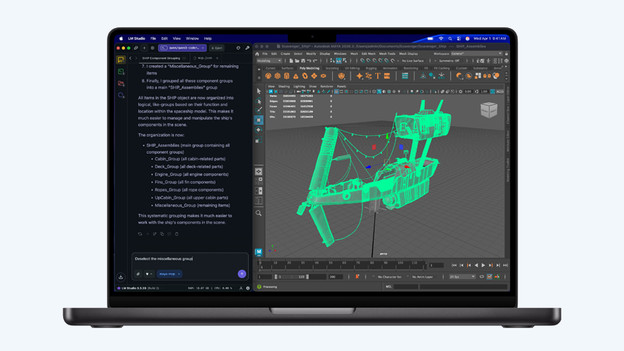
MacBook Pro: most powerful MacBook for the most demanding tasks
With the powerful Apple MacBook Pro, even the most demanding tasks are no problem. You can choose from the largest screen sizes and the most powerful apps. The MacBook Pro is a bit heaver due to the large screen, so it's less easy to take with you on the go. The MacBook Pro has the most connectors for other accessories. The MacBook Pro is available in black and silver.
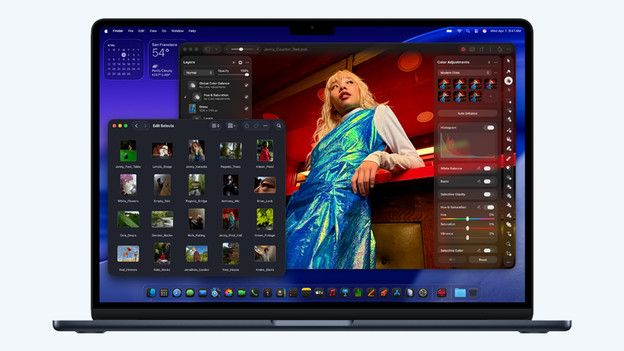
MacBook Air: light MacBook for daily use
With the light but powerful Apple MacBook Air, you can perform all your daily tasks. You can make presentations and work in large data files, for example. You can also effortlessly work on light photo and video editing. Because the MacBook Air is very light, you can easily take it with you on the go. You also have a couple of USB-C connectors for the most important accessories. The MacBook Air is available in the colors silver, Midnight, Starlight, and blue.
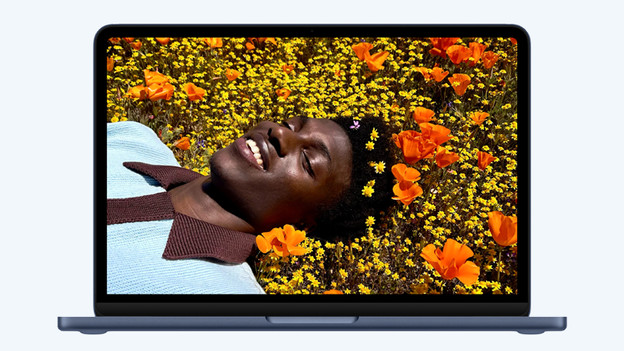
MacBook Neo: smallest MacBook for the lightest tasks
The Apple MacBook Neo is the newest addition to the MacBook family. This starter model MacBook is less powerful than the other MacBook models. This makes it mainly suitable for light tasks. You can edit text files, browse the internet, and keep up with your email. The MacBook Neo also has 2 USB-C ports to charge and connect your accessories. The MacBook Neo is available in the colors silver, Indigo, Blush, and Citrus.
What are you going to use your MacBook for?

Home use
Are you mostly going to use your MacBook at home? A MacBook Air is often a good choice. With this MacBook, you can watch your favorite movies and series, shop your new outfit online, update your accounting, and much more. Are you a gamer? You'll need a more powerful MacBook. That's why we recommend a MacBook Pro for playing games.

School and studying
If you're going to start college, it's important to choose a MacBook that suits you. Make a choice based on your field of study, personal preferences, and your wishes. For example, for studies such as graphic design and photography you need a powerful MacBook model. Do you mainly use your MacBook for text processing and research? The requirements are lower.

Business use
A MacBook is also suitable as a business laptop, of course. Which model suits your job depends on the tasks you want to perform. Do you have an administrative job and mostly work in light programs? You don't need a very powerful MacBook. As a content creator, developer, or design, you need a strong MacBook.
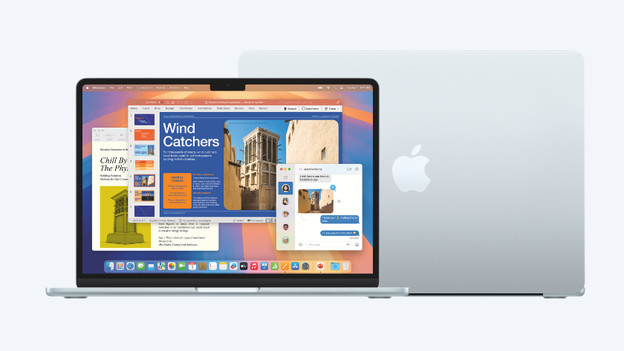
How large should your MacBook be?
Which size you choose depends on your usage situation. Do you edit large video files with a lot of details? A large screen is convenient. If you value compactness, you should choose a smaller size. The MacBook Pro is available in 14 and 16 inches. Do you want a MacBook Air? Choose between the 13 and 15 inches model. With the Apple MacBook Neo, you can only get a 13-inch screen.
Which processor do you need?
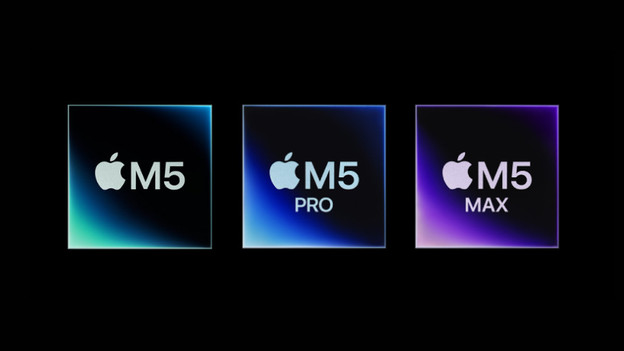
The processor determines how powerful and fast your MacBook is. With the Apple MacBook Pro, you can choose from the most powerful chips. Choose an M5 Max chip to perform even the most demanding tasks. With an M5 Pro chip, you can work easily and quickly in demanding apps. Choose the MacBook Air or MacBook Pro with an M5 chip to smoothly perform your daily tasks. The Apple MacBook Neo has a light A18 Pro chip, which only allows you to perform light tasks.
How much RAM and storage capacity do you need?

RAM: multitasking and demanding programs
The RAM determines how many tasks your MacBook can handle at the same time and how smoothly it runs demanding programs. For basic tasks and photo editing, we recommend at least 16GB. We recommend at least 24GB for demanding tasks, such as video editing and smoothly switching between multiple programs. With 32GB or more, you can smoothly perform the most demanding tasks like VR and app development.
Storage capacity: store files and data
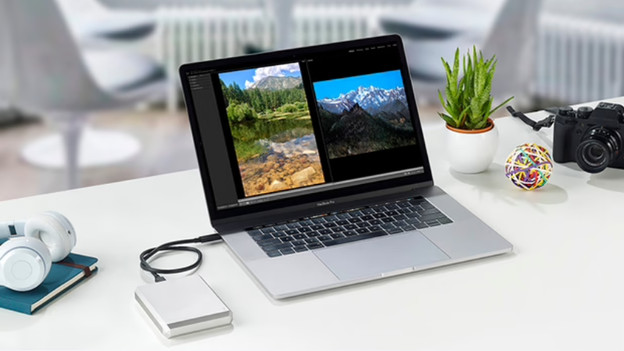
The total storage capacity of your MacBook determines how many files you can store on the SSD drive. Choose 256GB if you store a lot on iCloud. If you prefer to store files locally, we recommend at least 512GB. We recommend at least 1TB for storing demanding programs or large files. This way, you can be sure that you have enough storage space.
Article by Rowan
Apple Expert.

