Written by David
Edited on
30 November 2022
·
08:10
Compare a laptop with HDD to a laptop with SSD
When you choose a laptop or PC, you can choose from 2 types of hard drive: the HDD and the SSD. Chances are you're better off with an SSD, but the HDD is still here for a reason. Time to compare a laptop with an HDD to a laptop with an SSD.
Comparison between a laptop with a HDD and a laptop with an SSD
| What type of storage do you choose? | Laptop with HDD | Laptop with SSD |
|---|---|---|
| Do you want your laptop to start in 15 seconds? | No | Yes |
| Do you want a lot of storage for little money? | Yes | No |
| Do you want a hard drive that can take a beating? | No | Yes |
Boot time

The startup speed of a laptop with HDD
A laptop with HDD sometimes puts your patience to the test. Starting up can take a minute or even longer. And if you think that is not that bad, count now in your head to 60. That took quite a long time, right?

The startup speed of a laptop with SSD
The short start-up speeds are by far the biggest advantage of an SSD in your laptop. Turn on your notebook and about 15 seconds later it is ready for use. Loading programs, files or games often does not even take more than a few seconds.
The price
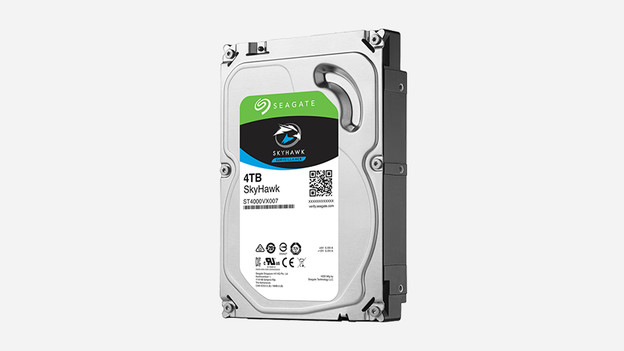
The price of an HDD
The small price tag is the biggest plus of the HDD. For relatively little money you get a lot of memory. For 100 euros you get about 2000 GB of HDD storage space.
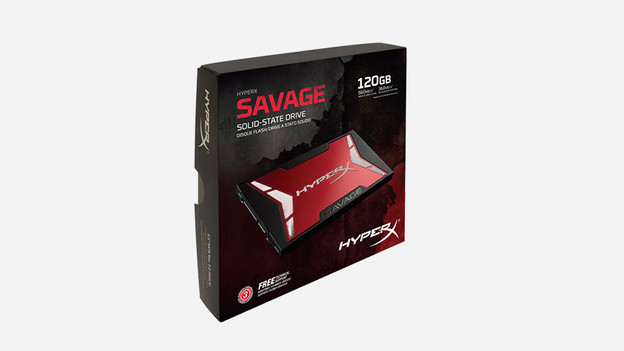
The price of an SSD
An SSD costs you a lot more than an HDD. This is partly due to the fact that SSD is the newer form of storage technology, which is still under development. For 100 euros you get about 200 GB of SSD storage space.
Sustainability

The durability of an HDD
The fast rotating parts of an HDD (5400 or 7200 revolutions per minute are the most common speeds) are much more susceptible to wear. And if your laptop makes a smack once, the chance that your data is gone forever with an HDD is greater.

The durability of an SSD
There are no moving parts in an SSD, which makes this type of storage much more durable and less susceptible to technical defects. The chance that your files will be saved at the time your laptop falls is much larger with an SSD.
Energy consumption

The energy consumption of an HDD
The rotating parts of the HDD require more energy and that is at the expense of the battery life. In addition, the rotating parts produce sound and produce heat, which you can hear or feel through the housing of your laptop.
The energy consumption of an SSD
The lack of moving parts ensures that an SSD consumes less energy than an HDD. In other words: if you have a laptop with an SSD, the battery life will suffer less.
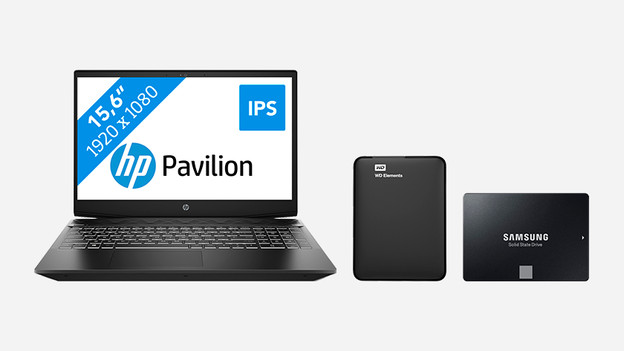
Hybrid
Do you want a lot of storage, but do not pay much for an SSD with a lot of storage capacity? Then it is wise to look at a laptop with both an SSD and HDD. Your system and programs will still start at lightning speed. Files such as films, music and documents are stored on the slower HDD. So you have a fast laptop and a lot of storage capacity.
Conclusion
An SSD makes your laptop faster, can take a beating, doesn't consume a lot of energy, and is generally the best choice. Sadly, the price tag is quite hefty. If a laptop with SSD doesn't fit your budget or if you want a lot of storage for a decent price, an HDD laptop is an interesting choice. Do you have a laptop with HDD? It might be an option to replace the HDD with an SSD. Or choose an SSD + HDD laptop, combining the best of both worlds.