Written by Iris
Edited on
13 October 2025
·
14:29
Expert review Samsung HW-Q70T
When Samsung released 3 new soundbars, including the HW-Q70T, it made me very curious. Samsung is generally known for its innovative technology and cool features. I tested the soundbar, with included subwoofer, and must say I'm surprised by the rich, spatial sound. The controls are easy to use and has many possibilities. In this article, you'll read what else I have to say about it.
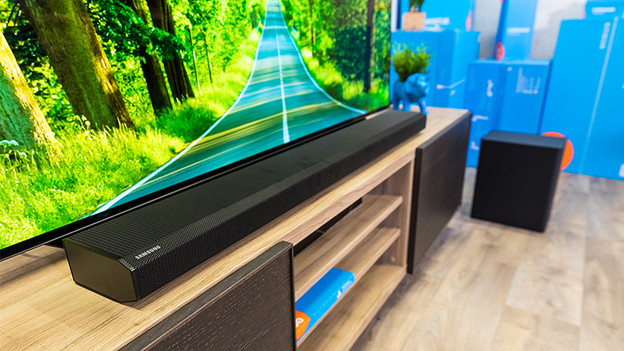
First impression of the Samsung HW-Q70T
The first impression I get of the soundbar and included subwoofer, is the giant box in front of me. The way they packed the L-shaped package doesn't seem logical to me, and I find a lot of cables and a manual. A positive finding is the included wall mount that I spot. When I take both products out of the box, I see a wide soundbar and a large subwoofer. The design is simple and the material looks sturdy. It definitely makes me curious.

The setup is quick and easy
The setup is quite simple. At first, I get discouraged by the cables and the large manual, but the setup was actually really easy in the end. The television recognizes the soundbar right away via the HDMI ARC port. I read the manual on how to pair the subwoofer wirelessly. I only need to press a couple of buttons and it's connected to the soundbar.
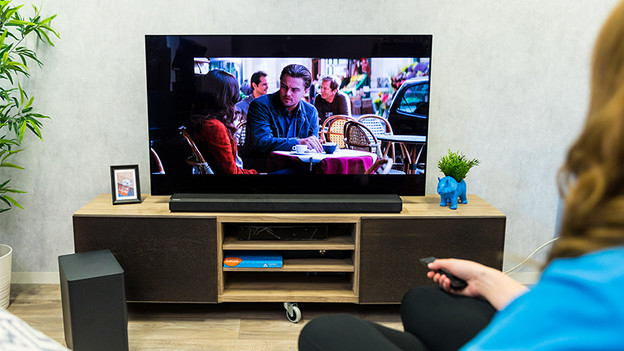
Bass in a movie or series
I decide to watch two movies to test the soundbar, Children of Men and Inception. The soundtracks of both movies contain a lot of details and bass tones. I get blown away, especially during the first 10 minutes. I hear roaring engines of cars going from left to right, and every explosion seems to happen right next to me. The bass tones are low and deep, but voices and details are very clear, also in dialogues.
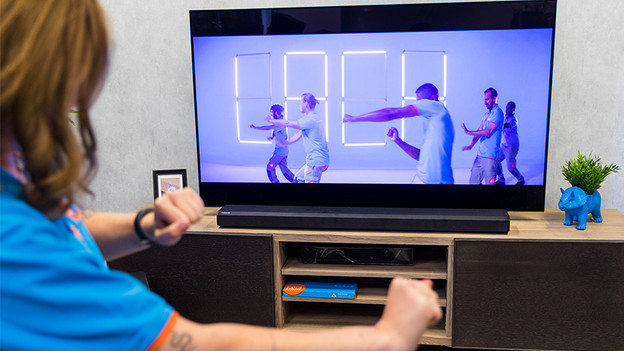
It's a joy to listen to music
You listen to music on a soundbar in two ways. You either connect your smartphone or tablet to the soundbar via Bluetooth, or you listen via Spotify or YouTube on your smart TV. The music sounds equally good both ways. The volume reaches to phenomenal levels, which is useful for parties. Are the bass tones too intense, because you don't want to interrupt your neighbors, for example? You can adjust them using the included remote.
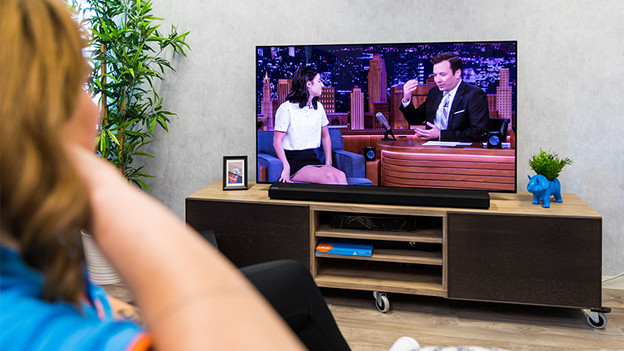
Clear voices during a talkshow or comedy
I switch to standard sound mode when I watch a talkshow or comedy. Voices are very clear in this mode. Background noise, like the audience, is reduced and doesn't disturb the dialogues. Even though there aren't many spectacular sound effects, the soundbar doesn't disappoint. The sound is rich and clear, which means I don't miss anything on the show.
Useful app and controls via remote
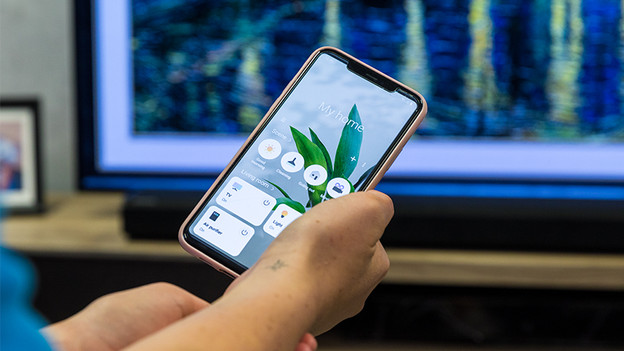
Samsung has its own smart home app, the Samsung SmartThings app. It works similar to the Google Home app, which you can use to connect and control multiple smart devices. You don't need the app to use the soundbar. A handy, small remote is included. When you connect the soundbar via HDMI ARC, you can use the remote of your TV to regulate the volume levels. The separate remote is also useful, because it also lets you adjust the bass levels or sound mode.
Spatial audio, but no surround sound
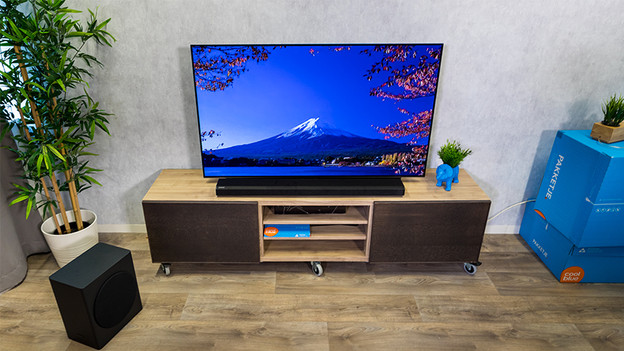
With the HW-Q70T, a subwoofer is already included. But you can expand the set to a 5.1 or 7.1 surround set. You need a Samsung SWA-9000S Speaker Kit for this. Even though the speaker produces a spacious audio thanks to the Dolby Atmos technology, you need rear speakers to completely immerse in your movie or sports game.
Conclusion
I'm happily surprised by the soundbar and subwoofer. Once set up, the soundbar is easy to control, both via the remote and app. I'm blown away by the sound quality, especially by the deep bass levels and the volume. The Dolby Atmos technology sounds spacious enough to me, but if you want to add rear speakers, add the Samsung SWA-9000S Speaker Kit.
Article by Iris
Audio Expert.