Written by Levi
Edited on
15 December 2023
·
15:26
Solve problems on the Ecovacs Deebot 605
Sometimes, your Ecovacs Deebot 605 robot vacuum may not work properly. There are several possible causes for this. In this article, you can read what the most common problems are. This way, you'll find the solution for a jammed robot vacuum or an error caused by the brush, for example. Your robot will be able to move through your house again without any problems.
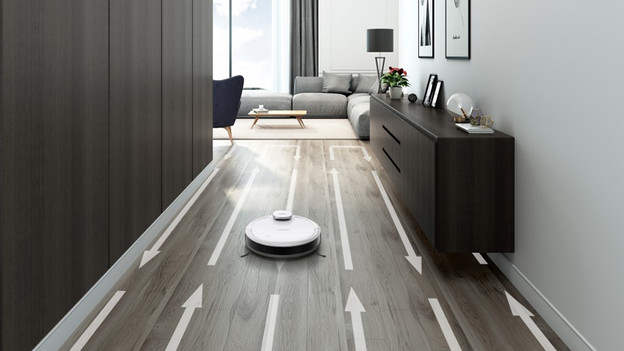
Get started
The problem often seems bigger than it is. You can usually easily solve it yourself. We'll discuss the following problems in this article:
- The robot vacuum isn't horizontal.
- The center brush is stuck.
- The center brush or drive wheels cause an error.
- The light is on or flashing.
- The dust cup hasn't been cleaned or attached properly.
The robot vacuum isn't standing horizontally
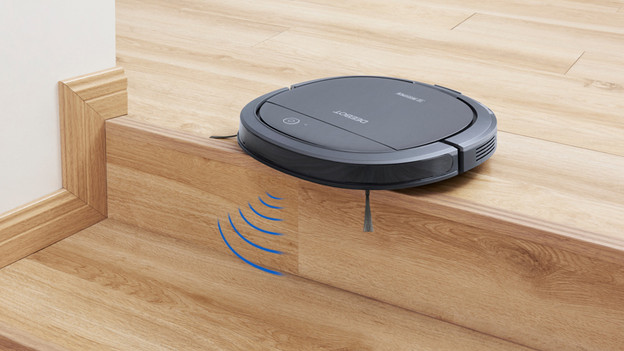
The robot shows a message that it's not horizontal. Check whether the fall sensors are dirty. The causes the robot to no longer knows where it is. Clean the bumper and sensors on the bottom of the robot with a slightly damp cloth. Doesn't this work? Reset the robot. To do this, press the reset button on the back of the vacuum for a few seconds. After this, the robot vacuum will complete its cleaning routine.
Problems with the main brush
The brush got stuck
The center brush sometimes gets stuck due to a lot of hair or dirt. If that's the case, check the brush. Disconnect the brush from the robot vacuum. If you see dirt or hair stuck inside, remove it with the included cleaning kit.
The brush indicates an error
Does the robot show an error message about the brush? Disconnect the brush and clean it. You should clean the suction brush of the robot vacuum as well. After this, place the brush back in the robot. Then, perform a reset. To do this, press and hold the reset button on the back of the robot vacuum for a few seconds.
The drive wheel indicates an error
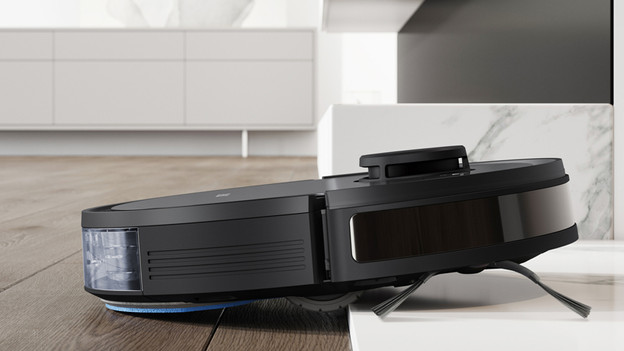
If the drive wheel doesn't work, the robot vacuum stands still. To solve this, turn off the robot vacuum first. Then, press the drive wheels and turn them back and forth manually. While you're at it, check whether the wheels contain any hair or dust. Is this the case? Remove the dirt with the included cleaning kit.
The dust cup
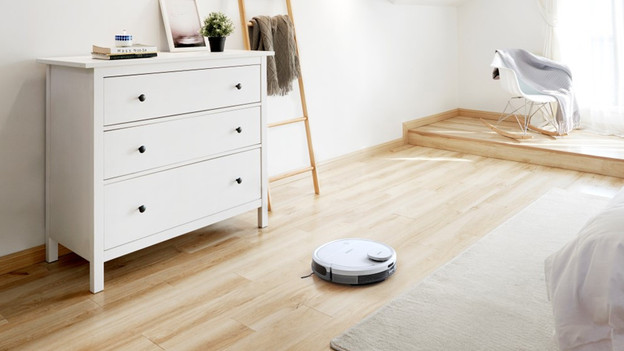
It's important that you empty the dust container regularly. This prevents the robot vacuum from losing its suction power. In addition, clean it with a damp cloth to remove fine dust from the dust cup. This benefits the filters, so you increase the lifespan of the robot. It's also important that you attach the dust cup correctly. So make sure that you always click it into place properly and that you no longer see a gap.
Article by Levi
Robot Vacuum Expert.