
Written by Lodi
Edited on
29 September 2023
·
09:31
How do you solve GPS problems on your Fitbit?
With the GPS on your Fitbit, you can track your hikes, runs, or bike rides with your smartwatch. But if your GPS doesn't work properly, you can't review your routes. You can easily solve GPS problems on your Fitbit yourself. Here, we'll explain how.
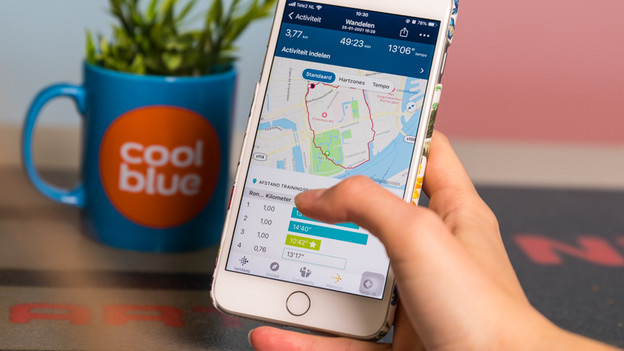
Get started on solving Fitbit GPS problems
Solve GPS problems on your Fitbit with these steps:
- Step 1: check if your Fitbit has GPS
- Step 2: check if the workout you want to do uses GPS
- Step 3: make sure you exercise in the open air
- step 4: check if the GPS is turned on for your workout
- Step 5: charge your Fitbit
- Step 6: check if your Fitbit synchronizes with the Fitbit app
- Step 7: don't start a workout with GPS multiple of times in a row
Does your GPS still not work after this? Or is there a different problem with your Fitbit? Contact the Fitbit customer service. They'll help you solve the problem.
Step 1: built-in GPS
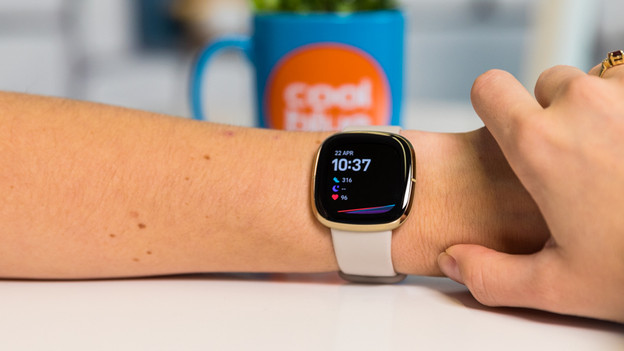
Many Fitbit smartwatches have built-in GPS, but not all of them. With built-in GPS, your Fitbit itself receives a GPS signal. This means you can leave your smartphone at home. Doesn't your Fitbit have built-in GPS? You'll have to take your smartphone with you to track your route.
Does your Fitbit have built-in GPS?
| Built-in GPS | |
|---|---|
| Fitbit Sense 2 | Yes |
| Fitbit Sense | Yes |
| Fitbit Versa 4 | Yes |
| Fitbit Versa 3 | Yes |
| Fitbit Charge 6 | Yes |
| Fitbit Charge 5 | Yes |
| Fitbit Charge 4 | Yes |
| Fitbit Luxe | No |
| Fitbit Inspire 3 | No |
| Fitbit Inspire 2/HR | No |

Step 2: check if your workout uses GPS
You only use GPS for workouts where you travel physical distances, such as walking, running, and biking. Workouts that require you to stat in one place don't use GPS, such as strength training.
Step 3: make sure you exercise in the open air
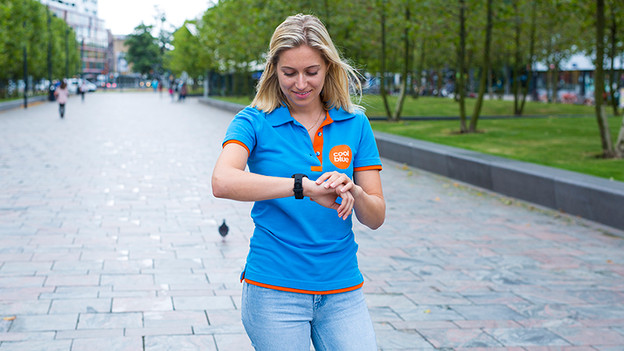
Your Fitbit only has a proper GPS connection when you exercise in the open air, so make sure the sky is clearly visible when you start your workout. Tall buildings, dense forestation, steep mountains, or a large population can block the GPS signal.
Step 4: check if the GPS is turned on for your workout
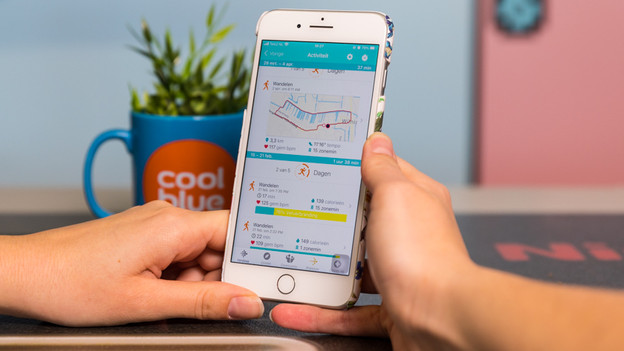
Check whether the GPS on your Fitbit is enabled. You can do this in the Training app on your Fitbit. How to do this exactly differs per Fitbit model. In this article, you can read how to enable GPS on your Fitbit.
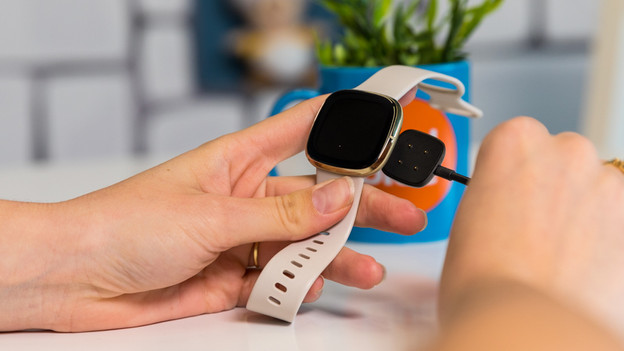
Step 5: charge your Fitbit
If the battery of your Fitbit is almost empty, it weakens the GPS connection. Make sure your Fitbit is at least 80% charged before you start your workout.
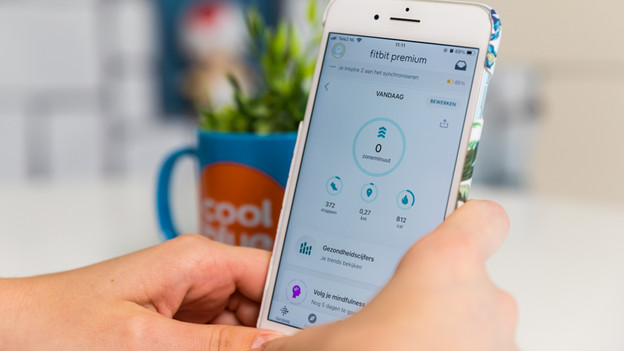
Step 6: check whether your Fitbit is connected to the app
In order to save your route, you have to connect your Fitbit with the Fitbit app on your smartphone. The more often you connect with the Fitbit app, the easier your Fitbit will connect to GPS. Can't get your Fitbit to connect with the Fitbit app on your smartphone? In the article below, you can read how to solve this problem.
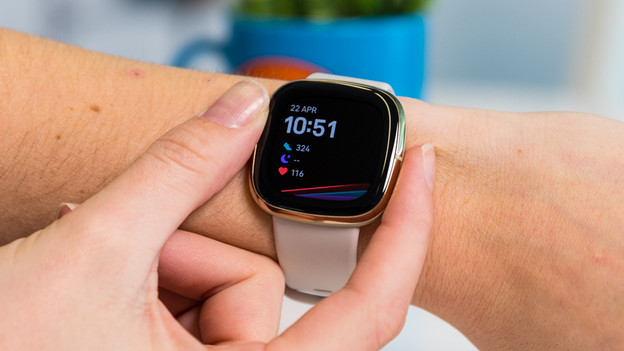
Step 7: don't work out with GPS to often
Patience is a virtue. Don't start a workout with GPS multiple times in a row. If you do this too often, your Fitbit might not connect to GPS. Can't manage to make it work? Contact the Fitbit customer service.
Article by Lodi
Smartwatch Expert.

