
Written by Lodi
Edited on
12 March 2024
·
16:00
How do you track your health with your Fitbit?
Your Fitbit allows you to track your health information, such as your heart rate and movement. You can view these statistics on your Fitbit or in the Fitbit app. It's possible that your Fitbit isn't actively tracking anything, leaving you without insight into your health. In this article, you can read what the problem is and how to solve it.

Get started with your health statistics
With these tips, you can view your health statistics on your Fitbit or in the Fitbit app.
- Tip 1. Wear your Fitbit all day long.
- Tip 2. Wear your Fitbit correctly.
- Tip 3. Get a good night's sleep.
- Tip 4. Download the SpO2 watch face or app.
Does your Fitbit still not read your data correctly? Or is there a different problem with your Fitbit? Contact the Fitbit customer service. They'll help you solve the problem.
Tip 1: wear your Fitbit all day long
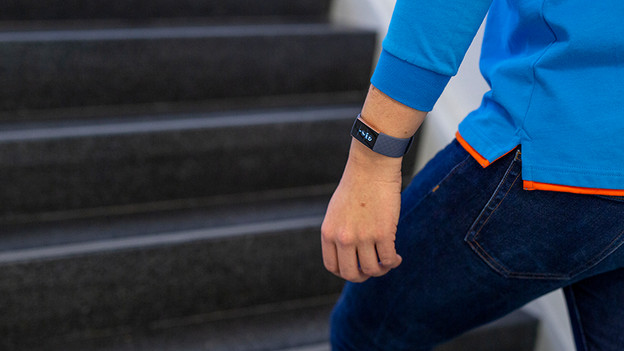
Your Fitbit needs enough data for a proper analysis, which is why it's important to wear your Fitbit for a full day at least. This means during the day, in the evening, and when you sleep at night. You can check your statistics in the Fitbit app the next day. The longer you wear your Fitbit back to back, the more data Fitbit will analyze.

Tip 2: wear your Fitbit correctly
Make sure your Fitbit fits well around your wrist. That's why it's important to wear the watch on the flat area of your wrist. It also shouldn't be too tight or too loose, your skin should be able to breathe. In addition, the watch has to be in the middle of your wrist. Do you see red marks on your skin when you take off the wrist? The watch strap is probably too tight.

Tip 3: make sure you have a good night's sleep
If you move a lot in your sleep or sleep less than 3 hours, your Fitbit probably won't register anything. That's why it's important to sleep at least 3 hours in a row and that you don't move a lot in your sleep. That's good for your Fitbit and for you.

Tip 4: download the SpO2 watch face or app
Want to track the oxygen level (SpO2) in your blood? Download an SpO2 watch face for your Fitbit. This is available for the Fitbit Ionic, Sense, and Versa models. You can download this watch face in the Fitbit app.
- Open the Fitbit app on your smartphone.
- Tap on your account in the top left corner and go to your Fitbit device.
- Go to Gallery and tap SpO2.
- Download the watch face here.
Article by Lodi
Smartwatch Expert.

