Written by Jesper
Edited on
5 May 2023
·
07:29
3 tips for when the screen of your Samsung smartphone doesn't respond properly
If the screen of your Samsung smartphone doesn't respond anymore, it doesn't necessarily mean that it's broken. Sometimes it helps to reset your device. In other cases, the phone case or screen protector is the problem. In this article, we'll give you some tips, so you can use your screen the way you're used to again.
Tips for if your screen doesn't work
There are different solutions for this problem. Go through the tips below from top to bottom.
- Tip 1. Restart.
- Tip 2. Remove your accessories.
- Tip 3. Perform a hard reset.


Tip 1: restart
Sometimes, it helps if you restart the Samsung smartphone. We call this a soft reset. Follow these steps:
- Press and hold the standby button and volume button at the same time.
- Let them go when the device turns off.
- Press and hold the standby button to turn the device on again.
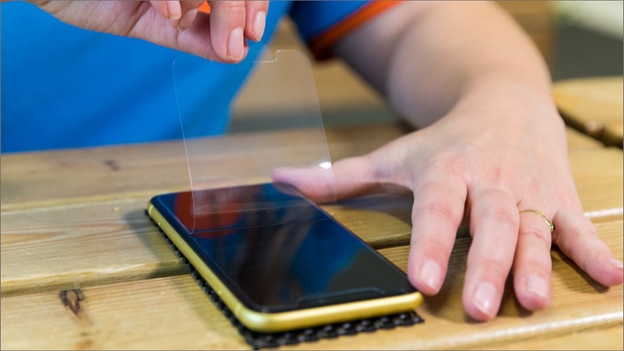
Tip 2: remove your case and screen protector
The touchscreen of your Samsung smartphone doesn't just respond to your fingers, but also to other objects that touch the screen. That means a case or screen protector can apply constant pressure. That's why you should check if the screen does respond to your touches when you remove the case and screen protector from your device.
Tip 3: perform a hard reset
With a hard reset, you reset your smartphone to factory settings. So be sure to make a backup first, or you'll lose your apps, photos and files.
1: go to 'Settings' 2: choose 'Backup and reset 3: tap 'Factory data reset' 4: select 'Reset device'
In the article below, you'll find an extensive step-by-step guide to perform a hard reset.

Article by Jesper
Smartphone Expert.