Written by Steven
Edited on
24 March 2023
·
15:17
What's a barebone?
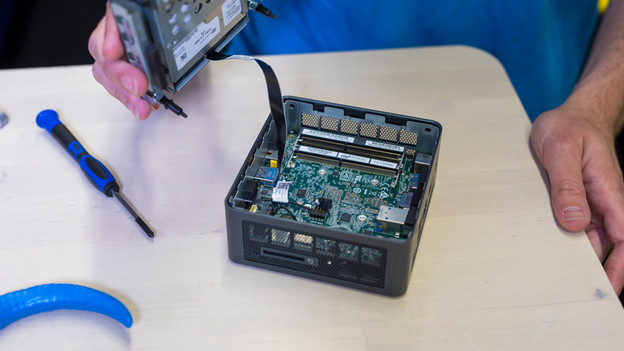
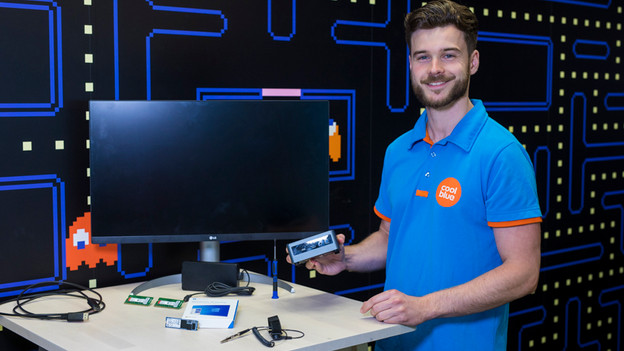
A barebone is a mini PC which isn't quite finished yet. The missing parts are RAM, a hard drive or SSD, and an operating system. As a result, you decide how to set it up and you can build anything from a basic media player to a powerful barebone PC for graphic design. You can choose between Asus PN series and Intel NUC barebones.
Build your own mini PC
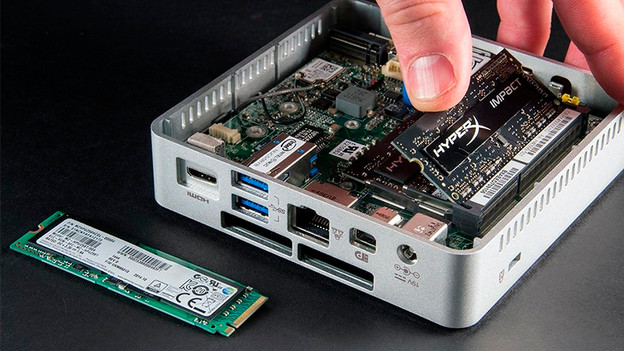
A barebone has a motherboard, a processor, a fan, and a power supply unit. That means you decide how much RAM you put in, how much storage you need, and which operating system you install. Is storage important to you? Install a high-end SSD or connect an external hard drive via the USB port. Do you want a fast PC? You can install up to 32GB RAM. The choice is entirely yours.
Note: the motherboard, the processor, the fan, and the power supply unit aren't replaceable in a barebone.
The perfect middle ground
Think of a barebone as the perfect middle ground between a laptop and a desktop. That's because you're stuck with the built-in computer parts, but a laptop is compact and you can easily take it with you. A desktop is slower, but you can replace the parts more easily. A barebone is the compromise. It's compact, so you can easily take it with you and set it up the way you want. So is your barebone getting old or do you need more processing power? You can effortlessly replace the parts.
Different brands
Intel NUC barebones
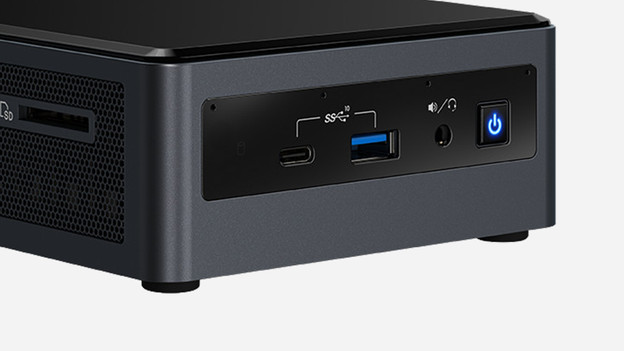
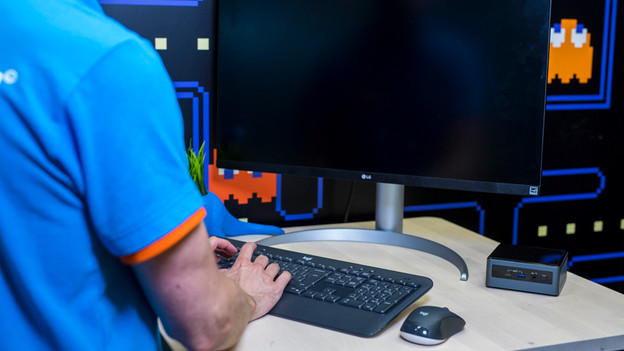
Intel develops very small computers named Intel NUCs. These come complete (mini PC) or incomplete (barebones). These barebones are called 'kits'. An Intel NUC is only 11 by 11cm, with a height of 5cm. Thanks to this size, it fits on any desk, in a TV cabinet, or even a drawer. You can also easily mount such a NUC on the back of a monitor or television with a VESA wall mount or take it with you in your backpack or bag.
Asus PN series barebones
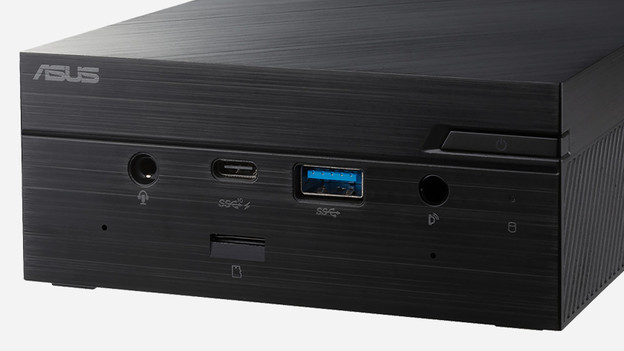
Asus is a relatively new player on the market of small computers. An Asus PN barebone is 17.5 by 28.5cm, so it's much less compact than the Intel NUC barebone. The advantage of a slightly larger barebone is that you have more room for memory and storage. The computer then also runs less hot and can exhaust hot air better. Just like Intel, they use Intel processors.
Business use
A barebone isn't just interesting to use at home as a mini PC, but also for business solutions. Think of an office with limited workspace, such as a call center. Because you can mount a barebone behind a screen, you can also use it as a PC for digital billboards, menus, and interactive screens. You need special business mini PCs which can run continuously for that. Combine this with a large format display to send your message 24/7.
Which processor do I need?
A barebone mini PC comes with different kinds of processors, ranging from an Intel Celeron to an Intel i7 processor. An Intel Celeron is comparable to an i3 processor in terms of performance. Both are suitable for basic tasks such as surfing the internet or text processing. An i5 processor is more powerful and suitable for programs like Adobe Photoshop. An i7 delivers the best performance. You can work in demanding editing software such as Adobe Premiere, AutoCAD, or Virtual DJ with it,

Not so technical?
Choosing the right RAM and SSD for your barebone isn't hard. It's a matter of checking the specifications of the barebone and maybe the manual or website of the supplier. Afraid you might choose the wrong one? Choose a ready-made barebone bundle. This way, you can be sure you get suitable RAM, storage, and an operating system, if any.
Article by Steven
Barebone Expert.