


anything for a smile

Range
Installation ease
User friendliness
Speed
Design
After weeks of poor coverage on the 1st floor and attic, I went looking for a way to increase the coverage.
I was always quite skeptical about Wifi extenders at first. I did not trust that these devices could really amplify the range without drastically reducing the speed, for example.
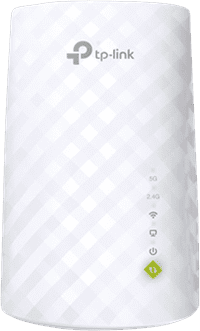
After a long search and comparison, I finally arrived at the TP-Link RE200. To be on the safe side, I immediately bought two extenders and after a few days of use I can say that even one is more than enough.
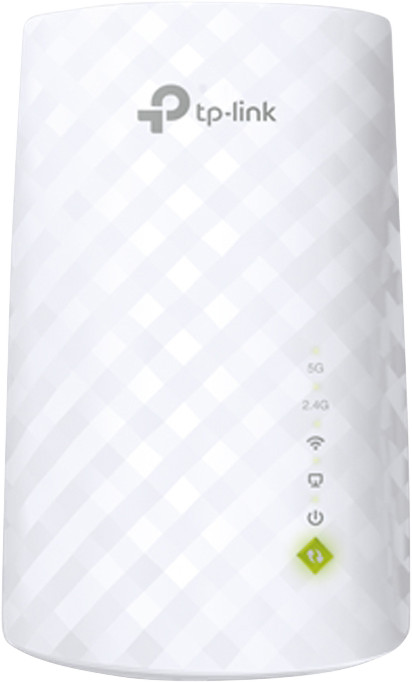
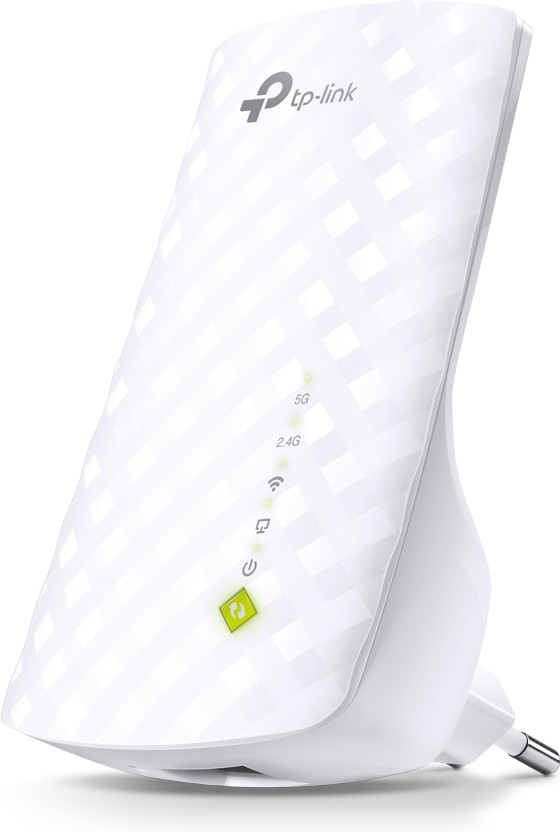
The devices are basically 'Plug & Play'. This means that you can use the devices almost immediately after you plug them into the socket. The only drawback is that the devices use their own SSID name in factory settings.
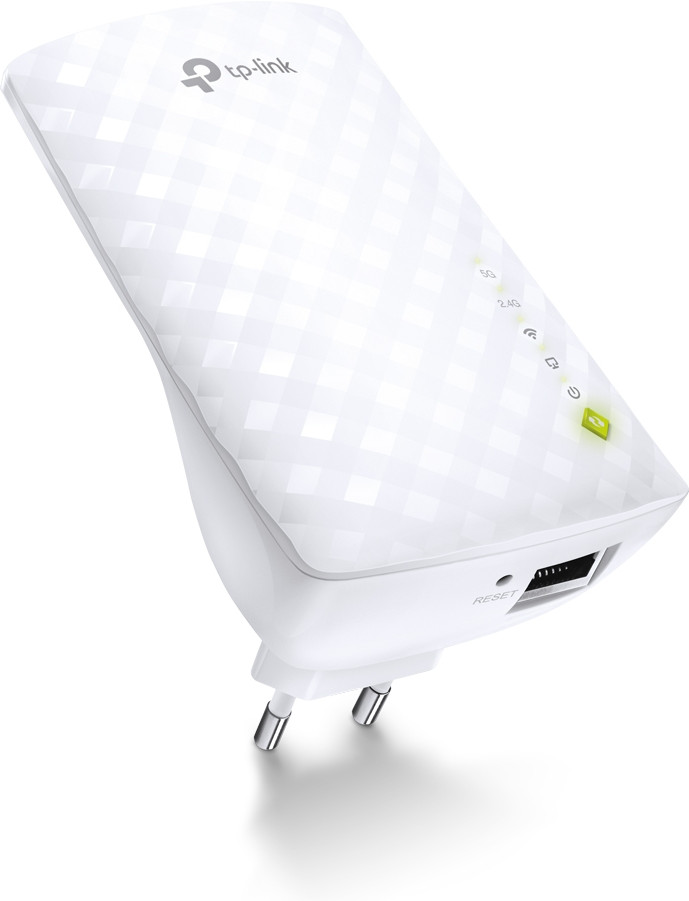
Mainly because of this, I just connected the laptop via the Ethernet connection on the bottom of the extender, in order to be able to adjust the settings.
To 'log in' to the extender, once connected to it, simply type tplinkextender.net into the browser's navigation bar. Here you can adjust everything as you can expect with the average router, for example.
For my own convenience, I've given the extenders the same SSID name as the router itself. As a result, my devices don't see any difference between the router itself and the extenders, allowing them to seamlessly switch to the transmitter with the most range.
It is also recommended to update the software of the device. The extenders do not do this themselves! You simply download the software via the tp-link support center and then upload it in no time to the 'firmware upgrade' extension in the extender's management. The software updates provide extra stability and reliability of the device.
It is also recommended, when available, to connect the extenders to the 5GHz frequency. The speed that comes in via the 5GHz frequency is significantly higher than the standard 2.4GHz frequency. Most new routers support 5GHz frequencies, so that's definitely something to check out and connect with if you have the option.
Finally, it is useful to know that when a red light comes on on the extender, it is not immediately a reason to panic. The extender is very energy efficient and ensures that everything superfluous is excluded. For example, if you have the 5GHz frequency turned on, but not using it, the extender will automatically put it in 'standby' until a connection is sought again. When it enters standby mode, a red light appears instead of green. When connected, it immediately switches back to green.
All in all, highly recommended with plenty of options, a considerably amplified signal and a good transfer speed.
Still unsure which extender to choose? This is it!
Leendert
10 February 2015
Automatically translated from Nederlands
A range extender or repeater is often sold on the packaging as an ideal means of quickly and easily expanding your WiFi network. In practice, however, this is distasteful. What the sales pitch of the manufacturer forgot to mention is that a repeater that uses the same WiFi frequency can only transmit half the speed. But placement is also crucial. With repeaters in a socket, this is often not optimal, which sometimes leads to dramatically low speeds. So I experimented a lot and with single band repeaters I only got 20 Mb/s in the bedroom, where 200 Mb/s is achieved at the router.
This TP-Link is the only repeater in this price range that can operate the 2 frequency bands separately. Now I have it connected to the router on the 5 Ghz AC signal, while it radiates (only) on 2.4 Ghz. These do not interfere with each other and I promptly get a speed of 100 Mb/s. That is relatively high, especially because the repeater is not in the most ideal place in the socket.
The consumption is also decent: 2 Watt in standby and 3 Watt in active mode. That is easily 5x less than a large repeater that offers approximately the same speeds.
As with everything from TP-Link, the usability isn't great. You do have to dive into the menu of the device to reach the best settings. A handy app such as DLink and Netgear are also missing.
Jullus
3 November 2014
Automatically translated from Nederlands
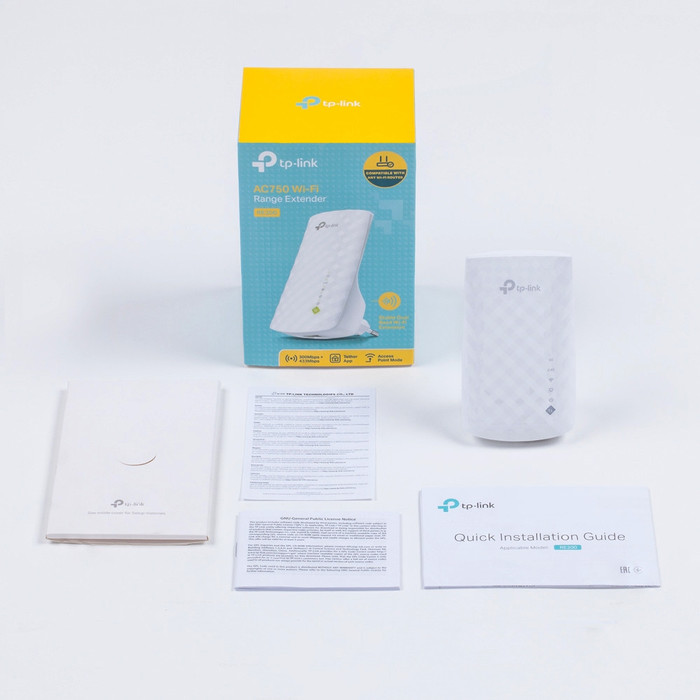
After you take this WiFi range extender out of the box, it's a matter of plugging it in and (almost) done! You just have to press a button on the router, or connect to a computer/laptop via the supplied cable.
Either way, it's a snap and you'll have a fast and stable internet connection in no time in places you didn't have before. It's just a matter of finding the best location for the repeater.
Ferron Alen
16 November 2015
Automatically translated from Nederlands
Frequency bands | Simultaneous dual-band | |
|---|---|---|
5GHz band speed | 433 Mbit/s | |
2.4GHz band speed | 300 Mbit/s | |
WiFi standards | Wireless AC, Wireless G, Wireless N | |
WLAN security | WEP, WPA-PSK, WPA2-PSK | |
Number of WiFi antennas | 3 | |
Number of Ethernet ports | 1 |
According to our WiFi repeater expert
Automatically choose the best band: thanks to simultaneous dual-band WiFi, your devices automatically connect to the best frequency band.
Works with routers from any brand: this WiFi repeater works with routers from any brand.
1 device wired online: you can connect 1 device to the internet with a cable thanks to the Ethernet port.
Shorter range on 5GHz: the 5GHz band has a shorter range, so your WiFi goes through thick walls less well.
Not suitable for many devices at once: if you connect many devices to WiFi 5 at the same time, the connection slows down.
Product number | 507670 | |
|---|---|---|
Manufacturer code | RE200 | |
Brand | TP-Link | |
Warranty | 2 years | |
Processing of your defect | Carry-in warranty |
WiFi standards | Wireless AC, Wireless G, Wireless N | |
|---|---|---|
Frequency bands | Simultaneous dual-band | |
5GHz band speed | 433 Mbit/s | |
2.4GHz band speed | 300 Mbit/s | |
Number of WiFi antennas | 3 | |
WLAN security | WEP, WPA-PSK, WPA2-PSK | |
WiFi on/off switch | ||
Replaceable WLAN antennas | ||
MAC address filter |
Number of Ethernet ports | 1 | |
|---|---|---|
Wired connector type | Connector (outside device), Port (in device) | |
Connector type | Power connector |
Width | 11 cm | |
|---|---|---|
Depth | 6,58 cm | |
Height | 7,52 cm | |
Weight | 100 g | |
Color | White |
Retail price
€ 36,50€ 30,90
Retail price
€ 36,50€ 30,90
Current product

433 Mbit/s
1300 Mbit/s
867 Mbit/s
300 Mbit/s
450 Mbit/s
300 Mbit/s
WEP, WPA-PSK, WPA2-PSK
WEP, WPA, WPA2
WEP, WPA-PSK, WPA2-PSK
3
3
2
Retail price
€ 36,50€ 30,90
Retail price
€ 54,90€ 48,90
Retail price
€ 39,90€ 37,99
Delivered tomorrow
Delivered tomorrow


