



anything for a smile
5 TB
Reliability
Speed
Price-quality ratio
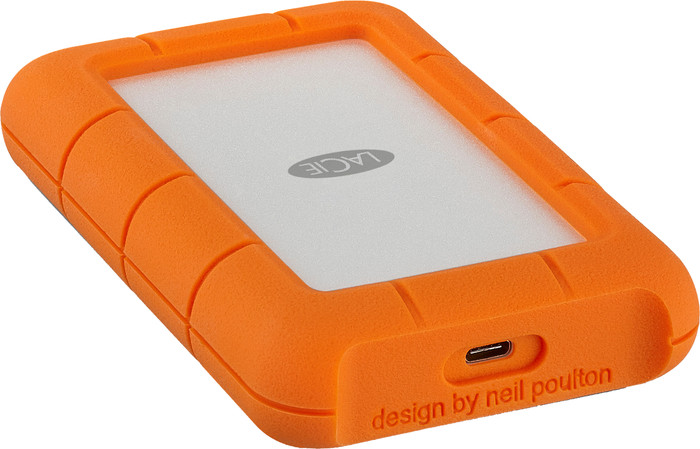
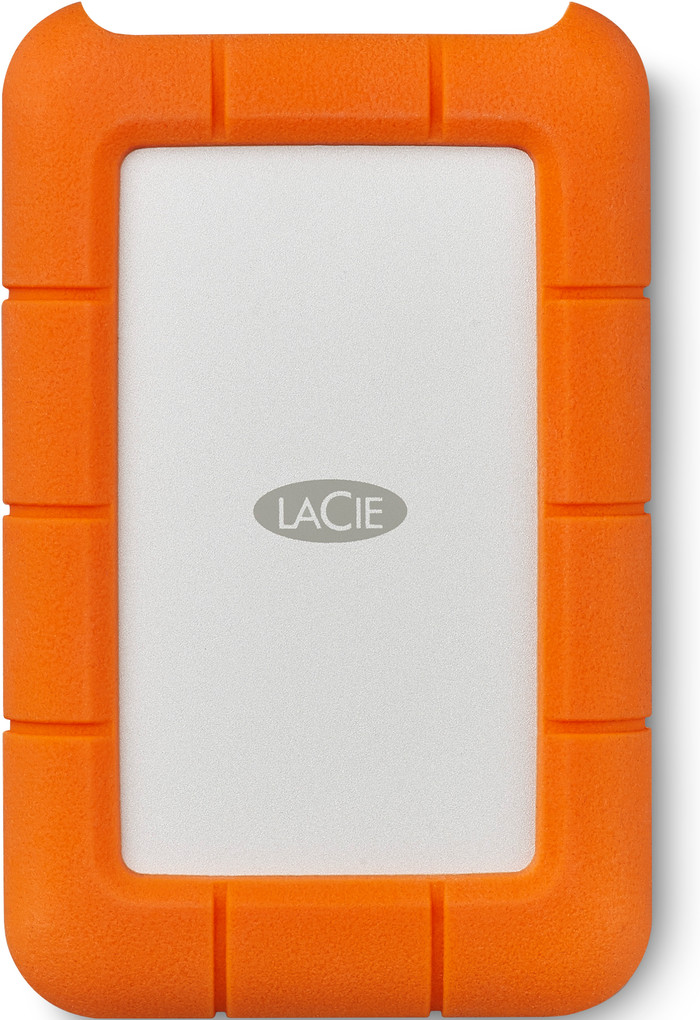
The LaCie Rugged Mini, why this choice? Is it recommended? What are the turn-offs? You will find out all this in my review of this -quite unusual- hard drive.
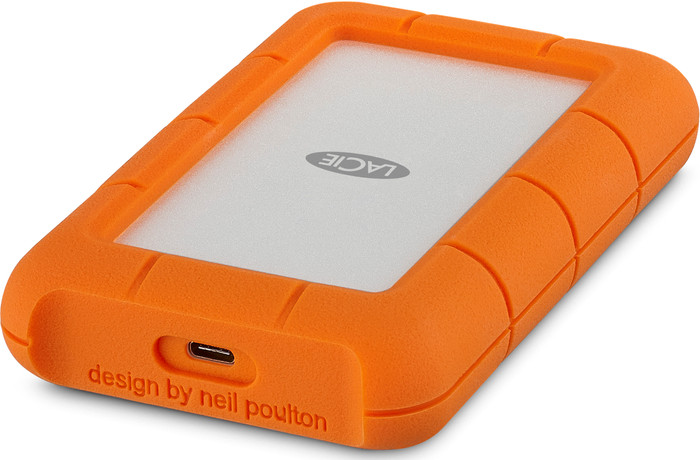
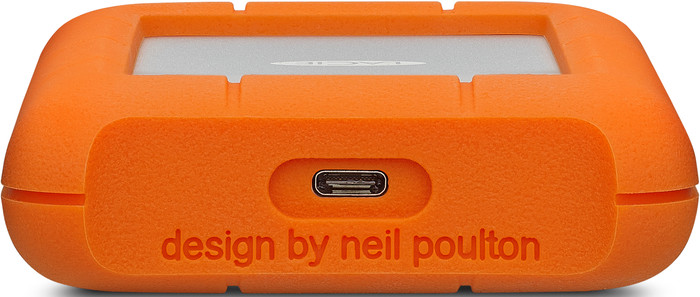
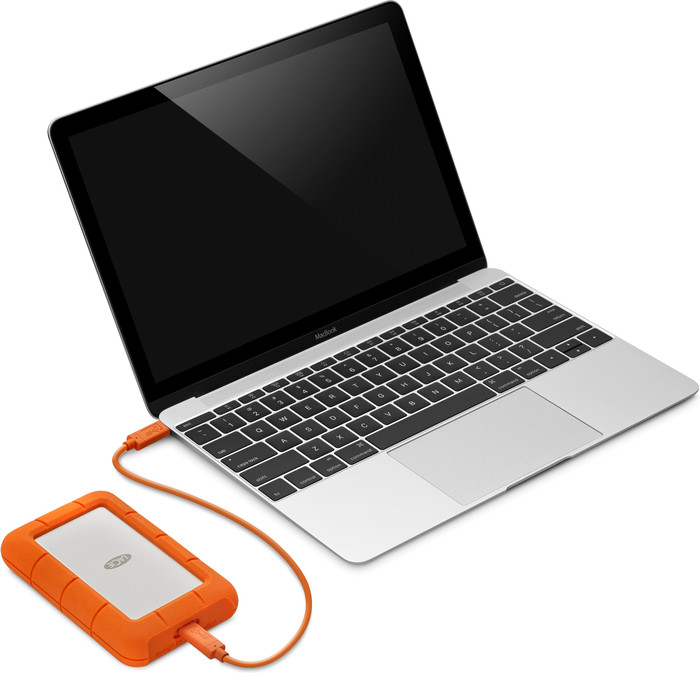
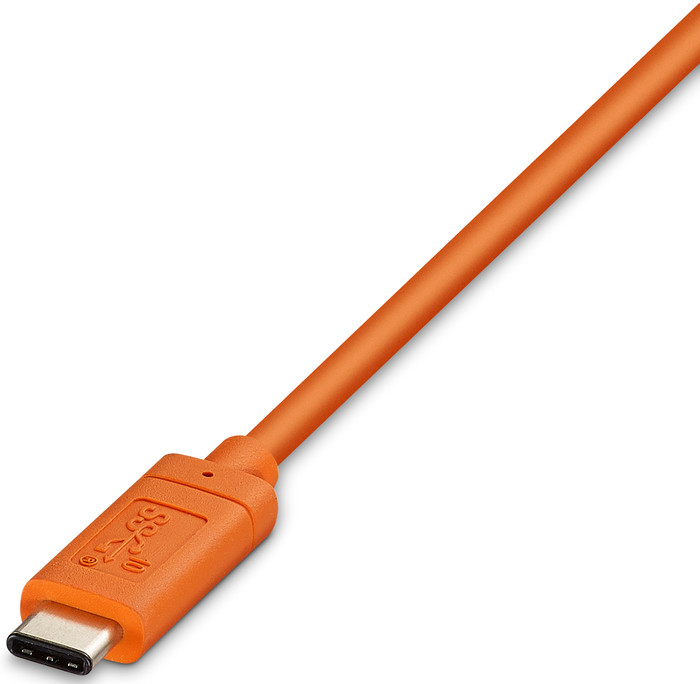
First of all, I will discuss the pros and cons. This hard drive immediately caught my eye for 2 reasons: USB-C and durability. USB-C is gradually becoming a standard, so this definitely had to be on my hard drive. Especially if you work with a laptop with no other ports. Say goodbye to the many adapters! My second point is durability. If you want to quickly take the hard drive on an adventure in your backpack, along with another camera pushed above it and a drone, it's easy not to think about a hard drive cover. Also, it is really easy that you are allowed to drop it without any damage to your files. (Because of course they are worth even more than the hard drive...) You even get a good look for your hard drive for free...
Now that we've had these points I can move on to things in reality. How does this hard drive work? Who is it suitable for? I find the hard drive very easy to use, just plug it in (possibly format it for Mac and Windows) and you're good to go. Of the 2 TB, you have 1.84 TB effective. Transferring files goes smoothly without any problems. This drive is said to reach speeds of up to 135 Mb/s. In a test I got about 115 Mb/s, so not bad. If this is Chinese to some people, this is definitely not SSD but not slow either. You can perfectly edit photos directly from the disc, but this won't work for videos. A cable from USB-C to USB-A is also included, the USB connection that we all still know. (Note that speeds differ with USB-A.)
Now the big question: if you had the choice, would you opt for this hard drive again? YES. It is easy to use, relatively fast, good looking and durable. In short: AMAZING!
Rune Nollet
24 February 2018
Automatically translated from Nederlands
Needed a solution for a project to be able to import quickly and possibly also work on location.
This is possible thanks to the USB 3.1. 2TB of capacity is sufficient for the time being.
Rocky Roos
3 August 2017
Automatically translated from Nederlands
I've had it for about 2 weeks now and I use it for the backup of my photos. I think it looks super nice and it is very quiet and nice and fast. It says it's formatted for mac, but it defaults to ExFat which means it will work on Windows and other operating systems as well.
Midas
5 October 2019
Automatically translated from Nederlands
USB version
USB 3.2 Gen 1Our digital expert will help you, but it can sometimes make mistakes, like humans do.
According to our external hard drive HDD expert
Room for large files: the 5-terabyte storage gives you enough room for large files, games, and backups.
Easy to take with you: thanks to its compact size, you can easily take this portable HDD anywhere.
Better protected from damage: your HDD and saved files are better protected from damage by the rugged case.
Less secure: without security, your files are less well protected, and hackers can access your files more easily.
Less suitable for daily use: for daily use, you'll need a faster version.
USB version
USB 3.2 Gen 1Product number | 830680 | |
|---|---|---|
Manufacturer code | STFR5000800 | |
Brand | LaCie | |
Warranty | 3 years | |
Processing of your defect | Via Coolblue |
Total storage capacity | 5 TB | |
|---|---|---|
Cache memory | 128 MB | |
Hard drive size | Portable HDD | |
Hard drive type | 2.5 inches | |
Formatted for operating system | Linux, Mac, Windows, iOS, iPad OS |
Shockproof | ||
|---|---|---|
Dustproof | ||
On/off switch | ||
Backup feature | ||
Protected memory (USB) | ||
Data recovery service | 3 years | |
Recommended for use | Making a backup, Store photos and videos |
Width | 8,6 cm | |
|---|---|---|
Depth | 13,51 cm | |
Height | 1,87 cm | |
Weight | 400 g | |
Color | Orange | |
Material | Plastic | |
Rugged casing |
USB port | ||
|---|---|---|
Type of USB port | USB-C | |
USB version | USB 3.2 Gen 1 | |
Thunderbolt connector |
€ 268,90
€ 268,90
Current product

5 TB
6 TB
8 TB
6 TB
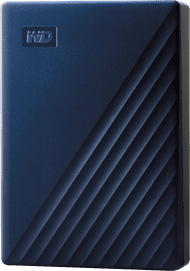
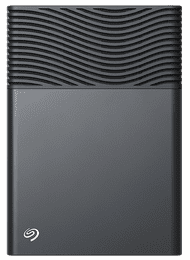
5 TB
Linux, Mac, Windows, iOS, iPad OS
ChromeOS, Linux, Mac
Mac, Windows
PlayStation
Linux, Mac, Windows, iOS, iPad OS
USB-C
Micro USB-B (3.0 form)
USB-C
Micro USB-B (3.0 form)
Micro USB-B (3.0 form)
Orange
Blue
Gray
Black
Orange
€ 268,90
€ 274,90
€ 301,90
€ 250,99
€ 255,90
Delivered tomorrow
Delivered tomorrow