
Don't have an account yet? Start here
anything for a smile
5 stars
1
4 stars
0
3 stars
0
2 stars
0
1 star
0
The Boya Magic is a wireless microphone that I can use right out of the box. It works as a clip-on, smartphone, desktop, or camera microphone, and records clear sound. The only thing I don't like is that I sometimes have to reconnect the microphone after switching devices.
Compact 4-in-1 design
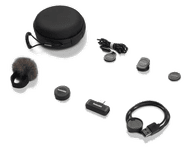
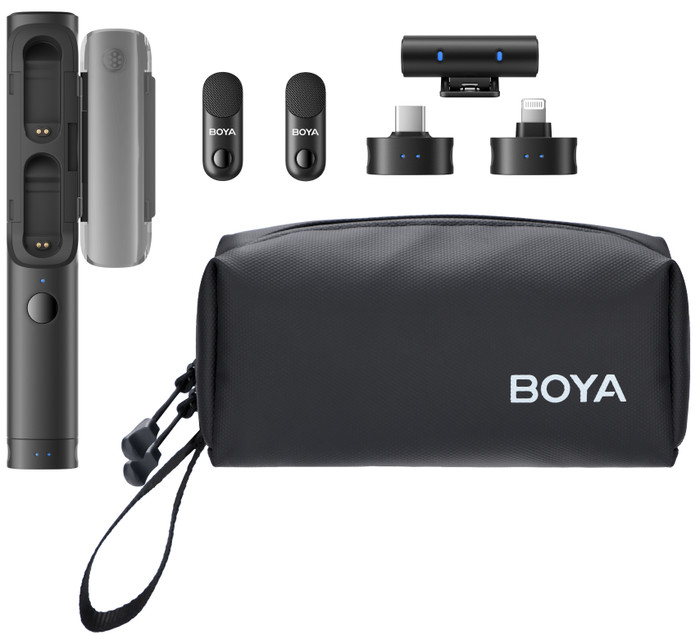
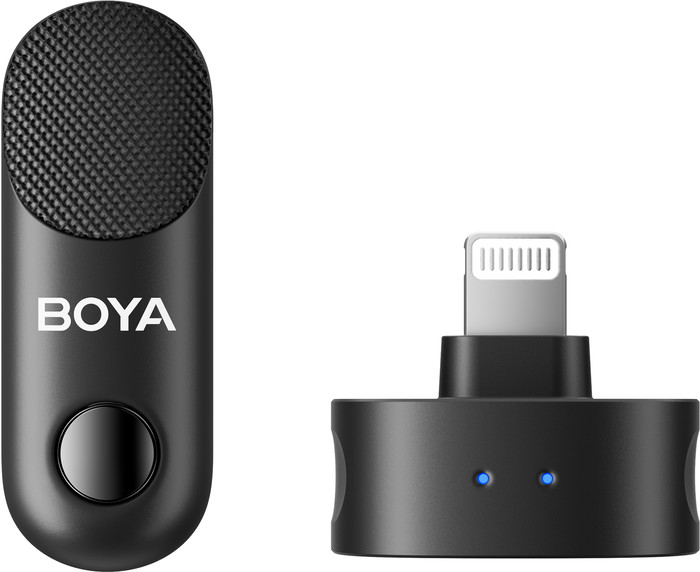
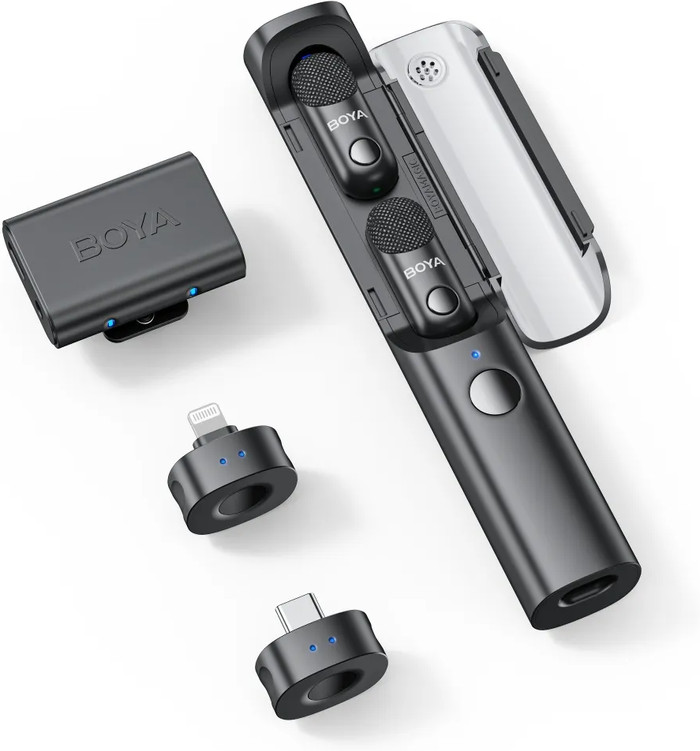
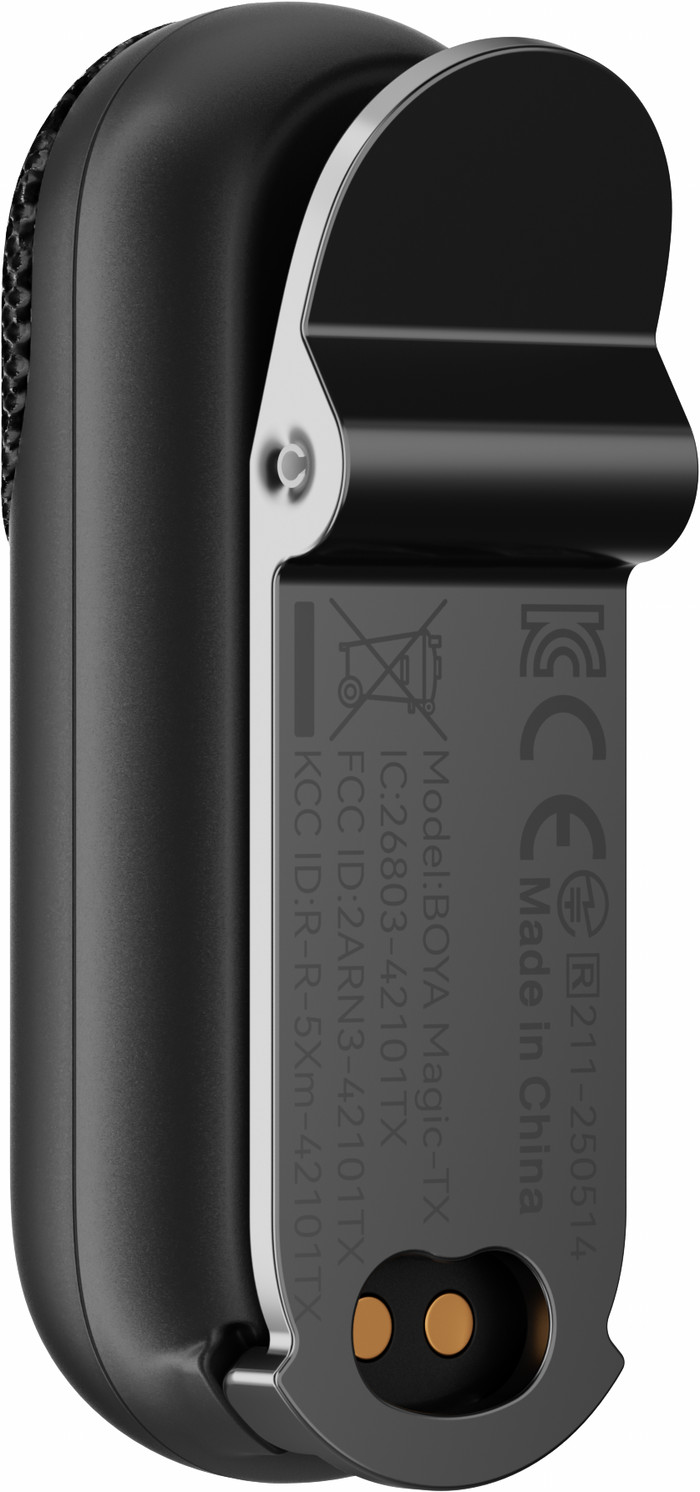
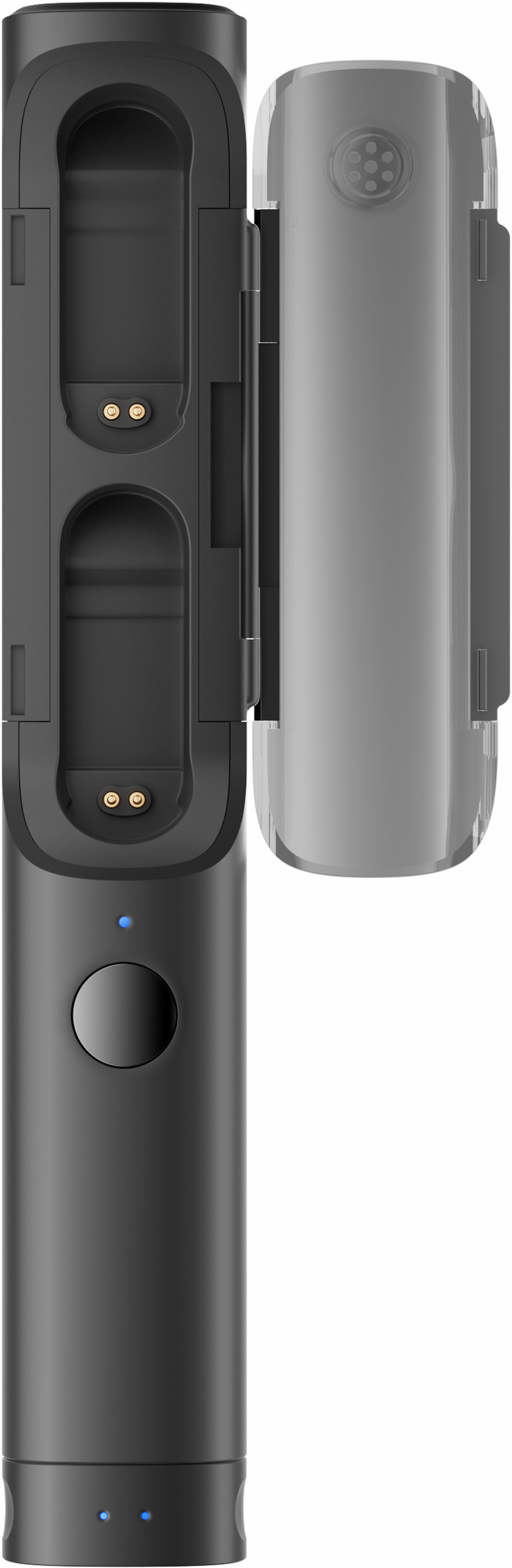
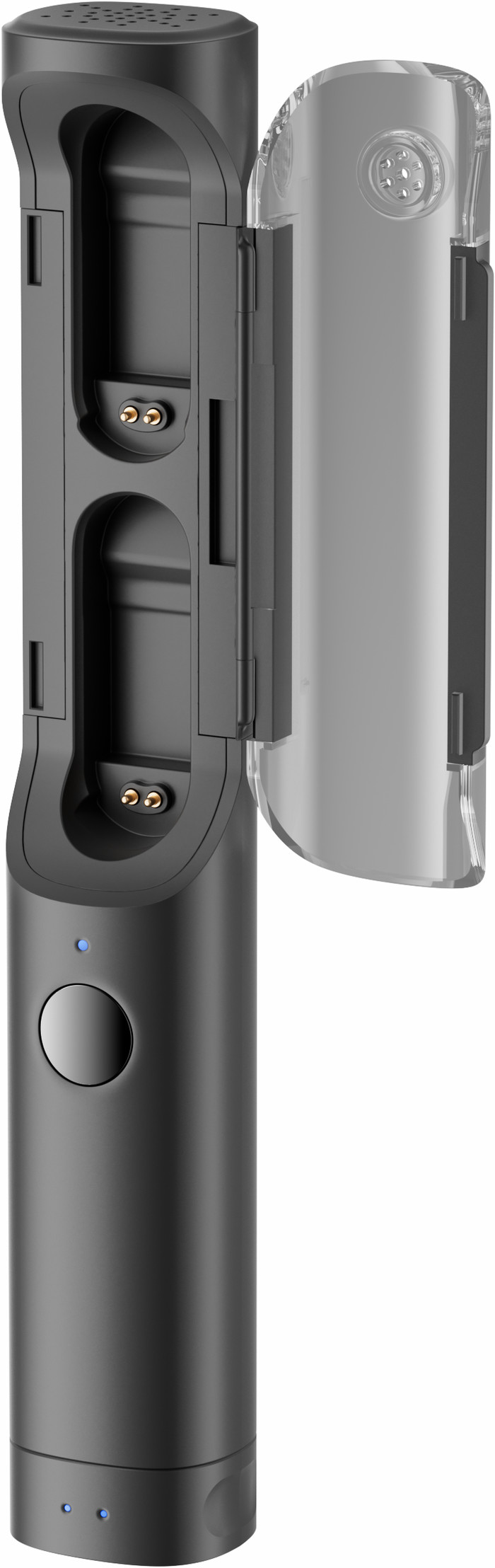
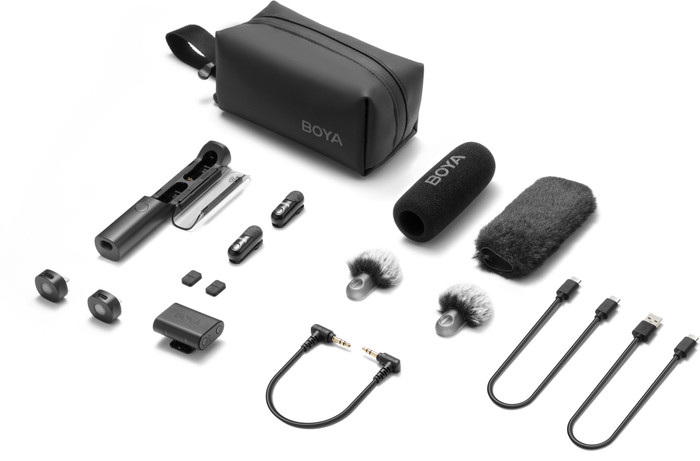
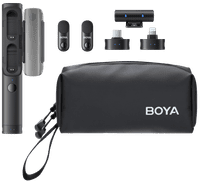
I tested the Boya Magic 02 set. This set includes two microphones, three receivers, the charging case, a storage bag, cables, and accessories. I use this to fine-tune the microphone to my recording location. When I unpacked the Boya Magic, I was surprised by how small everything is. The microphones weigh only 7 grams and are no bigger than a wireless earbud. The charging case is no longer than a pen, and the entire set almost fits in my jacket pocket. Besides its convenient compact size, I also find this microphone very versatile. I connect the USB-C receiver to my Android smartphone and start recording. This way, I can use the Boya Magic as a smartphone microphone in clip-on or handheld form. I use this to record voice-overs or reports for social media. You can also use the USB-C receiver with the new iPhone models. If you're recording with an older model, like the iPhone 14, you use the Lightning receiver in this kit. With the TRS receiver, I can turn the Boya Magic into a camera microphone or use it as a desktop microphone with my home computer. The only downside: when I switch devices, the microphone doesn't always pair automatically. This makes it easier for me to accidentally start talking without recording.
Clear omnidirectional sound
I use the Boya Magic as a clip-on microphone with my smartphone on a windy day. With a single click on the microphone, I turn on the noise canceling. I barely hear the wind in my recording and I'm clearly intelligible. My voice sounds a bit distorted, but the sound is much better than what I record with just my smartphone in the same weather conditions. At home, the sound in my recordings is clear and I'm clearly intelligible. The omnidirectional microphone picks up sound from all directions, so I don't always have to actively speak into the microphone. This way, I can record audio without worry, even if I change my position. I find the sound quality good enough for meetings, livestreams, and social media content. For professional video recordings like a short film, I'd be more inclined to use a video microphone with directional sound.
Even more control with the Boya Central app The microphones and transmitter come pre-paired out of the box, so I can start recording right away. With the Boya Central app, I perform firmware updates and have more control over my settings. Here, I can adjust the bass, midrange, and treble to suit my personal taste or the recording location. The app also offers other handy features, such as turning off the microphone LEDs, making them even less noticeable when I'm wearing them.
Laura. cameraspecialist.
23 February 2026
Automatically translated from Nederlands
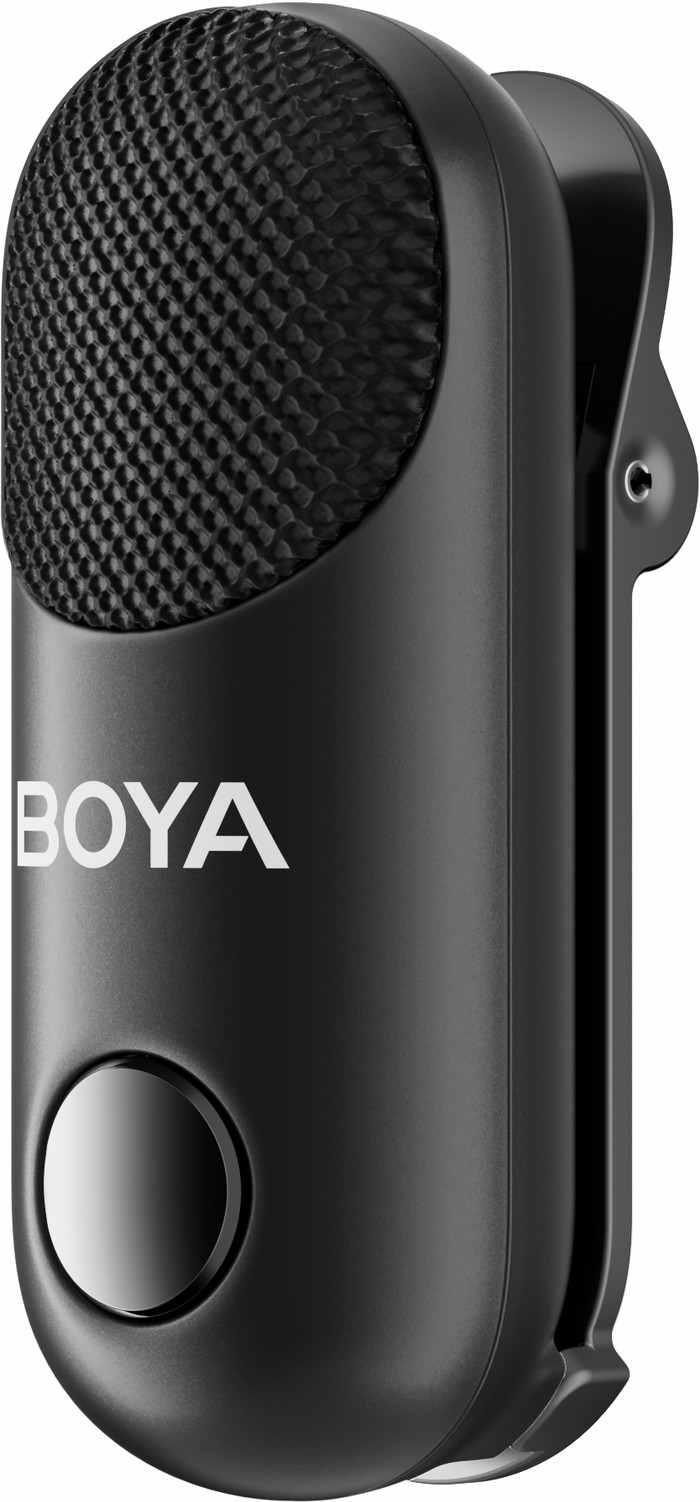
I use this for my Android phone to easily record podcasts and videos anywhere, and also on my Canon V10 vlog camera using the jack connection. There are even magnets on the microphones so I can attach it to something in addition to the clip. I searched for a long time for a microphone that was truly an all-in-one without loss of quality. And I am very satisfied with this. Especially because it is all so small that it fits in my handbag or men's trouser pocket.
Melinde
25 May 2026
Automatically translated from Nederlands
Microphone model | Tie clip microphone | |
|---|---|---|
Directional characteristic | Omnidirectional | |
Type of microphone connection | 3.5mm jack, Apple lightning connector, USB-C | |
Microphone sensitivity | 33,5 dB |
According to our camera microphone expert
Easy to take on a trip: you can easily take this small microphone with you when you travel.
For multiple shooting days: thanks to the 30-hour battery life, you can use the microphones for multiple shooting days.
Easy to understand from every angle: the microphone picks up sound from every direction, so you'll be easy to understand too.
More ambient noise audible: with an omnidirectional microphone, you sometimes hear some ambient noise in your recordings.
Retail price
€ 159,99€ 92,90
Retail price
€ 159,99€ 92,90
Product number | 973402 | |
|---|---|---|
Manufacturer code | 1018311409 | |
Brand | Boya | |
Warranty | 2 years | |
Processing of your defect | Via Coolblue |
Microphone model | Tie clip microphone | |
|---|---|---|
Directional characteristic | Omnidirectional | |
Transducer | Condenser | |
Microphone suitable for | Camcorder, Desktop/Laptop, Mirrorless camera, Professional video camera, Single-lens reflex camera, Smartphone, Sportsscam, Voice recorder, iPad, iPhone | |
Microphone recording type | Mono, Omnidirectional |
Frequency range | 20 - 2000 Hz | |
|---|---|---|
Signal-to-noise ratio | 80 dB | |
Microphone sensitivity | 33,5 dB |
Type of microphone connection | 3.5mm jack, Apple lightning connector, USB-C |
|---|
Width | 1,5 cm | |
|---|---|---|
Depth | 1,3 cm | |
Height | 3,5 cm | |
Weight | 0,0625 kg | |
Color | Black | |
Material | Plastic |
Power supply type | Rechargeable battery | |
|---|---|---|
Type of battery | Specific battery | |
Battery charging time | 1 hour | |
Battery technology | Lithium-ion |
Current product
Tie clip microphone
Shotgun microphone
Tie clip microphone, Wireless microphone
Dynamic microphone, Tie Clip Microphone (mono), Tie clip / headset
Tie Clip Microphone (mono)
Omnidirectional
Supercardioid
Omnidirectional
Omnidirectional
Omnidirectional
3.5mm jack, Apple lightning connector, USB-C
3.5mm jack
USB-C
3.5mm jack, USB-C
USB-C
Retail price
€ 159,99€ 92,90
€ 89,99
€ 85,99
€ 109,-
Retail price
€ 99,-€ 92,90
Delivered tomorrow
Delivered tomorrow
Coolblue takes care of everything, from taking out an insurance to repairs
For almost all accidents
More coverage in case of damage than your standard warranty
No deductible
First, add your camera microphone to your shopping cart. On the next page, choose the Protection Plan below. You always have a 30-day return window and pay no deductible in case of damage.
2-year Protection Plan
€ 7,99
one-time3-year Protection Plan
€ 10,99
one-time