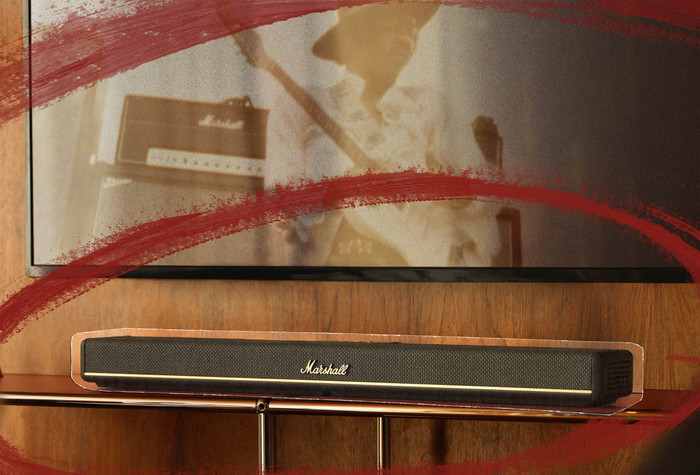
I find the Marshall Heston 60 to be a nice 5.1 channel soundbar for smaller TV setups. This soundbar has particularly nice mid and high tones. Unfortunately, the bass tones are less deep, causing the sound quality to deteriorate at higher volumes. Due to the sound and design, the soundbar reminds me of classic Marshall guitar amplifiers.
5.1 channel sound with Dolby Atmos
This is a 5.1 soundbar with 5 forward-facing channels and one subwoofer channel. I find the volume high enough for small living rooms. Mid and high tones, in particular, come into their own. This allows me to hear every detail in my favorite songs and follow conversations well when watching a series. Because of these clear sound tones, the soundbar reminds me of a classic Marshall guitar amplifier. Just like these amplifiers, I don't need to turn the soundbar up loud for clear sound. The 5 sound channels are not angled exactly forward, but in a slight arc. Because of this, I notice a more spacious sound even without rear speakers or upward-facing channels. Dolby Atmos movies and series, in particular, sound good for this reason. You notice this sound effect better with rear speakers, but this makes the Heston 60 a good choice if you only want a soundbar. Unfortunately, I find the bass tones to be less impressive. The bass tones deteriorate, especially at higher volumes. So, if you want a soundbar for grand movie sound, I would also recommend the separate Heston 200 subwoofer.
Luxurious and classic design
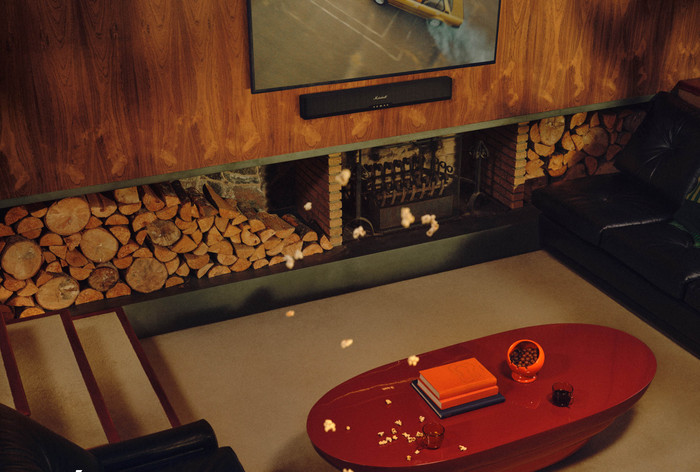
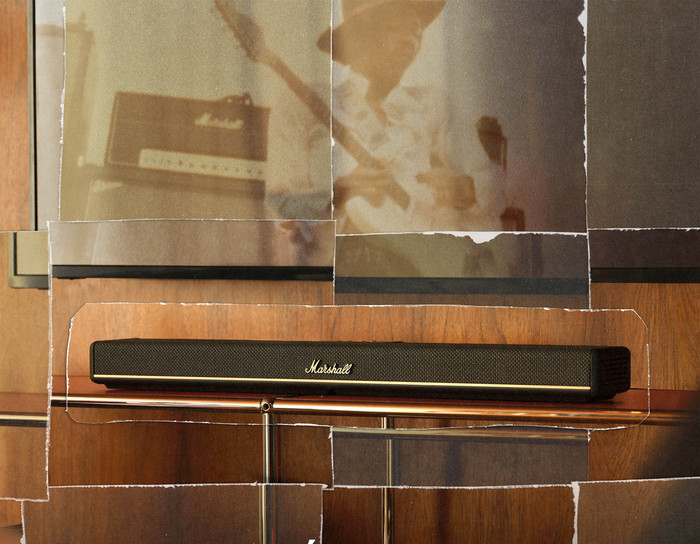
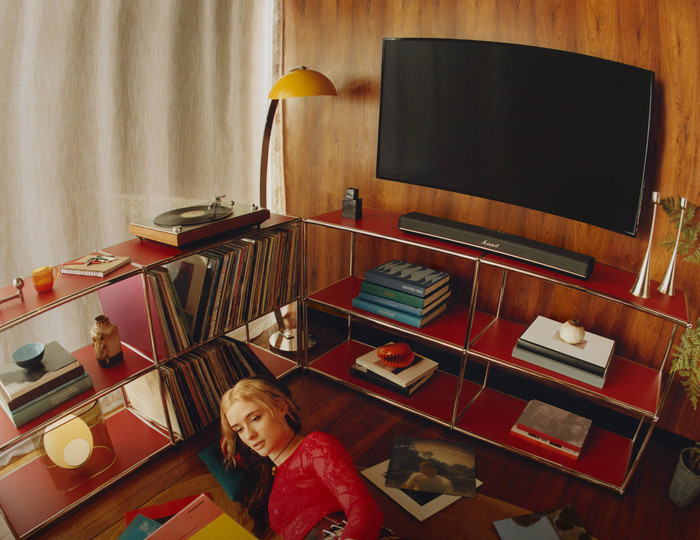
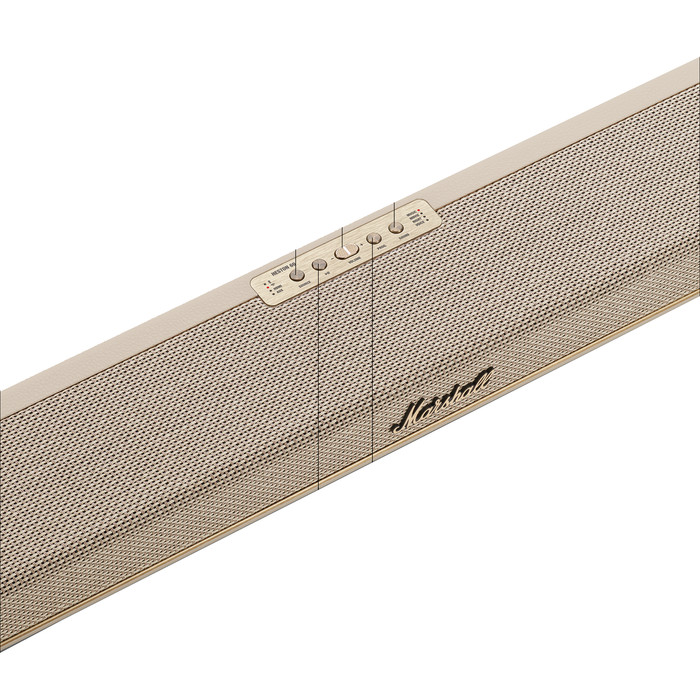
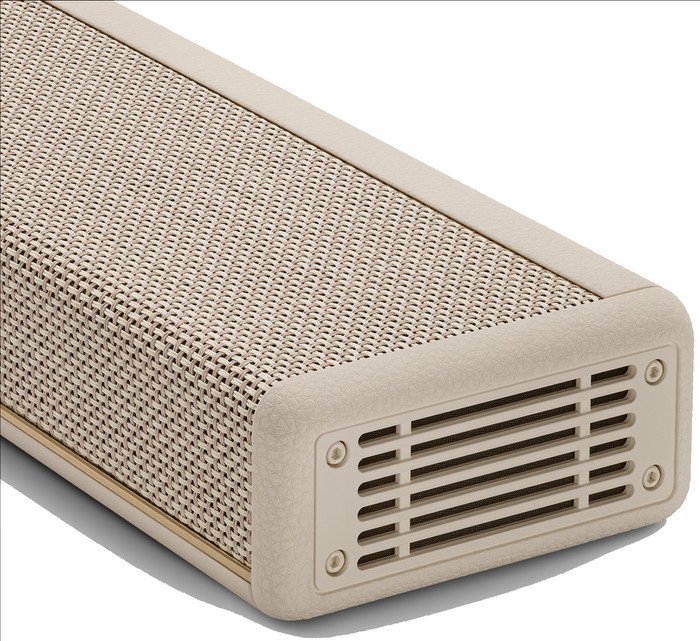
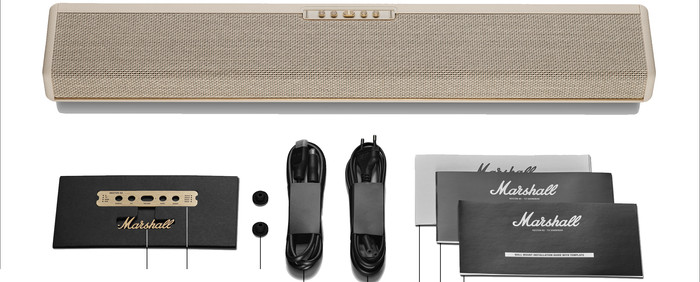
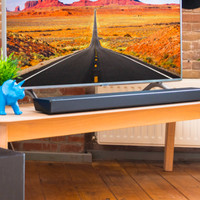
I find the design of the Marshall Heston 60 striking. It is a small soundbar, approximately 73 centimeters wide. In our test room, it sits under a 55-inch TV, but I would also place it perfectly well under a 32-inch TV. The brand logo and text on the control panel are magnetic elements that come separately with the soundbar. You therefore remove these parts if you want the soundbar to look as simple as possible. Personally, I find these to be nice additions to the system. They give the soundbar the classic look of a traditional Marshall guitar amplifier.
Easy sound settings
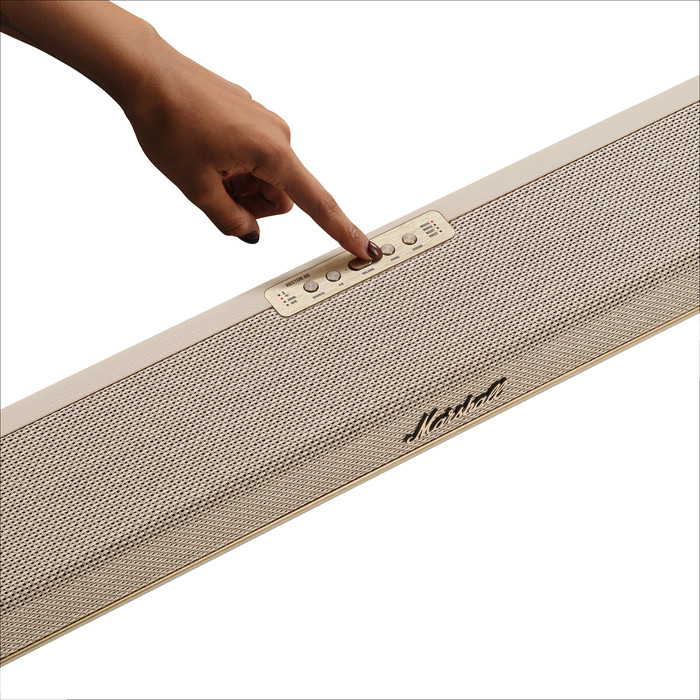
You adjust the sound via the physical buttons on the top of the soundbar, or via the Marshall app. You can easily adjust the volume on the soundbar and choose from a number of presets. For instance, you can switch between Movie, Music, Voice, and Night modes. If you want to fine-tune the sound exactly to your liking, you need the Marshall app. I use this app to adjust the treble, midrange, and bass, for example. I find this app works well. The soundbar responds quickly to the adjustments I make in the app.