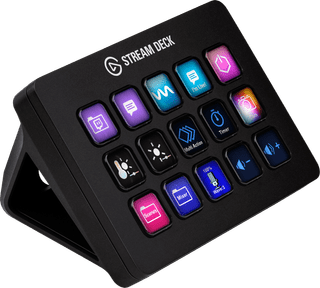
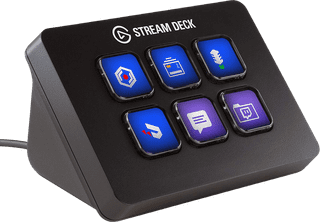
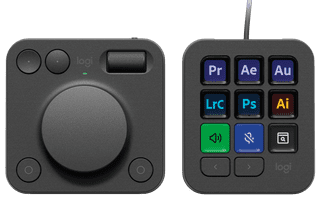
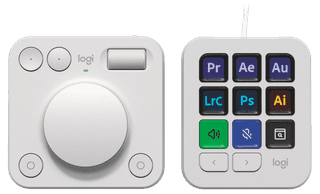
With a stream deck, you can make your stream interactive and more lively. You can customize the keys and assign GIFs, emoticons, and other stream functions to the them. That way, you'll have all your important functions at hand. Are you using an Elgato Stream deck? You can adjust the background of the keys by adjusting the LED display yourself. That way, you'll never press the wrong key again while streaming. You can also customize the keys with macros for your video editing software. When you do this, you're done with editing your video in no time and it'll be live on your channel even faster.
Retail price
€ 169,99€ 139,-
Delivered tomorrow

Retail price
€ 246,-€ 220,90
Delivered tomorrow

Retail price
€ 229,99€ 219,90
Delivered tomorrow
Retail price
€ 98,-€ 54,99
Delivered tomorrow
Retail price
€ 229,-€ 199,-
Delivered tomorrow
€ 229,-
Delivered tomorrow