
Written by Rowan
Edited on
4 March 2026
·
14:54
Compare the MacBook Pro to the MacBook Air
Are you looking for an Apple laptop, but can't decide between a MacBook Pro or a MacBook Air? The MacBook Air is lightweight and ideal for on the go. The MacBook Pro is slightly heavier, but also more powerful. That's useful if you edit many demanding videos, for example. You can read everything on the differences and similarities between the MacBook Pro and MacBook Air here.
Compare MacBook Air to the MacBook Pro
- Apple MacBook Pro M5 Max
Effortlessly work in the most demanding apps and files.
Enjoy a razor-sharp image on the Liquid Retina XDR display.
You can choose between a 14 and 16-inch screen size.
Retail price€ 4.799,-From
€ 3.999,-
- Apple MacBook Pro M5 Pro
Easily edit demanding photo and video files.
Enjoy a razor-sharp image on the Liquid Retina XDR display.
You can choose between a 14 and 16-inch screen size.
Retail price€ 2.899,-From
€ 2.479,-
- Apple MacBook Pro M5
Edit light photos and videos without any issues.
Enjoy a razor-sharp image on the Liquid Retina XDR display.
You can choose between a 14 and 16-inch screen size.
From
€ 1.536,-
- Apple MacBook Air M5
Edit light photos and videos without any issues.
Images look less sharp on the Liquid Retina display.
You can choose from a 13 and 15-inch screen size.
From
€ 1.509,-


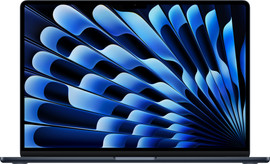
Comparison between the MacBook Pro and MacBook Air
| MacBook Pro | MacBook Air | |
|---|---|---|
| Processor | M5/M5 Pro/M5 Max | M4/M5 |
| RAM | Up to 48GB | Up to 24GB |
| Storage | Up to 2TB | Up to 1TB |
| Size | 14 or 16 inches | 13 or 15 inches |
| Battery life | Up to 24 hours | Up to 18 hours |
| Color | Black or Silver | Midnight, Blue, Starlight, or Silver |
Processor and power
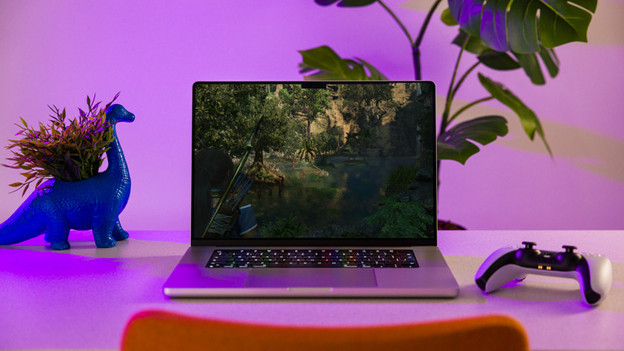
MacBook Pro: suitable for the most demanding tasks
For the MacBook, you can choose from the M5, M5 Pro, and M5 Max chips. These chips don't just offer more storage and RAM, they also have more graphics cores. This way, you can easily edit large photo and video files as well as complex 3D files. The MacBook Pro also has a fan. This ensures the MacBook remains cool when using demanding apps and works without slowdowns.
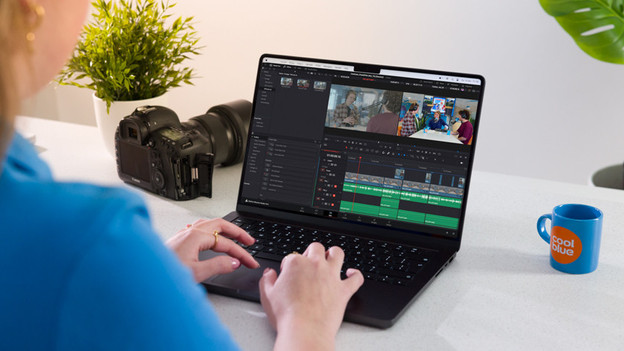
MacBook Air: light photo editing and basic tasks
The MacBook Air has the Apple M4 or M5 chip. This processor is mainly suitable for daily tasks. You can open emails, write reports in Pages, and edit light photos and videos in programs like Adobe Photoshop, for example. You can also watch your favorite series and browse the internet, of course. Demanding apps open slowly on the MacBook Air, and they slow down often.
Design and screen
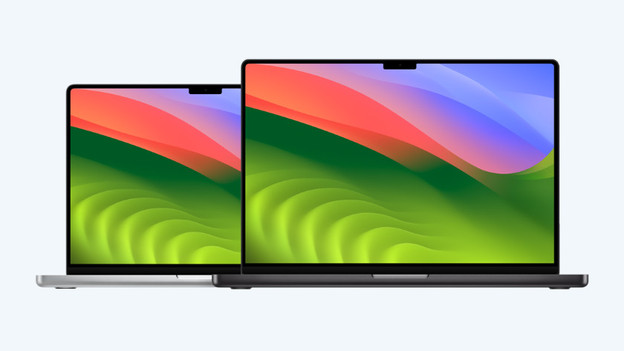
MacBook Pro: the largest screen with the most detail
The MacBook Pro has a robust design. You can easily connect all your peripherals to the 7 ports. Enjoy lifelike colors and deep contrasts on the 1600-nit Liquid Retina XDR display. You can choose between a 14 and 16-inch screen size for the MacBook Pro. The 14-inch screen is mostly nice when you often work on the go. On the large 16-inch screen, you won't miss any details and can work in large files more comfortably.

MacBook Air: thin design to be as lightweight as possible
The MacBook Air has a compact design, so you always easily take it with you. Because it's so slim, it does have fewer ports. The MacBook Air is available in 13 and 15 inches. The 13-inch model easily fits in your bag and only weighs 1.24kg. You can see more details on the 15-inch model. This version only weighs 1.51kg, and you can still easily take it with you.
Conclusion
The MacBook Pro is more powerful than the MacBook Air. With the 14 or 16-inch MacBook Pro models, you can edit demanding videos or 3D files to the smallest detail. On the MacBook Air, you can open your email, write reports in Pages, and edit light videos. In addition, the MacBook Air is lightweight and easy to take on the go with you.
Article by Rowan
Apple expert

