Written by Stefan
Edited on
9 October 2026
·
11:14
Expert review Apple MacBook Air M5 (2026)
In March 2026, Apple announced the latest version of the popular MacBook Air: the Apple MacBook Air M5. Thanks to the powerful M5 chip, the MacBook Air is faster than ever before. You can effortlessly open demanding apps this way, even on the go. In this article, you can read everything on my experience with the MacBook Air (2026).
View the Apple MacBook Air M5 (2026)
- With the Apple MacBook Air, you can easily work on demanding tasks and open demanding apps without any issues.
- With the Apple M5 chip, you can open most apps effortlessly and connect up to 2 extra screens.
- This models easily fits in your bag thanks to the small 13-inch screen.
- If you want the best screen and use the most demanding professional apps, you need a MacBook Pro.
- On the small 13-inch screen, you see details less clearly and it's harder to keep an overview of your files.

€ 1.299,-
Eerste indruk
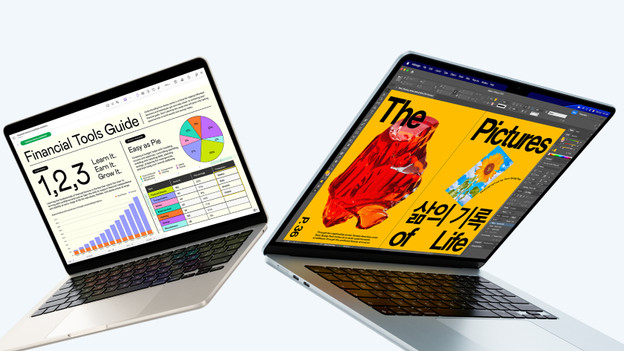
I remove the adhesive strips at the bottom of the box and lift the lid. I'm greeted by the MacBook Air, packed in a thin paper foil. Below the MacBook, there's a MagSafe charging cable and a small manual. Unfortunately, Apple doesn't include a charger adapter. If I want to charge my MacBook, I'll have to buy one separately.
Lightweight MacBook in different colors
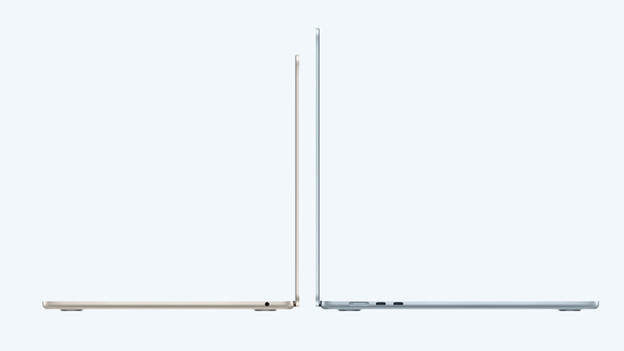
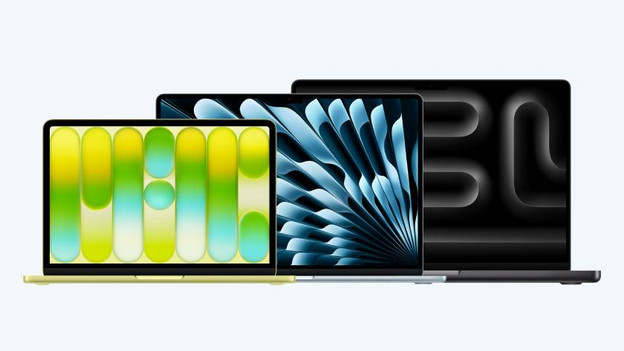
The MacBook Air has a sturdy aluminum casing in 4 different colors: Starlight, Midnight, Silver, and Blue. I can still choose from a small 13-inch size or a larger 15-inch screen. The 13-inch model easily fits in my bag, so I can smoothly work on the go. On the large 15-inch screen, I can see all details of my files. That way, I can comfortably work in detailed projects. Both sizes are thin, which makes the MacBook Air very lightweight and convenient.
Fast MacBook with powerful chip
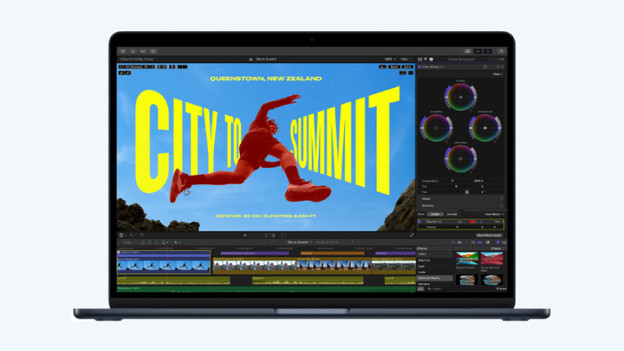
Thanks to the powerful Apple M5 chip, this lightweight MacBook is very fast. This way, I can perform my everyday tasks effortlessly and demanding apps open smoothly. I can edit photos in high quality in Photoshop, and video projects render quickly. If I edit more demanding videos (like in 8K or with many layers), the MacBook Air will start to slow down. I recommend at least a MacBook Pro with an M5 Pro chip for this.
Bright and colorful screen
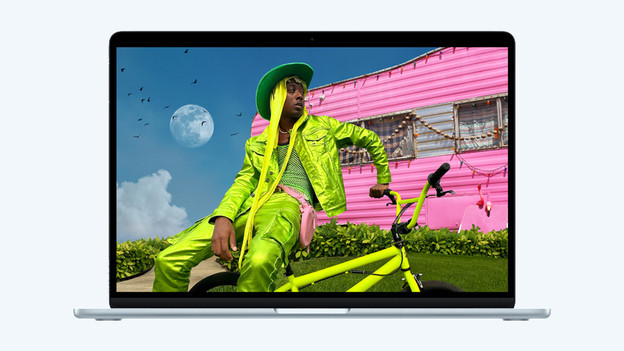
On the Liquid Retina display of the MacBook Air, I can enjoy sharp images and many details. The screen supports True Tone, so colors and the brightness are adjusted to the ambient light. That way, I can always enjoy optimized and realistic colors. Thanks to the powerful speakers with Dolby Atmos support, I can enjoy immersive and clear sound in all my favorite music, movies, or series.
The difference with MacBook Pro
The MacBook Air is different from the Apple MacBook Pro in a few ways. For example, the MacBook Pro lets me enjoy active cooling with built-in fans. I can also choose the more powerful M5 Pro and M5 Max processors with a MacBook Pro. This makes the MacBook Pro the most powerful MacBook model, suitable for the most demanding tasks. Do you develop apps, work in 3D files, or produce music? The Apple MacBook Pro is the best choice for you.
Article by Stefan
Apple MacBook Expert.