
Written by Elaine
Edited on
14 April 2026
·
08:10
What's Thunderbolt?
With Thunderbolt, you can connect multiple devices to your laptop or PC with 1 cable. You can transmit image, sound, data, and power at the same time via the same USB-C cable. That way, you can keep your desk tidy and connect everything you need. In this article, we'll tell you more about what Thunderbolt is and what you can do with it.

What's Thunderbolt?
Thunderbolt is a fast input/output technology. It combines data, video, audio, and power via a single cable. It does so with a higher transfer speed than with USB and HDMI, for example. Via this Thunderbolt port, you can connect multiple monitors to your laptop and transmit images. You can also quickly transfer large files to an external SSD and charge your laptop.
View our Thunderbolt accessories

When do you need Thunderbolt?
Thunderbolt is a good choice for a professional environment or an extensive home office with multiple 4K monitors, for example. This allows you to easily edit large video files. If you transfer many large files between devices, Thunderbolt is a good choice thanks to the fast data transfer. Mainly work at home with 1 screen and use your laptop for browsing the internet and your email? Thunderbolt isn't very useful for you.

The difference between Thunderbolt, USB-C, and USB 4
Every Thunderbolt port is a USB-C port, but not every USB-C port supports Thunderbolt. A regular USB-C port is enough for most devices and charging. Thunderbolt and USB 4 are faster and can handle more screens at the same time. You mainly notice this during demanding tasks, such as video editing or working with multiple 4K monitors. Thunderbolt also allows you to quickly transfer large files to an external SSD and charge your laptop.
Which Thunderbolt versions are there?
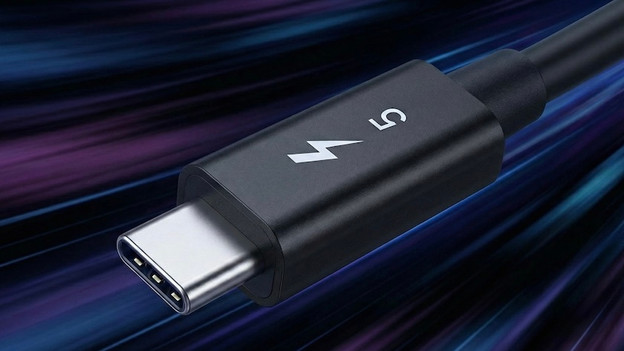
Thunderbolt 5
With 80 to 120Gbps, Thunderbolt 5 has a way higher transfer speed than Thunderbolt 3 or 4. This provides support for 3 extra monitors. You can also charge your devices up to 240W. Choose Thunderbolt 5 if you have a demanding workplace with multiple monitors and a powerful laptop, for example.
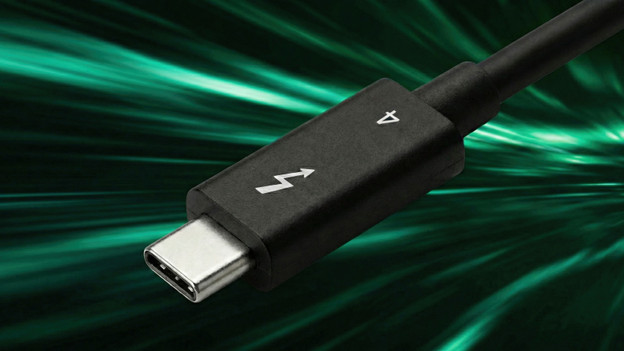
Thunderbolt 4
Like Thunderbolt 3, Thunderbolt 4 has a maximum transfer speed of 40Gbps. The difference is that Thunderbolt 4 is more stable. It also always supports 2 monitors and Thunderbolt 4 provides better security. You can charge devices at up to 140W. This makes Thunderbolt 4 suitable for an extensive workplace.
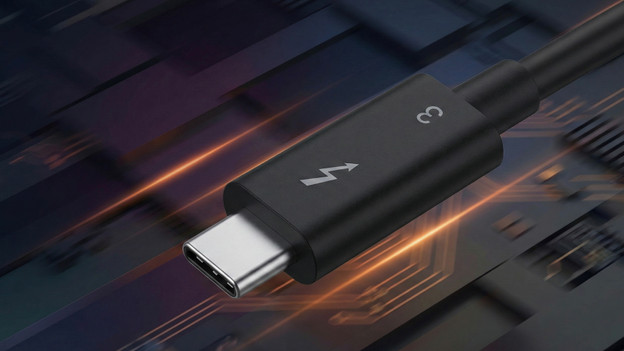
Thunderbolt 3
Thunderbolt 3 has a maximum transfer speed of 40Gbps. This is a lot faster than USB 3.1 generation 2, but not as fast as Thunderbolt 4 or 5. You can usually connect up to 2 monitors and charge with up to 100W. For most workplaces, Thunderbolt 3 is enough.
Article by Elaine
Laptop charger expert.

