Monitors
All Back to School deals on monitors
All monitors
Find the monitor that suits you
Monitors depending on the usage situation
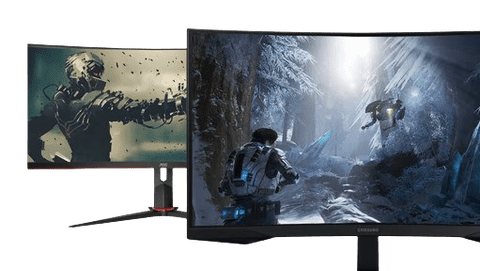
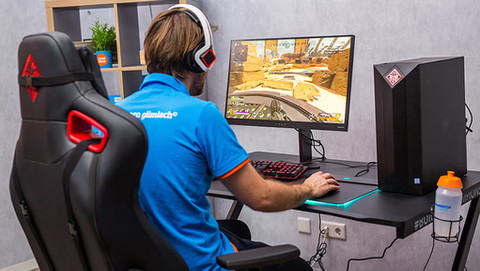
Gaming monitors
With a high refresh rate and low response time, you can fight your way to victory with smooth image reproduction and enjoy gameplay without delay.Business monitors
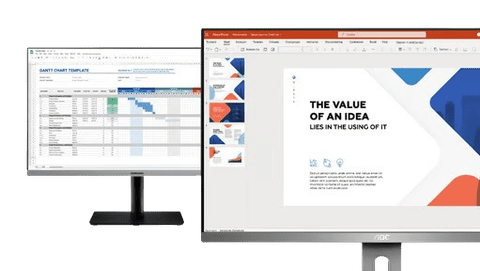
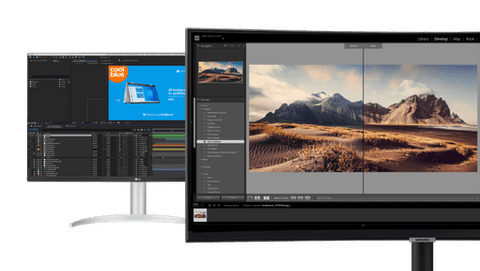
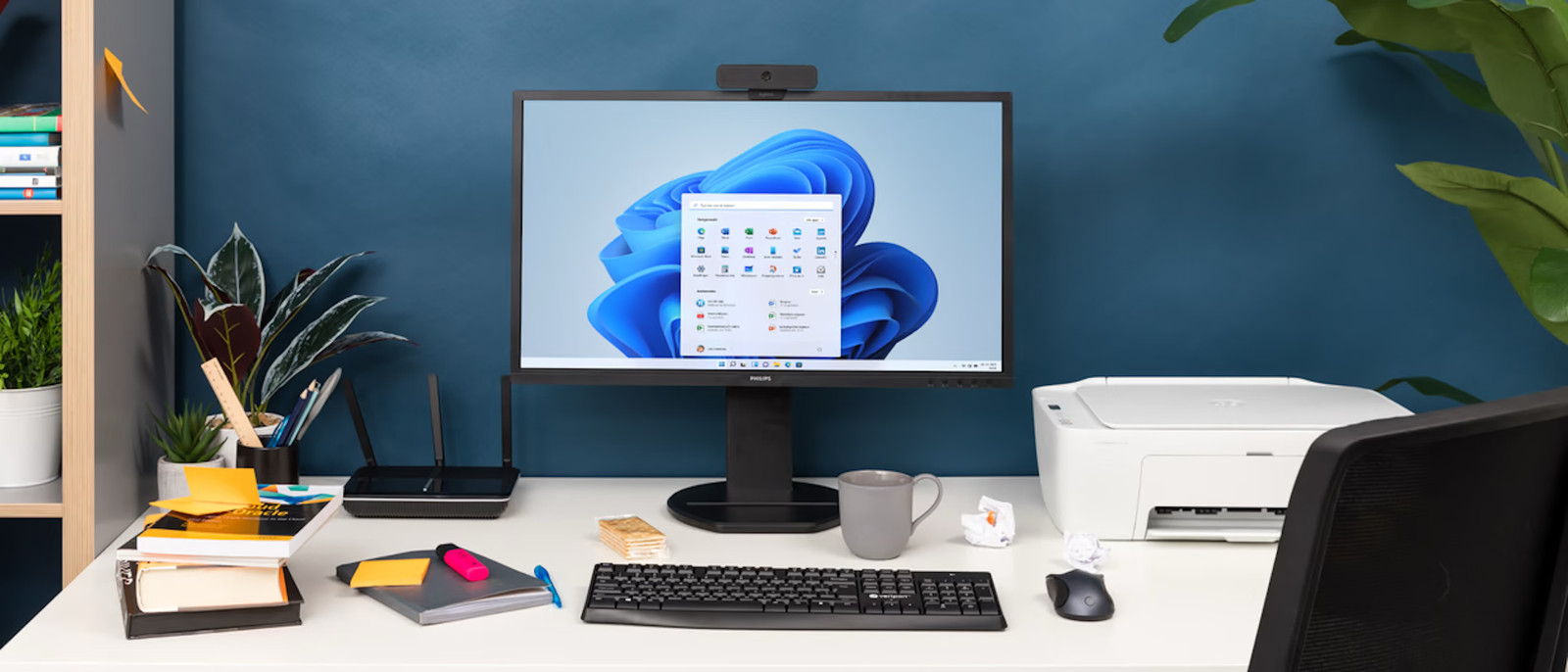
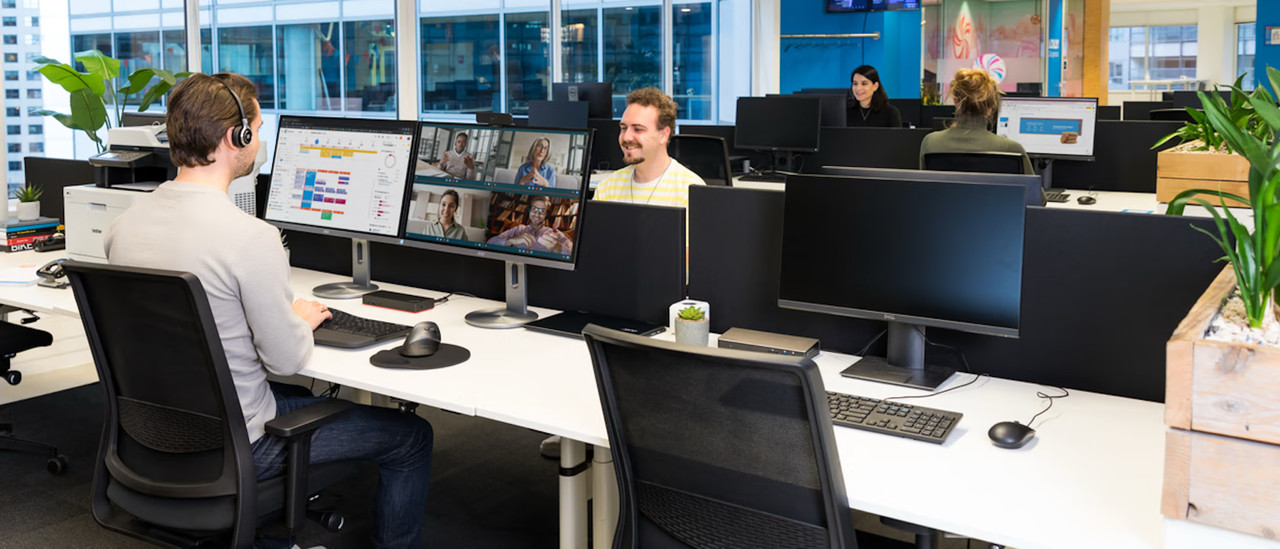
Work smoothly in Office programs and perform administrative tasks with a business monitor. These monitors are also suitable for your studies.Monitors for photo and video editing
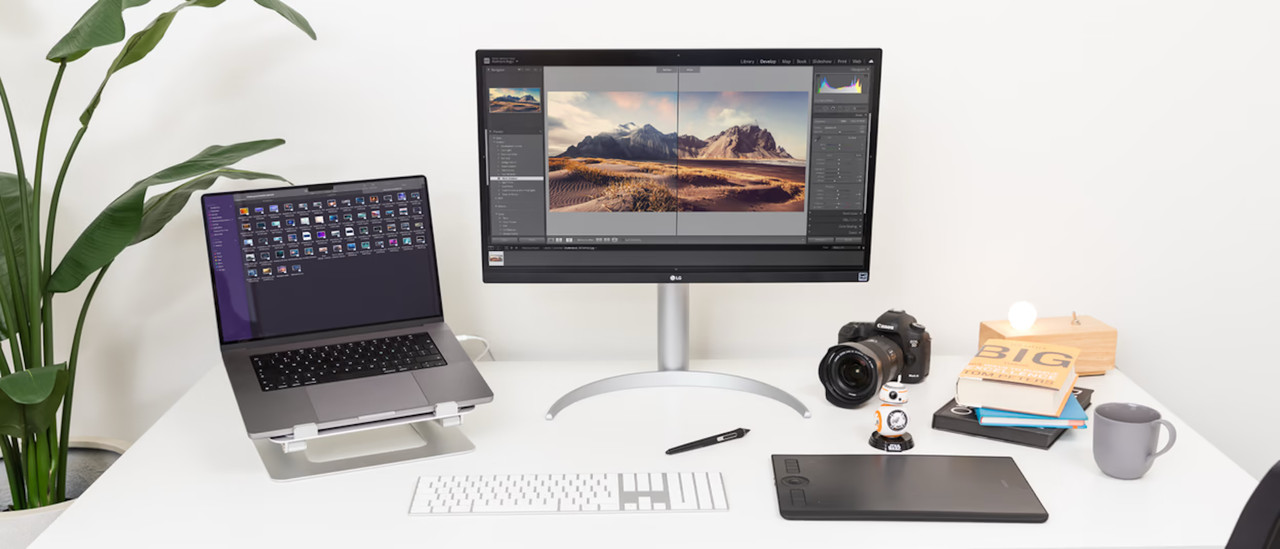
With an accurate color representation and high sharpness, you can edit your photos and videos at a professional level.Portable monitors
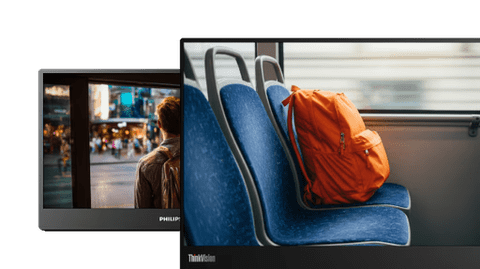
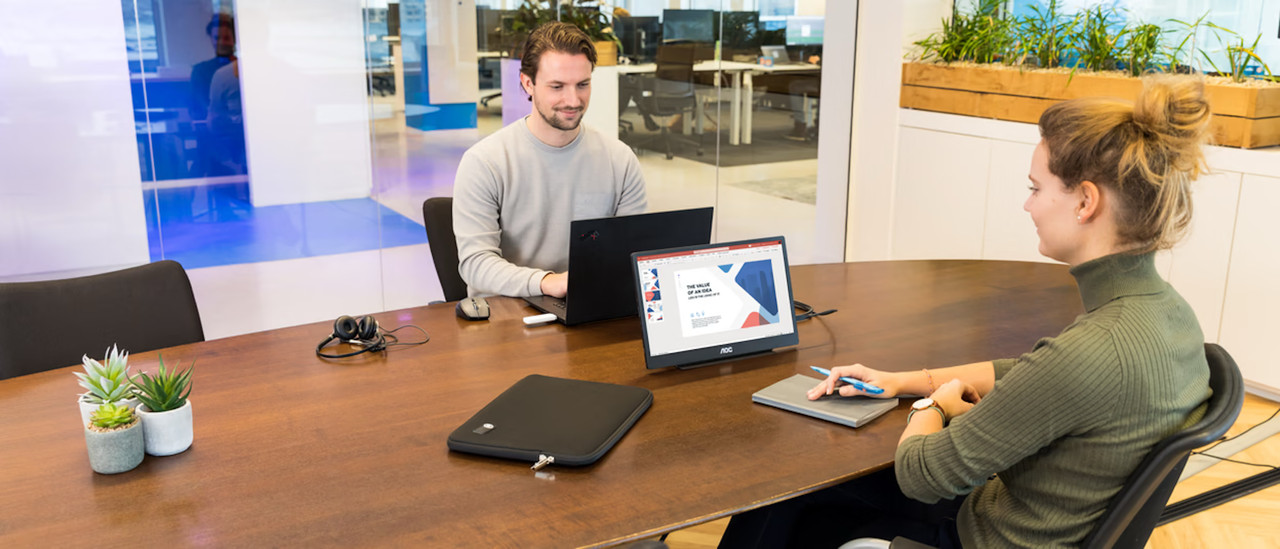
Take your portable monitor with you to for example the office, thanks to its convenient size. This allows you to continue working while on the go.
Curved monitors
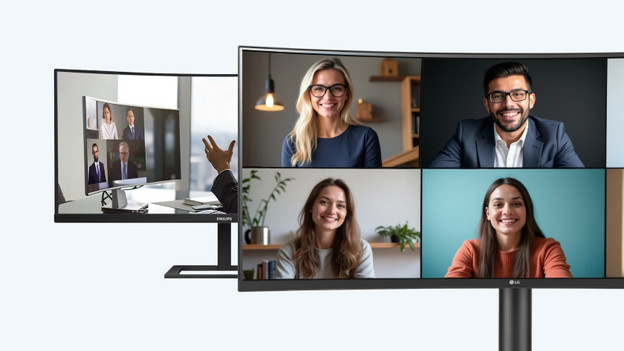
Thanks to the curved PC monitor, you're fully immersed in your favorite movie or series. You don't have to turn your head as much, so you're less likely to get a sore neck.
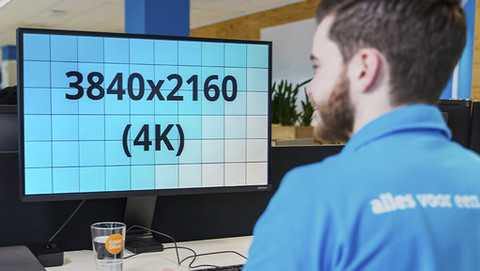
4K monitors
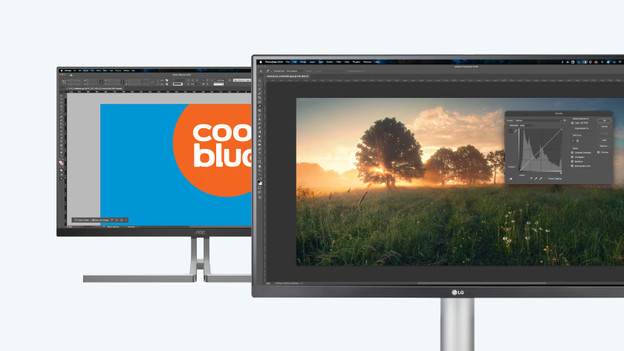
Enjoy sharp images and edit photos and videos in great detail. When you zoom in, it doesn't affect the quality of your photos or videos.
Ultrawide monitors
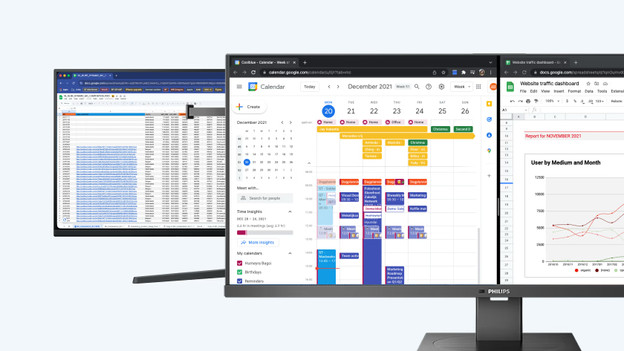
Thanks to the large screen size, you can keep a better overview of your work. You can open multiple windows or tabs side by side.
Back to School deals for monitors

- Retail price€ 1.899,-
€ 888,-
The ultrawide Quad HD OLED display provides vibrant HDR colors, incredibly smooth movements, and a good overview whether you're gaming or working.
This monitor displays text, images, and videos in clear Full HD quality, protects your eyes during long movie nights and blends into your setup thanks to its frameless design.
Thanks to Quad HD you can see every detail, scroll smoothly through long documents at 200Hz, and relieve your eyes with the blue light filter.
With a 240Hz refresh rate and a 0.4ms response time, the 4K screen provides razor-sharp details and very smooth motions.
- Retail price€ 279,-
€ 199,-
Experience more detail thanks to 4K, enjoy clear colors from different viewing angles, and flexibly adjust the monitor to your seating position.
You open two windows side by side, adjust the monitor flexibly to your posture, and connect your devices via four USB ports.


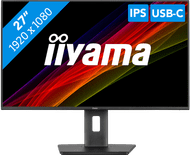
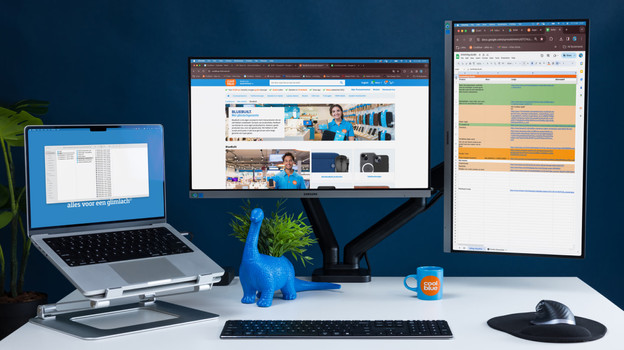
Discover our ergonomic monitors
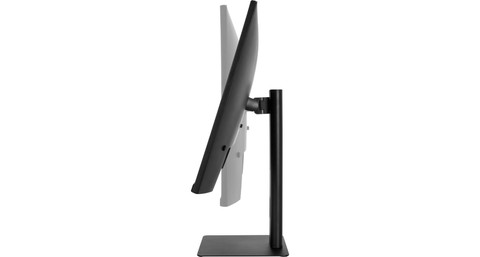
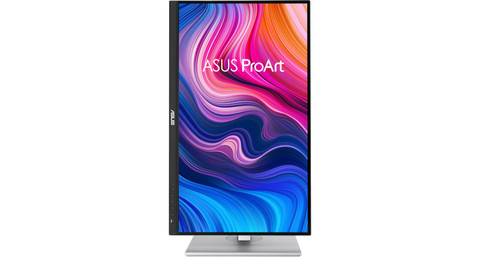
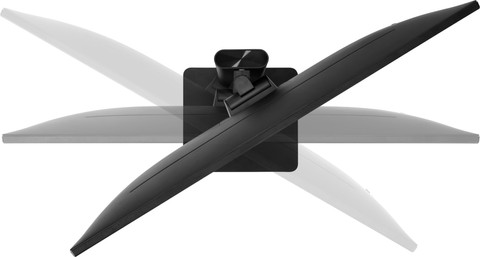
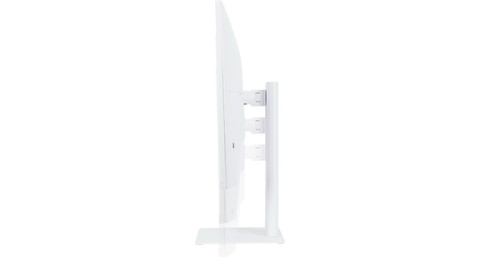
Ergonomic monitors adjust to your sitting posture, rather than the other way around. Adjustable-in-height, tiltable, and swivel models as well as screens with a pivot function for portrait orientation help prevent neck and back pain. Whether you’re working, gaming, or watching series, a flexibly adjustable screen ensures a relaxed posture even after many hours of sitting.
Different types of ergonomic temperatures
Our product recommendation
Philips 346E2CUAE/00
With the Philips 346E2CUAE/00, you can easily work on large projects. This 34-inch monitor has Quad HD resolution, so images look almost twice as sharp as on a Full HD screen. You can easily connect the built-in USB-C docking station to your laptop, keyboard, or a second monitor. This reduces the number of cables you need and keeps your desk tidy.
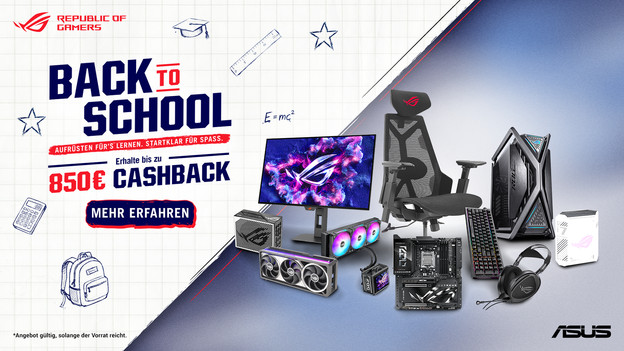
ASUS Back to School monitor cashback
Get a cashback when you purchase a participating product from Coolblue before 28 September 2026. Register your new ASUS monitor on the official ASUS website between 7 September 2026 and 12 October 2026 to secure your cashback. You can find the participating monitors from Coolblue here.
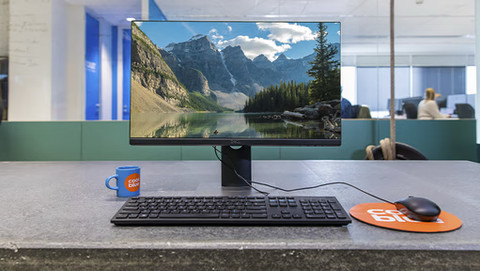
See here which setup best suits your user situation.
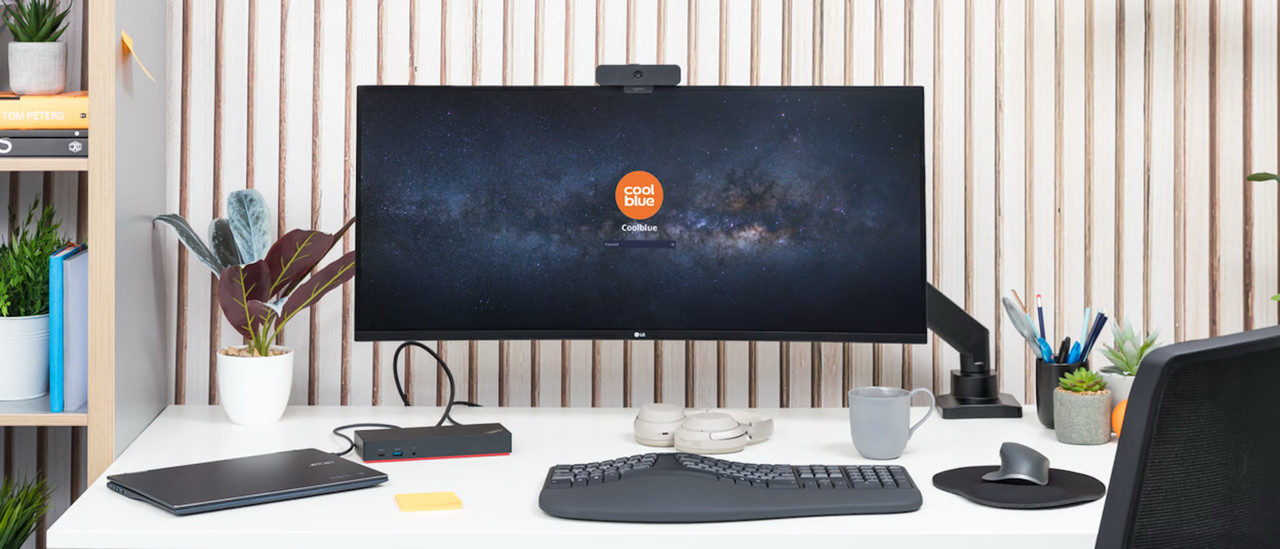
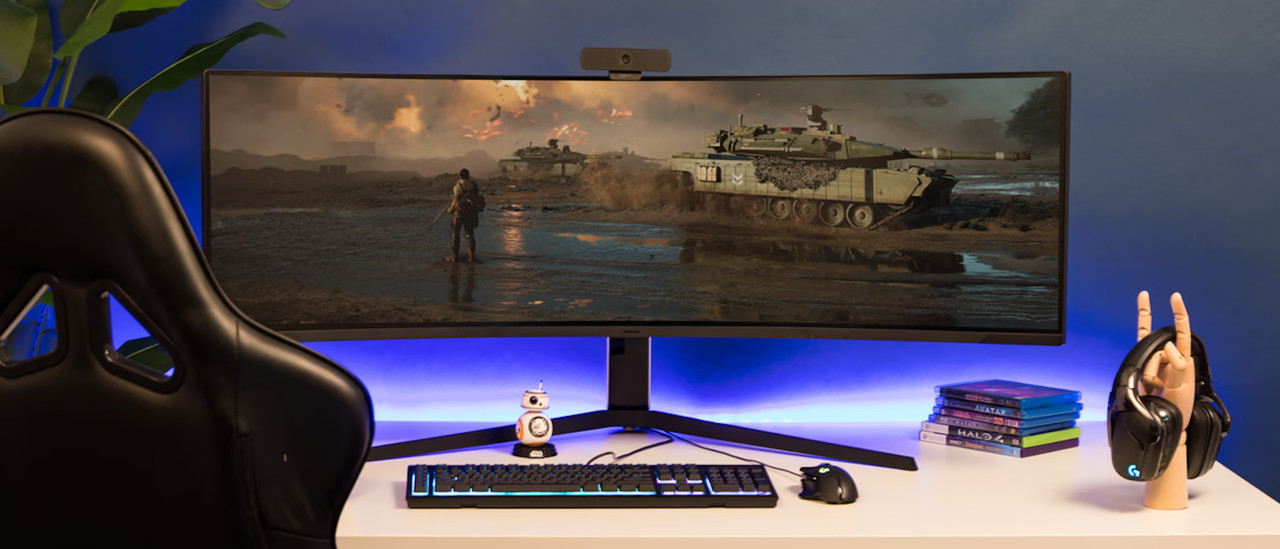
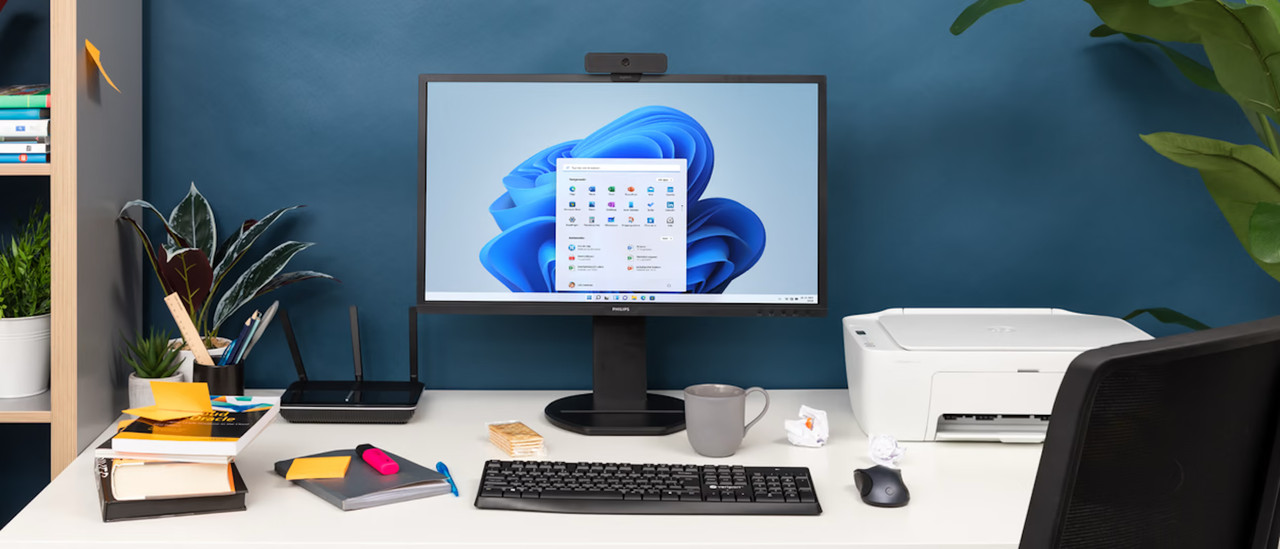






Complete your PC setup
Monitor sets
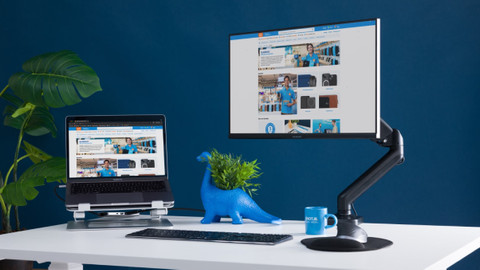
Find a variety of monitor sets here, some of which include a monitor mount. Choose the right setup for your home office or your next gaming session. You'll also get a discount on many bundles.Monitor arms
With a monitor mount, your screen is always at eye level. You’ll avoid neck and back pain during long workdays, and your desk will stay tidy.Ergonomic keyboard
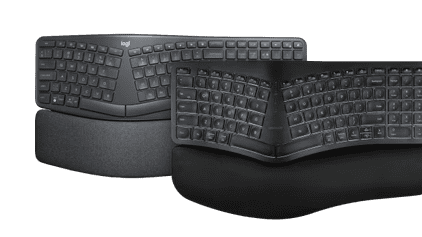
Thanks to the ergonomic design of the keyboard, you can prevent pain in your hands and arms. This reduces the risk of strain, even if you spend long hours at the computer.Ergonomic mice
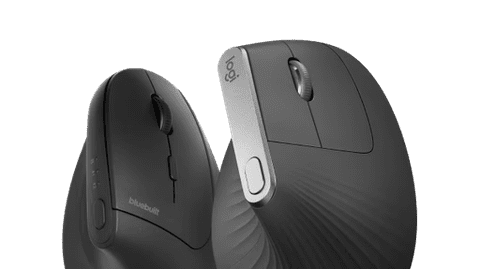
Spend hours at a time working on your computer every day? If so, choose an ergonomic mouse. That way, you’ll always be comfortable and avoid wrist pain.
Frequently asked questions
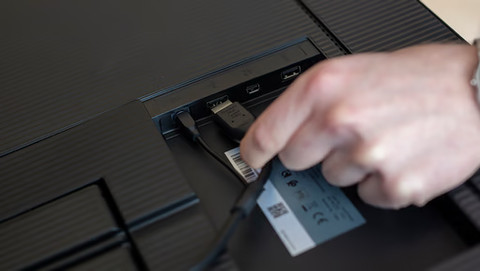
Which connectors does my monitor need?
This depends on your usage situation. HDMI is suitable for all uses. For gaming and image editing, DisplayPort is more suitable thanks to the higher bandwidth. With a USB-C connector, you can organize your desk in one go and charge your external device as well.
Which monitor size is suitable for my usage situation?
Your usage situation is important to determine the right size. 24 and 27-inch monitors are suitable for every situation. For photo and video editing, a 34-inch ultrawide screen is more suitable. You should also keep the size of your desk in mind.
Which specifications should I keep in mind when I choose a computer screen?
This differs from person to person, but you should mainly consider these 4 specifications: screen size, resolution, display type, and refresh rate. We're happy to help you in the following article.
How do I choose the best monitor for my gaming monitor?
IPS provides the best image quality, but has a low refresh rate. TN offers the highest refresh rate, but everything looks matte. VA is a good middle ground, but it has a higher response time.
Which advantages does a setup with 2 monitors have?
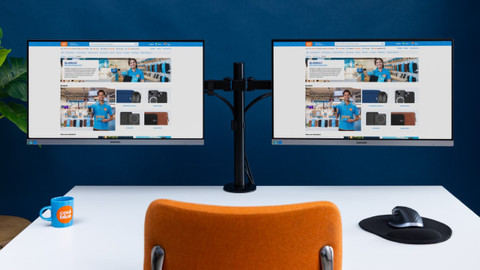
Using 2 monitors side by side has a couple of advantages. Thanks to a second screen, you have extra screen space for your browser, spreadsheets, or photo and video editing at home and at the office.

Our stores in Germany
Our stores in Dusseldorf, Essen, Dortmund, Frankfurt am Main, Hannover, Münster, and Hamburg are open. In addition to 1000 different products, you can also find some of our best monitor in the showroom. That way, you can experience them in person and get advice from our experts.

Customer review
At Coolblue, we do anything for a smile and make sure you get the best monitor for you. Be convinced by the good ratings from other happy customers on Trustpilot.
Advice on Monitors
Can't choose? View the advice from our expert.
