Gaming monitors
Find the gaming monitor that suits you
All World Cup Deals for gaming monitors
Gaming monitors
Types of gaming monitors
OLED gaming
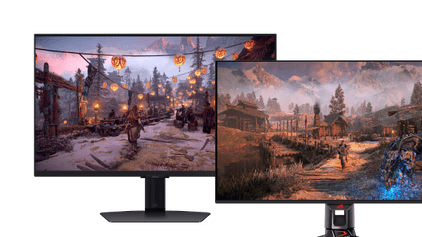
4K gaming
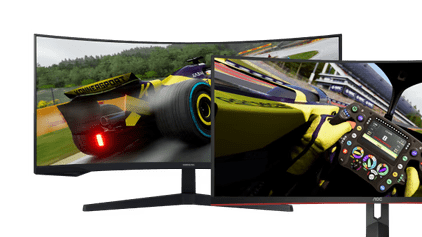
Curved gaming
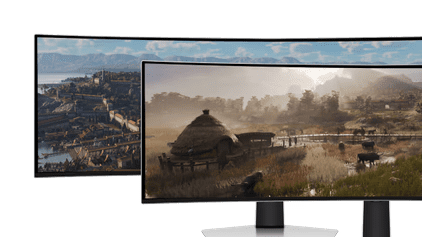
Ultrawide gaming
Our product recommendation
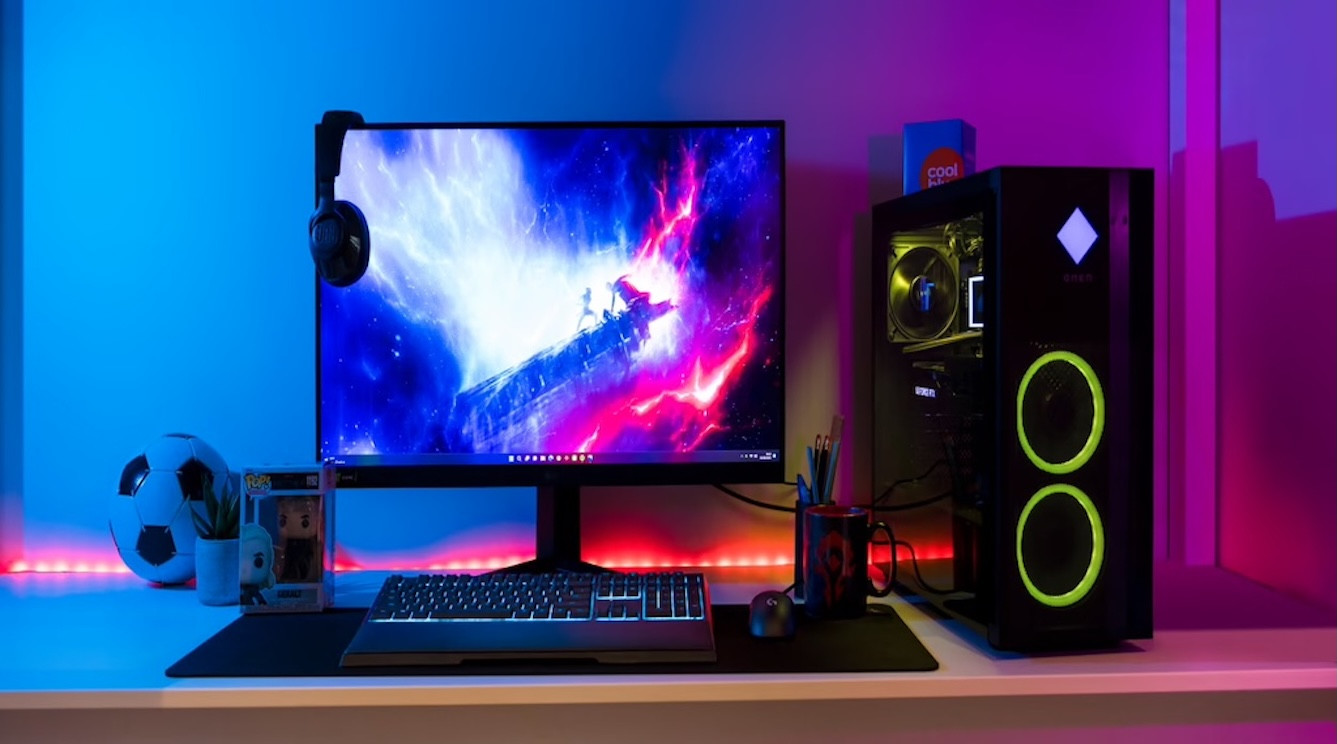
ASUS ROG Swift PG39WCDM OLED Curved
The 39-inch ASUS ROG Swift PG39WCDM OLED curved gaming monitor draws you right into your gaming worlds. The OLED panel with Quad HD resolution delivers vibrant colors and extremely high-contrast images even in dark areas. Fast-paced scenes remain very clear at all times thanks to a 240Hz refresh rate and a 0.03ms response time. This ensures that all your moves are smooth and without screen tearing. The wide ultrawide screen with its comfortable curve gives you a perfect overview at all times.

€ 888,-






View which gaming setup suits you best here
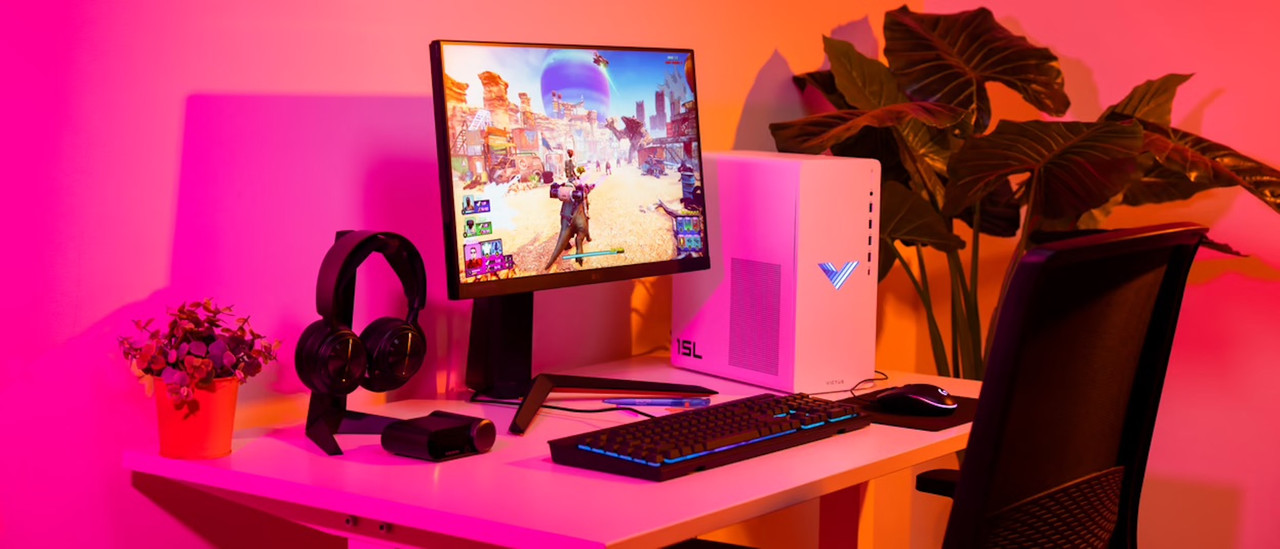
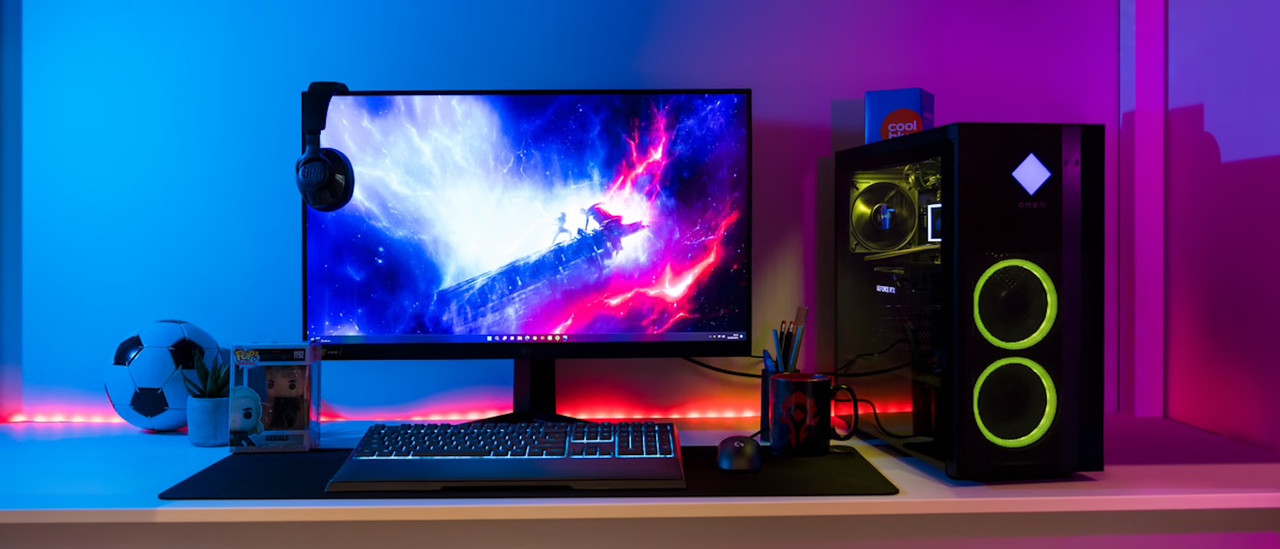
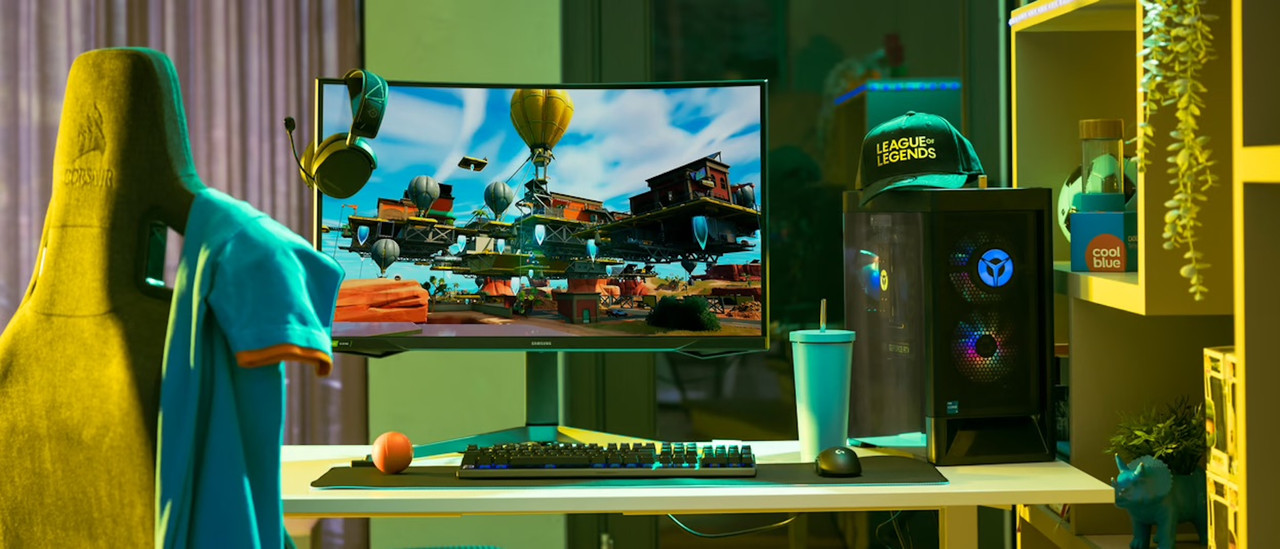
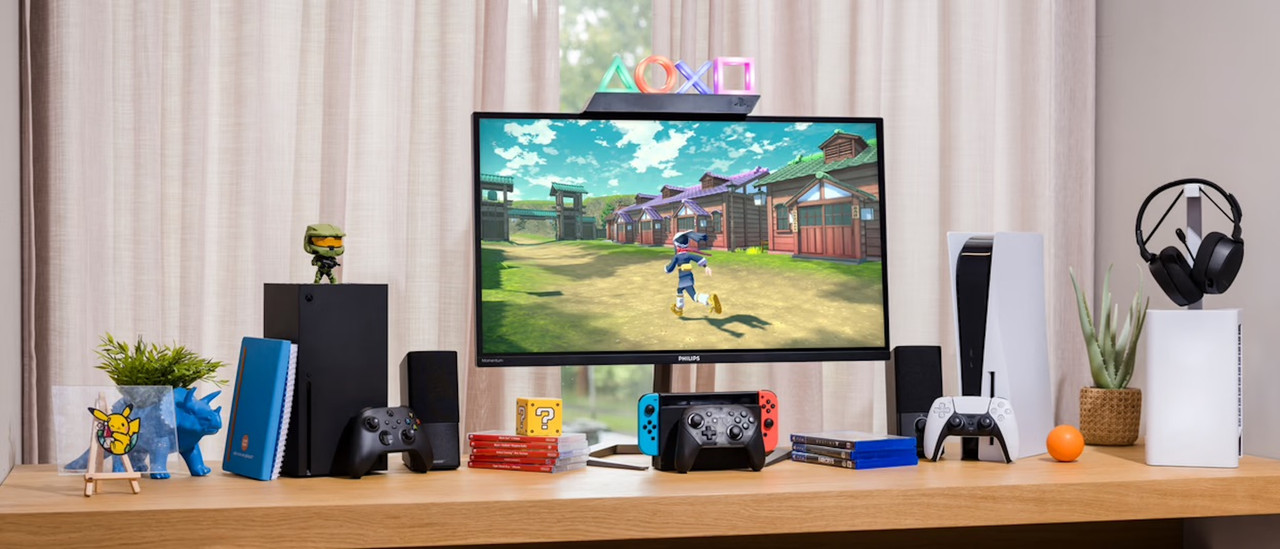
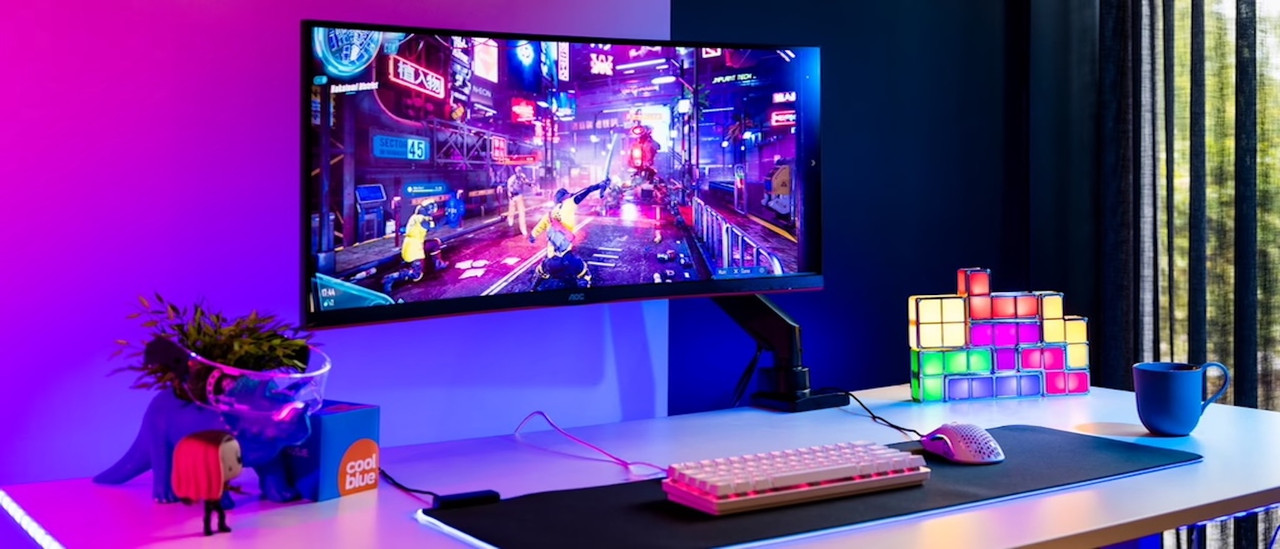
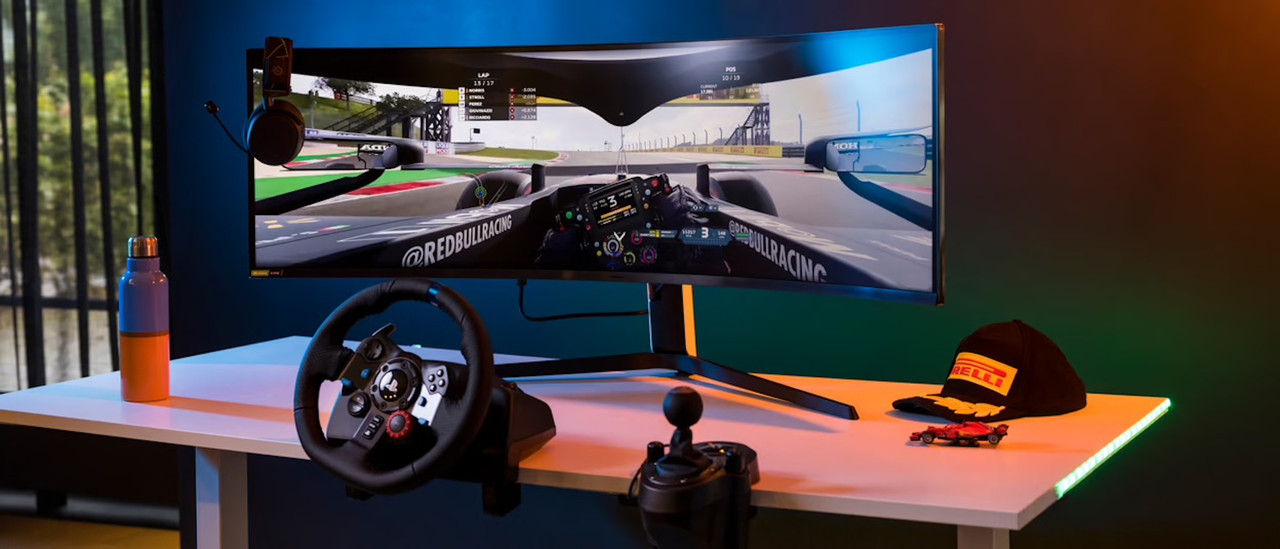
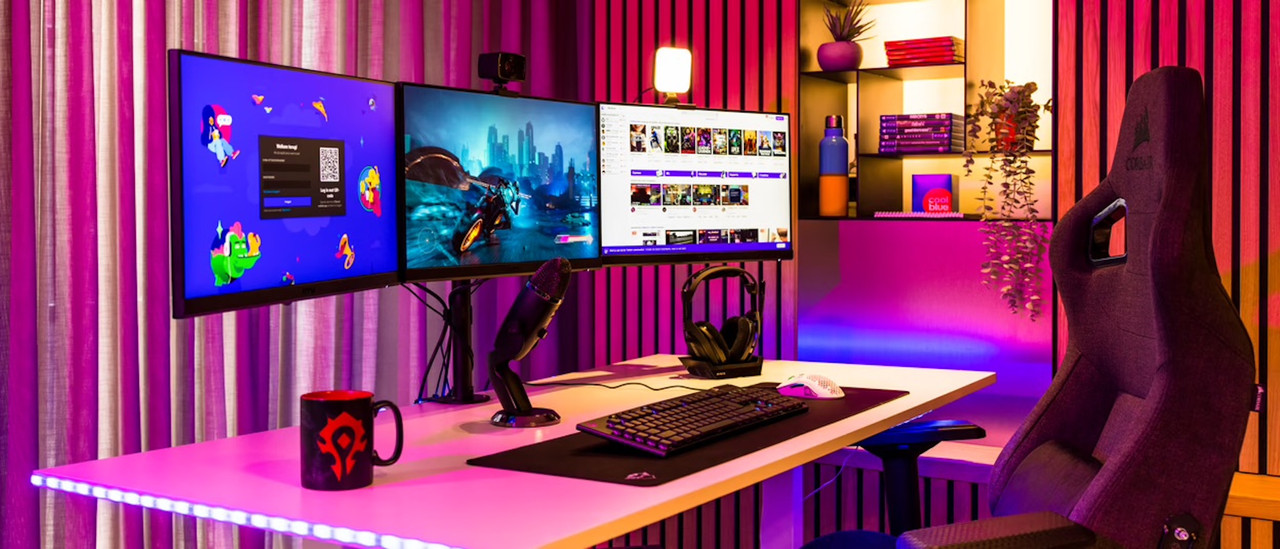
Complete your gaming PC setup
Monitor arms
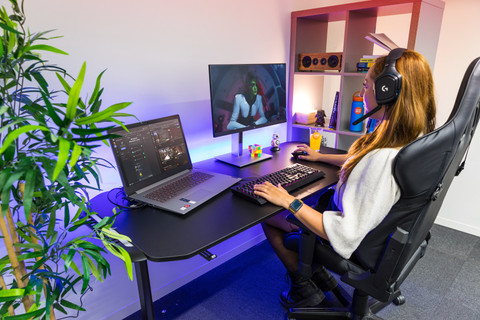
With a monitor arm, you can mount your monitor above the desk and save space for all your accessories.Gaming keyboards
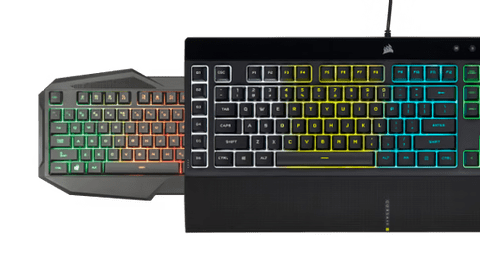
A gaming keyboard is designed specifically for gamers. It has the latest technologies, registers your keystrokes quickly, and has other great features.Gaming mice
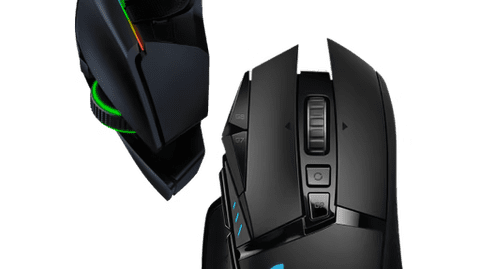
With a gaming mouse, you're extra accurate thanks to the optical sensors and adjustable sensitivity.Gaming headsets
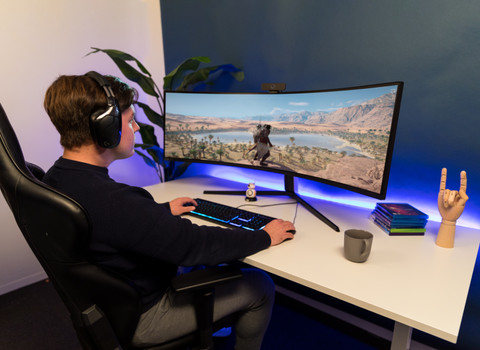
A gaming headset is essential for the best possible gaming experience. You can choose from a variety of gaming headsets, including both wired and wireless models.

Frequently asked questions
Which HDMI or DisplayPort cable do I need?
Every HDMI and DisplayPort cable works with a gaming monitor. The higher the version, the more powerful the cable. You need an HDMI 2.1 for 4K 120Hz console gaming. In the next advice article, we'll explain more about the right cable for your gaming monitor.
Is a DisplayPort connector better than HDMI for my gaming monitor?
When you want to start with PC gaming, choose DisplayPort. Thanks to the higher bandwidth, a higher resolution and a higher number of frames per second are possible. More of a console gamer? Choose the highest HDMI version possible.
What are the advantages of a curved gaming monitor?
Thanks to the curve of the screen, the screen curls around your field of view. This panoramic effect lets you experience more depth and makes it look like you're right in the middle of the games. Tip: play games in first-person mode for the best effect.
How do you set the refresh rate of your gaming monitor?
You can manually set the refresh rate via the settings on your screen or the settings menu. Here, you can select your desired refresh rate. We'll help you on your way with the step-by-step plan in the following advice article.
How does a gaming monitor work with a console?
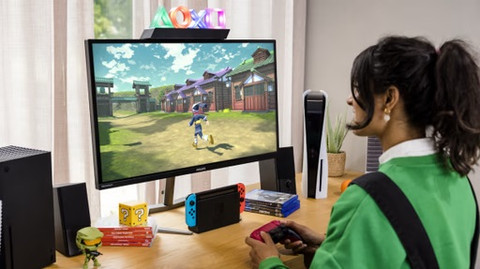
Your PlayStation 5, Xbox Series X|S, or Nintendo Switch work exactly the same as with a television, but profit from a higher refresh rate. Via HDMI 2.1, you can even reach 120Hz in 4K. A television usually only reaches 60Hz.