Business monitors
Find the business monitor that suits you
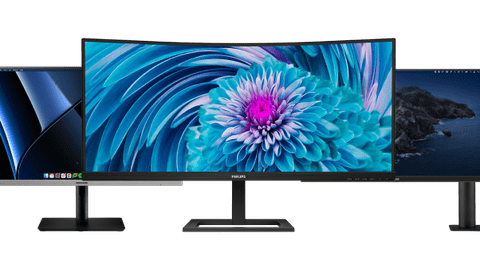
All business monitors

All business monitors deals
Business monitors per usage situation
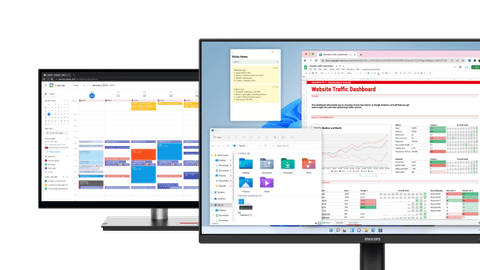
Business monitors for administrative tasks
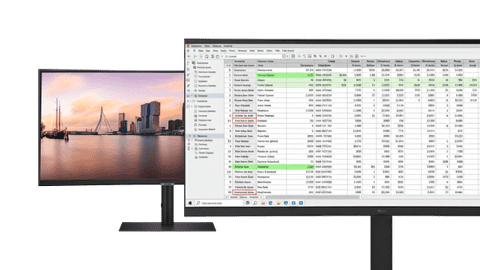
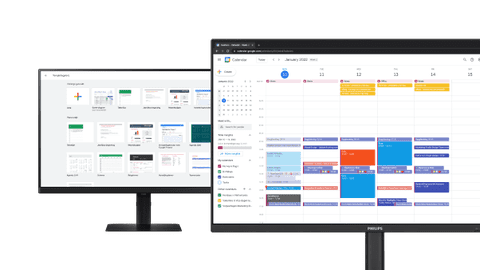
With business monitors for administrative tasks, you can smoothly work in Excel or Google Sheets.Business monitors for data and finance tasks
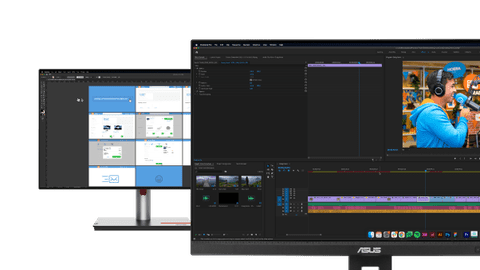
Perform data analyses and work in large spreadsheets with a business monitor for data and finance tasks.Business monitors for photo and video editing
You can edit your photos and videos down to the smallest detail with a business monitor for photo and video editing.
Choose the business monitor for you
Business monitors for a flexible workspace
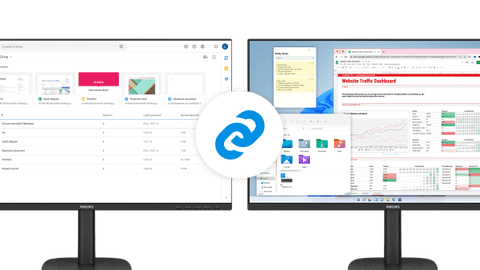
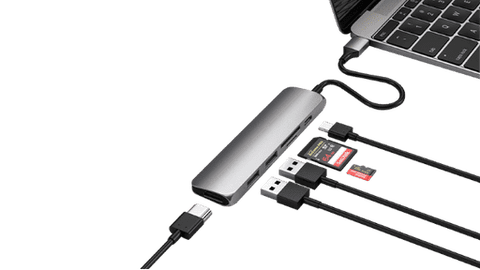
Easily connect your laptop to your business monitor thanks to the built-in USB-C dock.Business monitors for a dual setup
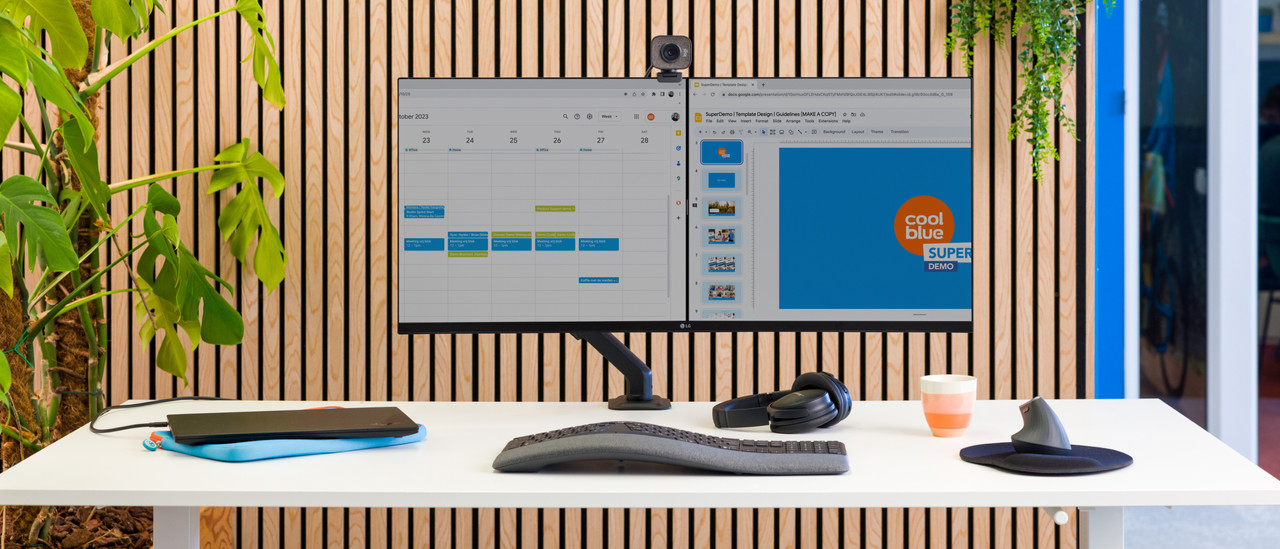
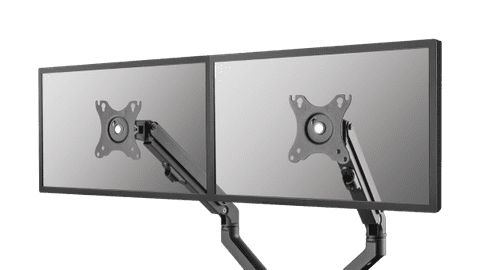
Increase your screen space and keep an overview of your work with a business monitor for a dual setup.public display
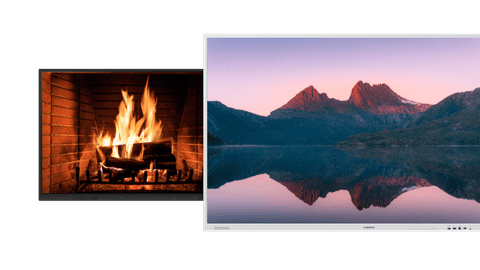
With a public display, you can show presentations, commercials, and other media on a large screen. This helps convey your message.Portable monitors
You can easily take a portable monitor on the go to a customer or your office thanks to its convenient size. That way, you can continue working on the go.

Complete your workspace
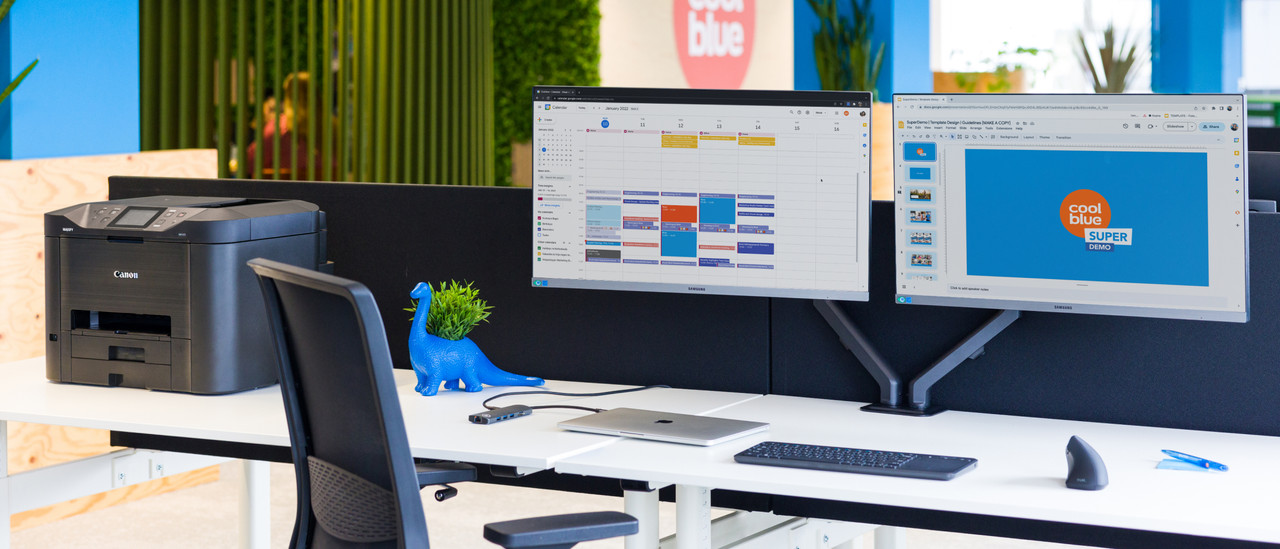
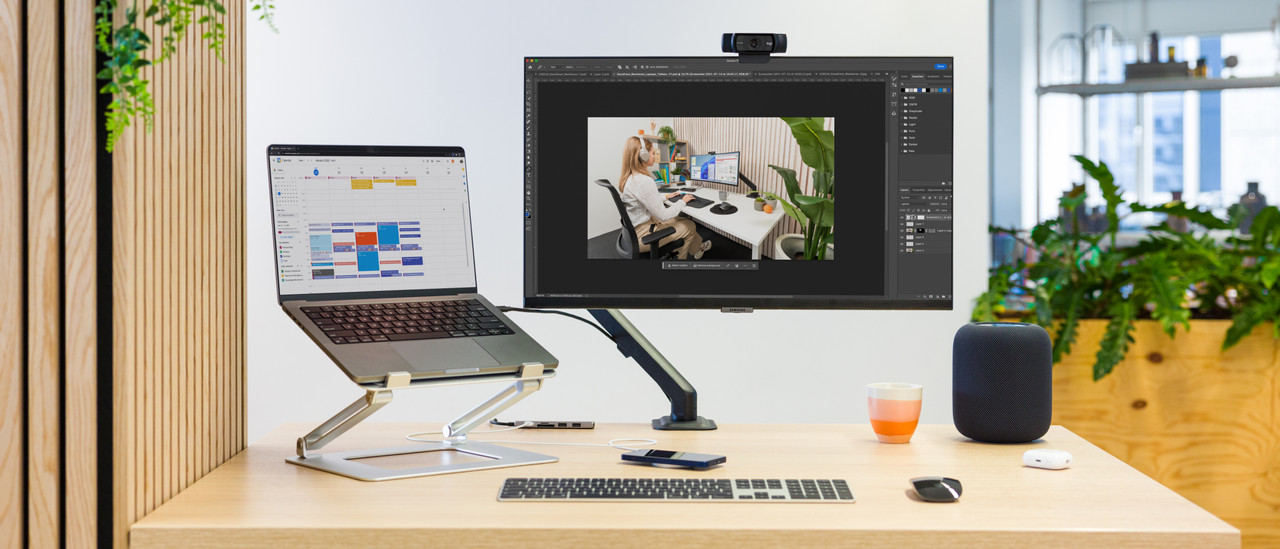

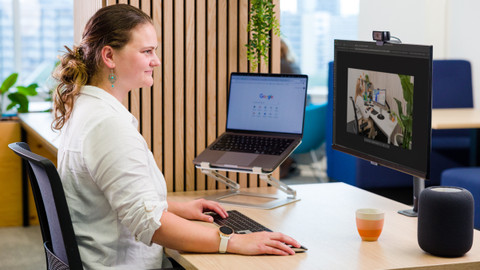

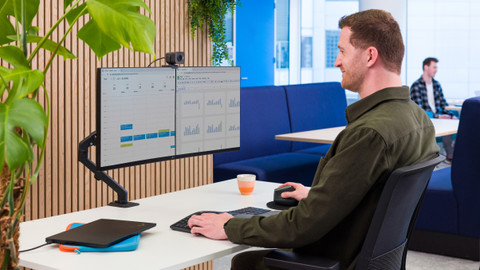


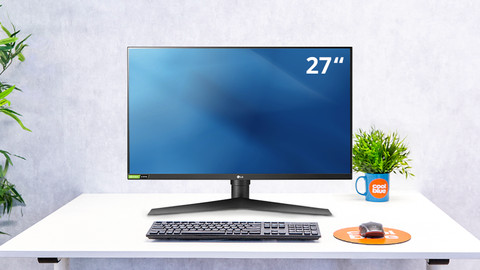
Accessories for your workplace

Frequently asked questions
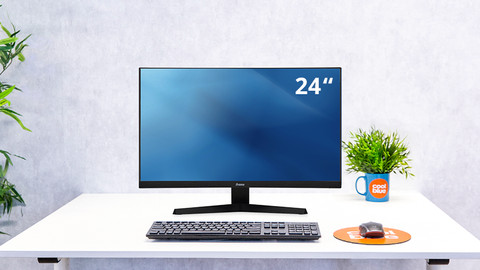
How do you choose the right business monitor?
The choice for a monitor depends on your usage situation. Business photo and video editing need different specifications than text processing or programming. In the following article, we help you to make the right choice.
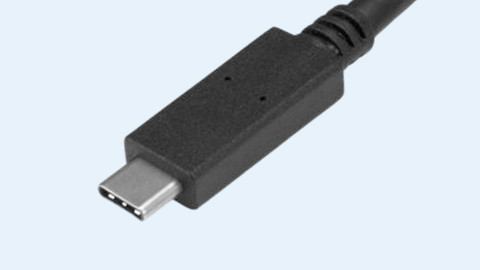
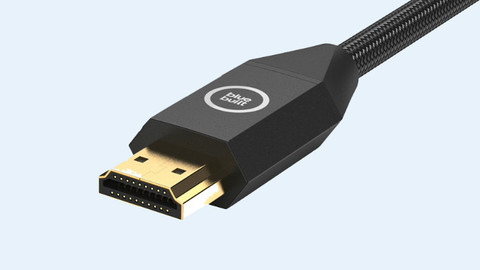
What's the right connector for my monitor?
Choose a connector that you can find on your laptop and monitor, such as HDMI or USB-C. The image of your laptop usually appears on the monitor right away. In the following article, we explain this process step by step.
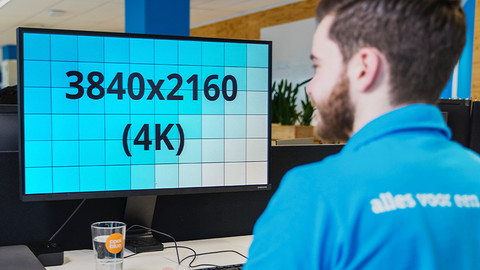
Which resolution do I need for my monitor?
The resolution of your monitor determines more than just how sharp the screen is. The higher the resolution, the more pixels there are on the screen and how more space you can use. In the following article, we explain how the resolution can affect your choice.
What are the advantages of a dual screen setup?
With 2 screens side by side, you double the screen space you can work with. This allows you to open multiple windows and programs next to each other, without switching tabs. In this article, we explain more advantages.
How do I set up my home office?
The setup of your workplace is very important for how efficiently you can work. Is your monitor on eye level? Do you have enough space for your accessories? We're happy to help you get started.
Advice on Business monitors
Can't choose? View the advice from our expert.
