Windows laptops





Our highlight

Modern technology in a lightweight casing
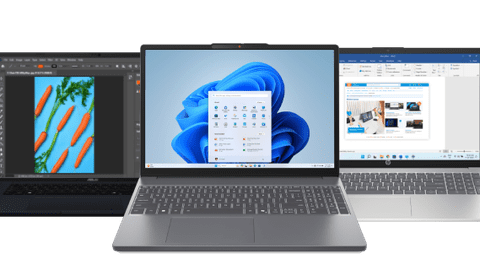
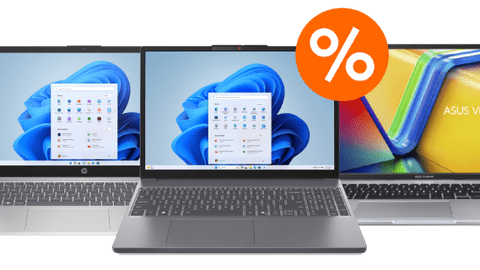
With the ASUS Vivobook 16 X1605VA-MB2111W, you can work quickly and smoothly. Thanks to the Intel Core 5 processor, you can easily edit text and photos. With 16GB of RAM, you can easily switch between tabs and programs.

Discover the most popular laptops


The different laptop sizes
Small laptops (13-14 inches)
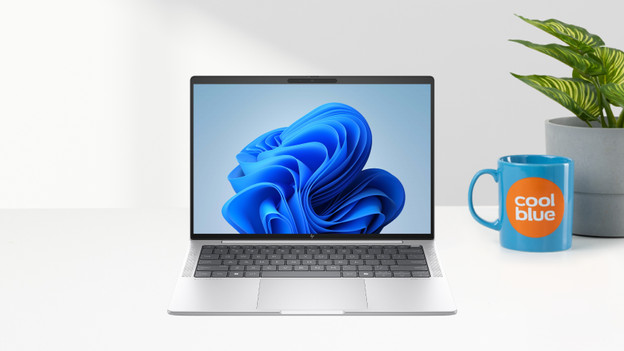
A small laptop has a screen up to 14 inches. Thanks to its compact screen and light weight, it’s great for on the go. It fits easily into your bag. You can use it on the train, at school, or at university. We have 13 and 14-inch laptops. The larger the screen, the more detail you can see on it.
- Thanks to its light weight, it won’t weigh down your backpack or laptop bag.
- It’s suitable for all light daily tasks.
- It’s less suitable for detailed work and demanding tasks like extended graphic design.
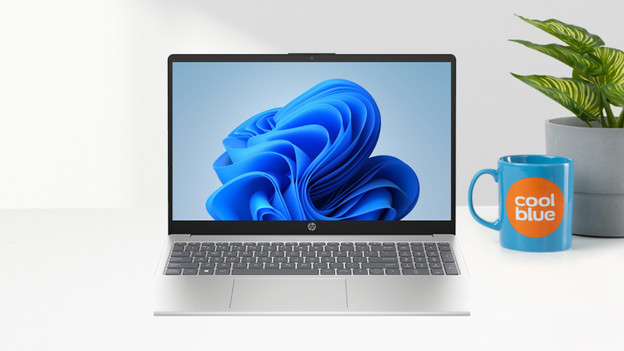
Medium-sized laptops (15-16 inches)
Laptops with 15 or 16-inch screens are suitable for desk work thanks to their size. Details are easier to see when editing graphics or gaming. These devices aren’t too large to carry in a bag. That’s why medium-sized laptops are suitable for any usage situation. Most 16-inch laptops have a 16-inch screen in a 15-inch casing. This gives you more screen space without making the laptop larger or heavier.
- There’s a suitable model for every usage situation.
- The screen is large enough for detailed work.
- It’s heavier than smaller laptops when you carry it in a backpack or bag.
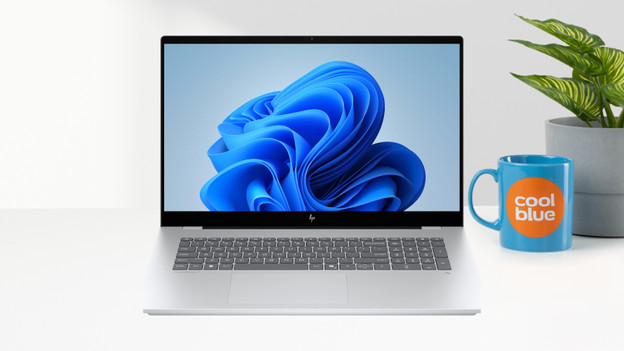
Large laptops (17-18 inches)
A large 17 or 18-inch laptop is great for anyone who mainly uses their laptop in a fixed location, such as at a desk. Due to their large screens and heavy weight, they're less suitable for carrying in a backpack or laptop bag. The large screen lets you see many details, so you see errors more quickly. That's why 17 and 18-inch laptops are great for gaming and demanding photo and video editing.
- Details are easier and faster to spot during graphic editing.
- The large screen is great for gaming.
- It's large and heavy, which makes it less suitable for on the go.
Laptops for all usage situations
Laptops for everyday use
On a laptop for everyday use, you can browse the internet, watch TV shows, send emails, and write documents. You can also use programs like Microsoft Word, Google Chrome, and Pages.Laptops for school and studies
With a laptop for your studies, you can write papers, create presentations, and work on all your assignments. Thanks to its compact size, you can easily take it with you to lectures.Laptops for graphic design
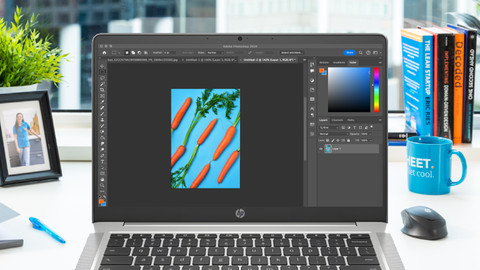
You can edit graphic designs and create illustrations. You can edit photos and videos in Adobe Photoshop or Premiere Pro. For your designs, you can use programs like AutoCAD or Blender.Lapotps for demanding video and 3D editing
You can edit high-resolution videos with software such as DaVinci Resolve. For realistic 3D models, you can use software like Clo3D or Cinema 4D.



Frequently asked questions
What's the difference between Windows Home and Windows Pro?
Windows Home is suitable for personal use, studying, and gaming. Windows Pro is suitable for business use.
What's Windows 11?
Windows 11 is Microsoft's latest operating system. It provides several new features for appearance and functionality. You can do the same things with it as with Windows 10.
Which Office software suite do I need?
Microsoft Office is the most popular software suite. It's available as a one-time purchase or as an Office 365 annual subscription.
How do I choose the gaming laptop that's suitable for me?
The answer to this question depends, among other things, on what games you want to play on it and how smooth you want the gaming experience to be.
Which processor do I need?
The processor determines how powerful the laptop is. When you choose a processor, you should mainly consider how you plan to use it. That'll help you determine which processor is right for you.
What connectors do I need?
Laptops have various connectors that all have a different use. Some of the most popular connectors are: HDMI, USB, Ethernet, and DisplayPort.