Monitor arms
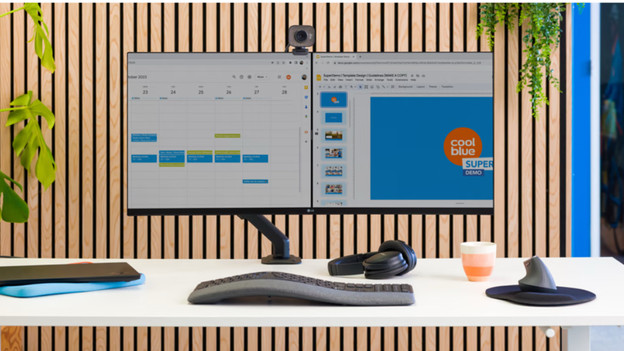
With a monitor arm, you can flexibly attach multiple screens to your desk. This allows you to easily swivel, tilt, and adjust the monitors for ergonomic working. Many models are suitable for a dual or triple setup. Mounting them on the back of your desk or on the wall saves valuable space. Alternatively, you can choose a model with a stand and wheels. Pay special attention to the weight capacity to avoid damaging your devices.
All monitor arms
Types of monitor arms
Monitor arm for 1 monitor
Great for a single monitor and when you need more desk space.
Less suitable if you're keeping an eye on 2 or more screens.
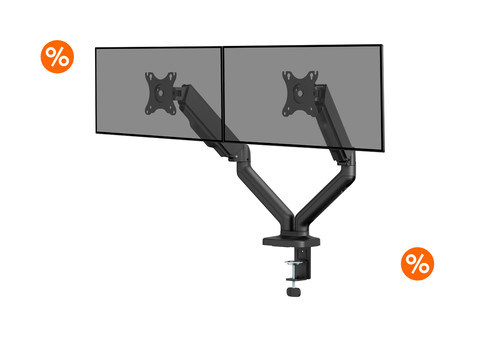
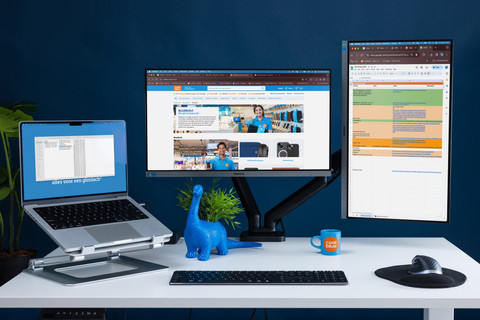
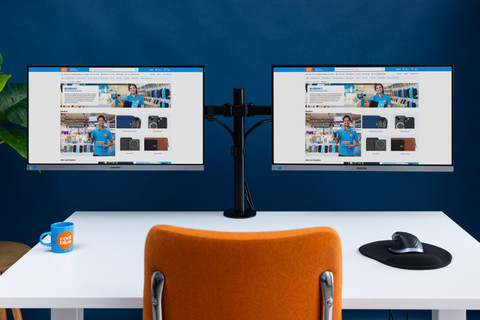
Monitor arm for 2 monitors
This is useful if you work with 2 monitors when working from home, for example.
Less suitable if you don't have enough space for 2 monitors side by side.
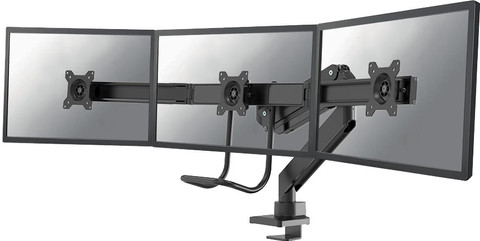
Monitor arm for 3 monitors
The right choice if you work with 3 monitors, such as when gaming.
It requires a lot more space and a larger desk.
Rolling floor stands
A great solution if you want to set up your monitor without mounting it.
Takes up more space on your desk than a traditional monitor arm.
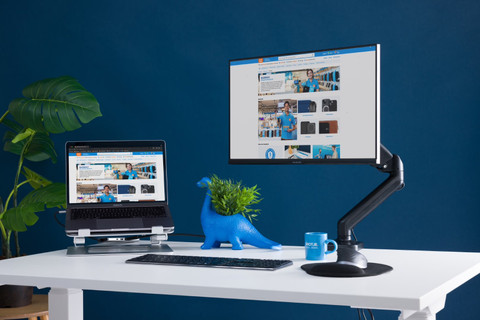

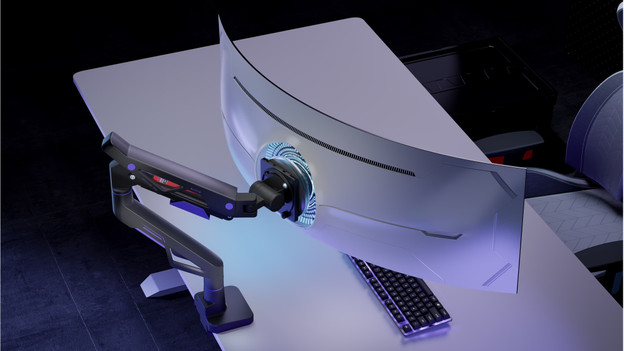
Monitor arms with gas springs
Easily adjust your monitors to the desired position for an ergonomic working posture. Thanks to the gas spring mechanism, you can adjust the height or angle of your monitors with minimal effort.
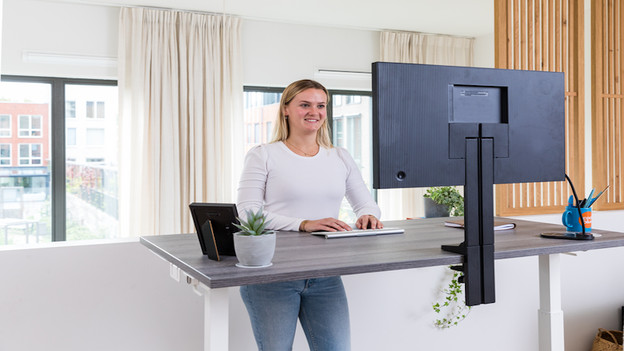
How do I choose a monitor arm?
A monitor arm ensures a comfortable sitting position and frees up plenty of space on your desk. The number of monitors, the type of monitor, and the VESA size are important. We’ll explain how to choose a monitor mount that’s the perfect fit for your monitors.
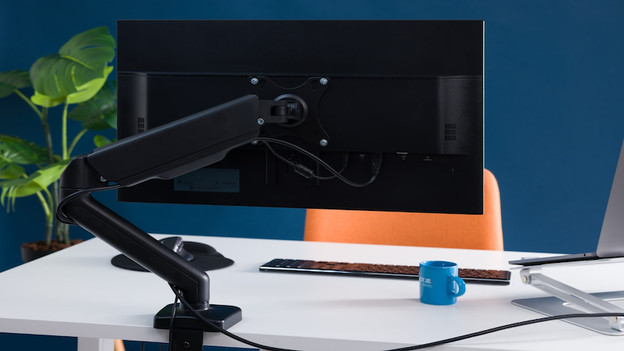
How do I mount a monitor on a monitor arm?
A monitor arm ensures a comfortable sitting position and frees up plenty of space on your desk. The number of monitors, the type of monitor, and the VESA size are important. We’ll explain how to choose a monitor mount that’s the perfect fit for your monitors.
Frequently asked questions
Will any monitor arm fit my monitor?
No, not every monitor arm is compatible with every monitor. The most important factors to consider are the VESA size, the weight of your monitor, and the number of screens you want to mount. Be sure to check these details carefully before making a purchase.
How do I know if my monitor is VESA compatible?
To find out if your monitor is VESA compatible, you can check the screw holes on the back of the screen. Common VESA sizes include 75x75mm and 100x100mm. If the VESA sizes of the monitor and the arm do not match, the arm won't fit.
Why isn't my monitor arm holding my screen properly?
This is often because the monitor is too heavy, too light, or not compatible with the arm. Especially with models that use a gas spring, it’s important that your monitor’s weight falls within the supported range. Only then can the screen be positioned securely.
Does a monitor arm fit on every desk?
No, not every monitor arm fits on every desk. For desk clamp arms, the thickness, shape, and material of the desk are important. If you have a delicate, very thick, or unsuitable desk, a monitor base is often the better choice.
Why can't I rotate or tilt my monitor as much as I expected?
The range of motion depends on the arm model and the size of your monitor. Large or wide screens need more space and can sometimes limit the range of motion. A wall or shelf behind the desk can also restrict adjustment.
What should I consider before buying a monitor arm?
Be sure to check the VESA size, the weight of your monitor, the number of screens, and the type of arm. Also think about if you prefer to mount the stand on your desk, on the wall, or as a freestanding unit. This will make it easier to choose a model that truly fits your workspace.