Mice
All mice
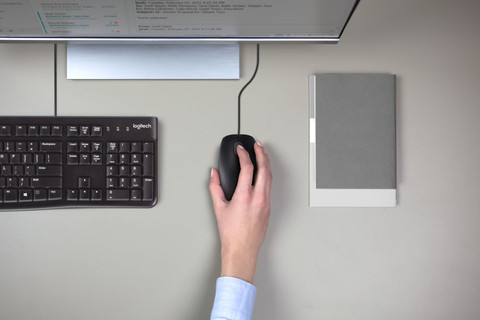
Wired mouses
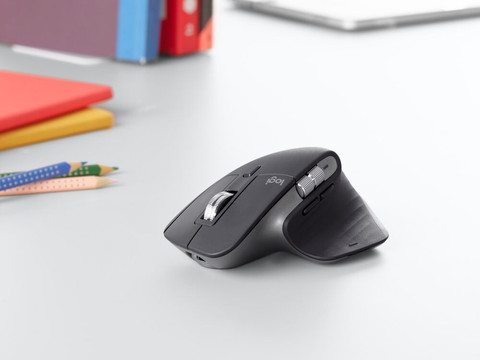
Wireless mice
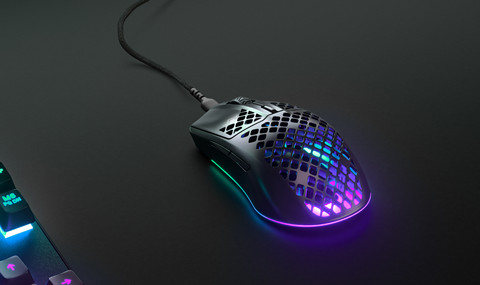
Gaming mice
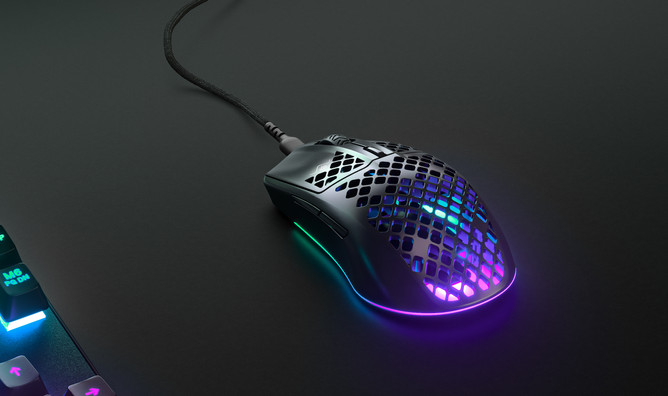
Which BlueBuilt mouse suits you?
- BlueBuilt Nexum
Wireless USB
Silent buttons
No Bluetooth
No ergonomic design
Don't scroll fast
From
€ 23,99
- BlueBuilt Tradendum
Wireless
Silent buttons
Bluetooth
No ergonomic design
Don't scroll fast
From
€ 25,99
- BlueBuilt Imperium
Wireless USB
Silent buttons
Bluetooth
Ergonomic design
Don't scroll fast
From
€ 38,99
- BlueBuilt Maximus
Wireless USB
Silent buttons
Bluetooth
Ergonomic design
Scroll quickly and horizontally
From
€ 41,99








Mouse of the month
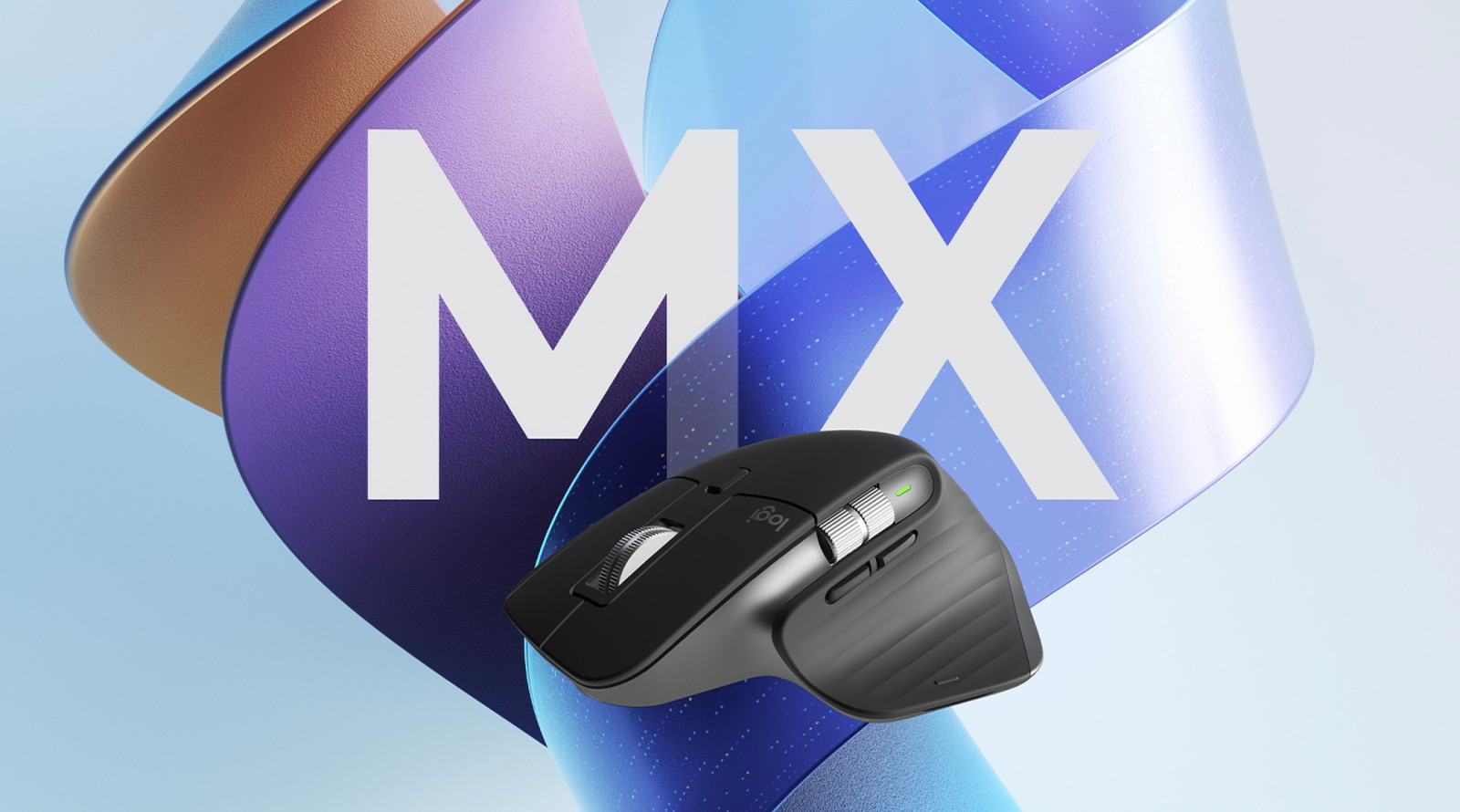
Logitech MX Master 3S Graphite
This Logitech mouse lets you work extra productively and silently. This way, you can fly through spreadsheets with the MagSpeed scroll wheel. It’s also possible to easily set shortcuts for each button. You can even set different shortcuts for different apps and programs. You can use this MX Master 3S on 3 devices at the same time.
View all Logitech mice
€ 94,90
Delivered tomorrow
Advice on your mouse

What's the best mouse for you?
From an ergonomic masterpiece to a monster gaming mouse, there's a different type of mouse for each usage situation. In this article, we'll explain when exactly to choose wired or just go for wireless. After reading this article, you'll know exactly which mouse suits you best.

Everything on BlueBuilt mice
BlueBuilt is Coolblue's own brand. These accessories are developed based on product data, customer feedback, and our own product knowledge. So they only have features that make you happy. A BlueBuilt mouse works well with your laptop or desktop. The included manual helps you set up your new product step by step. Because we have a lot of confidence in our products, we give you an extra long 5-year warranty on manufacturing errors.

What's mouse DPI?
DPI means dots per inch and affects how fast the cursor of your mouse moves across the screen. This is useful for gamers who need to move quickly while playing a shooter game, for example. Our mouse expert is happy to explain what DPI is exactly and how it works.
Frequently asked questions
What's the best ergonomic mouse for working from home?
With an ergonomic mouse, you can keep your arm and wrist in a natural position while working. This ensures better comfort and prevents RSI complaints in the future. Choose an ergonomic mouse with the Coolblue's Choice logo. That way, you're sure you choose the best ergonomic mouse.
How do you I adjust the DPI of my mouse?
DPI means dots per inch and affects how fast the cursor of your mouse moves across the screen. Most mice have a special button for this. You can find it under the scroll wheel. In addition, you can use the manufacturer software to program these buttons according to your liking.
Does an ergonomic mouse prevent RSI complaints?
Yes, an ergonomic mouse prevents RSI complaints. Thanks to the special design, you can keep your arm and wrist in a natural position. This prevents overload. Some ergonomic mice have a trackball, which reduces the chance of wrist complaints even more. Or try a vertical mouse for an even better posture.
How do I adjust the colors of my mouse?
To adjust the RGB lighting of your gaming mouse, you can use the software by the manufacturer.
How do I clean my mouse?
First, unplug the cord of the mouse from the computer or turn off the mouse if it's wireless. Use a toothpick to remove the dirt from the crevices of your mouse. Slowly rub a lightly-damp microfiber cloth over your mouse. Don't forget to dry it with a dry cloth right away. And when you clean the mouse, don't forget the mouse skates and scroll wheel.
How do I choose the right size mouse?
To know which size mouse you should choose, you need to measure your hand first. Do this both for the length and width. The closer the length and width of a mouse is to 60% of the length and width of your hand, the more likely it is that the mouse is comfortable to use for you.