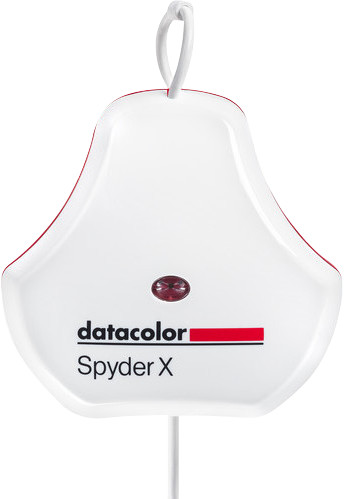
The SpiderX is a handy tool (and software) to "calibrate" your display. On the basis of a few settings (the default proposed or imposed by yourself), the SpiderX software helps to set up your monitor, and then starts some tests to create the most ideal icc profile. And so far I was quite impressed with the first result.
However, the main reason I chose the Elite version over the Pro is the studio match option, an extra feature that ensures that all your displays show exactly the same colors. However this is a pure rip off. When you start the studio match, you can choose which monitors you want to match, the software will then guide you through the process where you place the SpiderX on the different screens, but then instead of putting the colors the same, you just get a heap of sliders and serve the visually match the colors through the sliders. I could have done that without that software and saved 100€. (The Pro and The Elite are a 100€ difference in price, which is not nothing for a dummy function).
The software itself is well documented, although I expected a bit more from the controls. The multimonitor was also a bit of a mess, but by first connecting both monitors separately, everything went smoothly afterwards. It's not clear to me what exactly went wrong on the first attempt, but it may have been me.
The design is what it is, only I find the way the USB cable has to be "pulled" to size is a bit disturbing. Pulling on a wire, especially a data cable is a very big NO-NO in my work world.
My advice is, if you're looking for a calibrator (or a regular tester), just go for the Pro, because the extra cost of the Elite is definitely not worth it, at least in terms of monitor match.