

According to our monitor expert
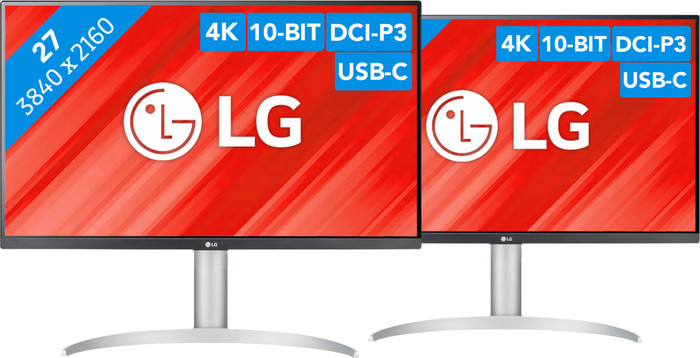
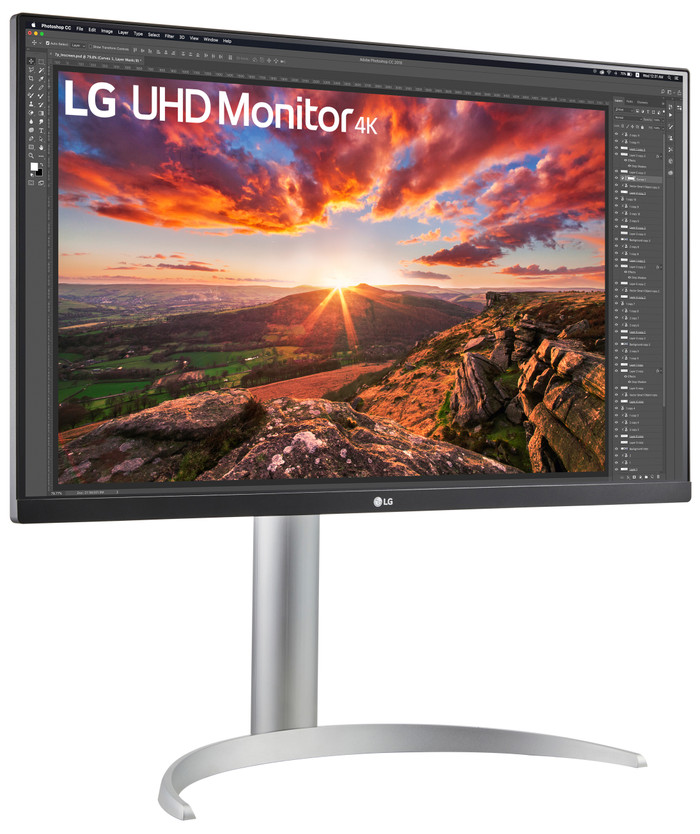
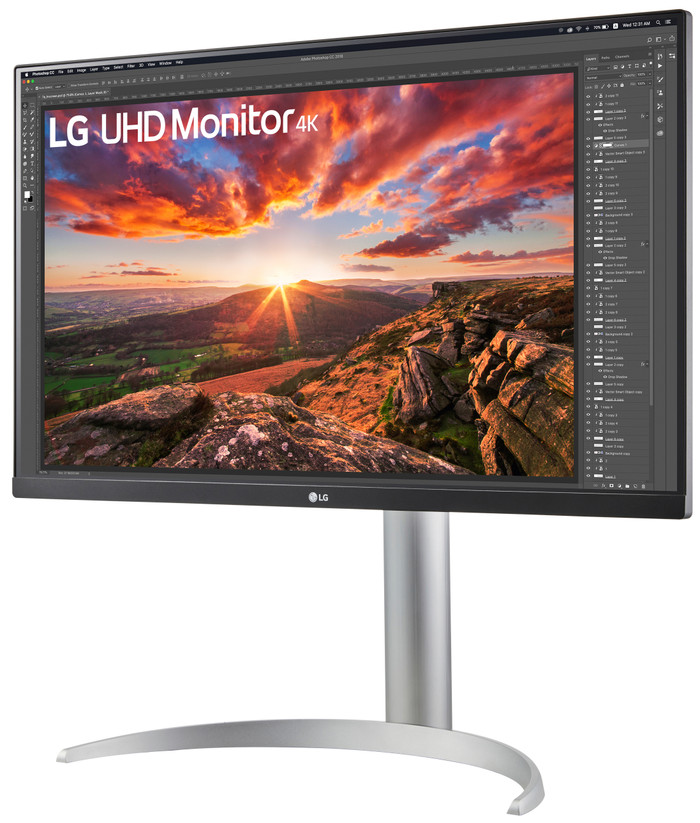
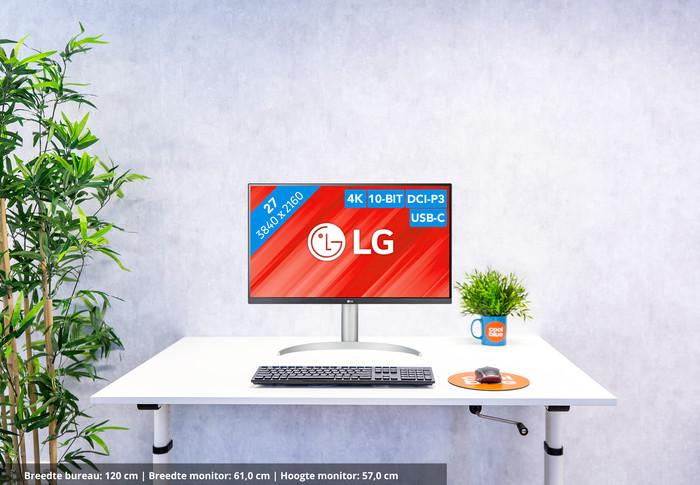
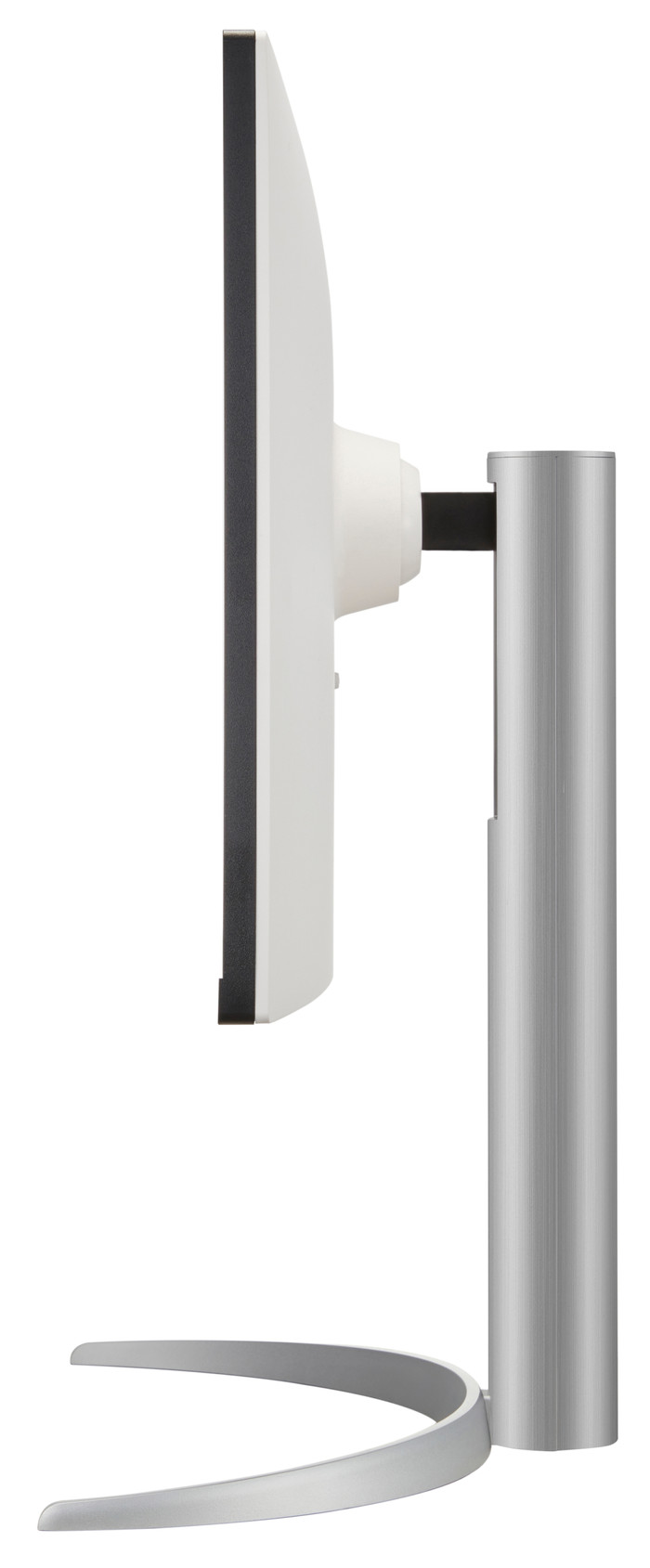
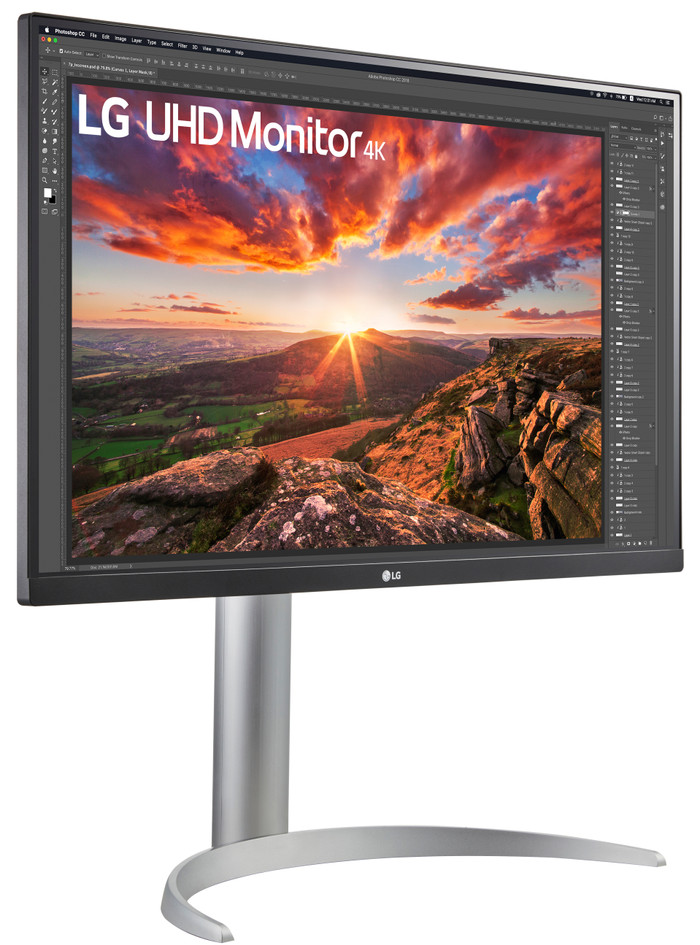
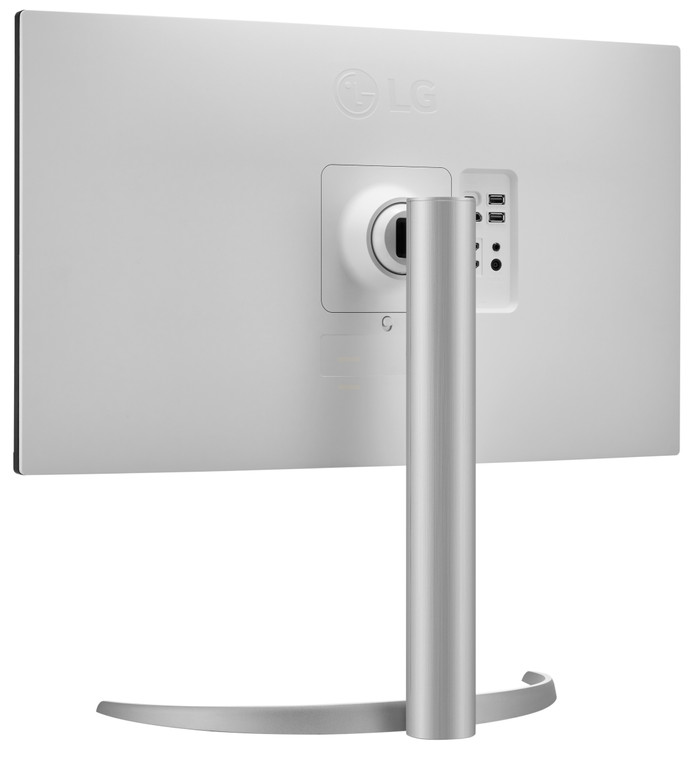
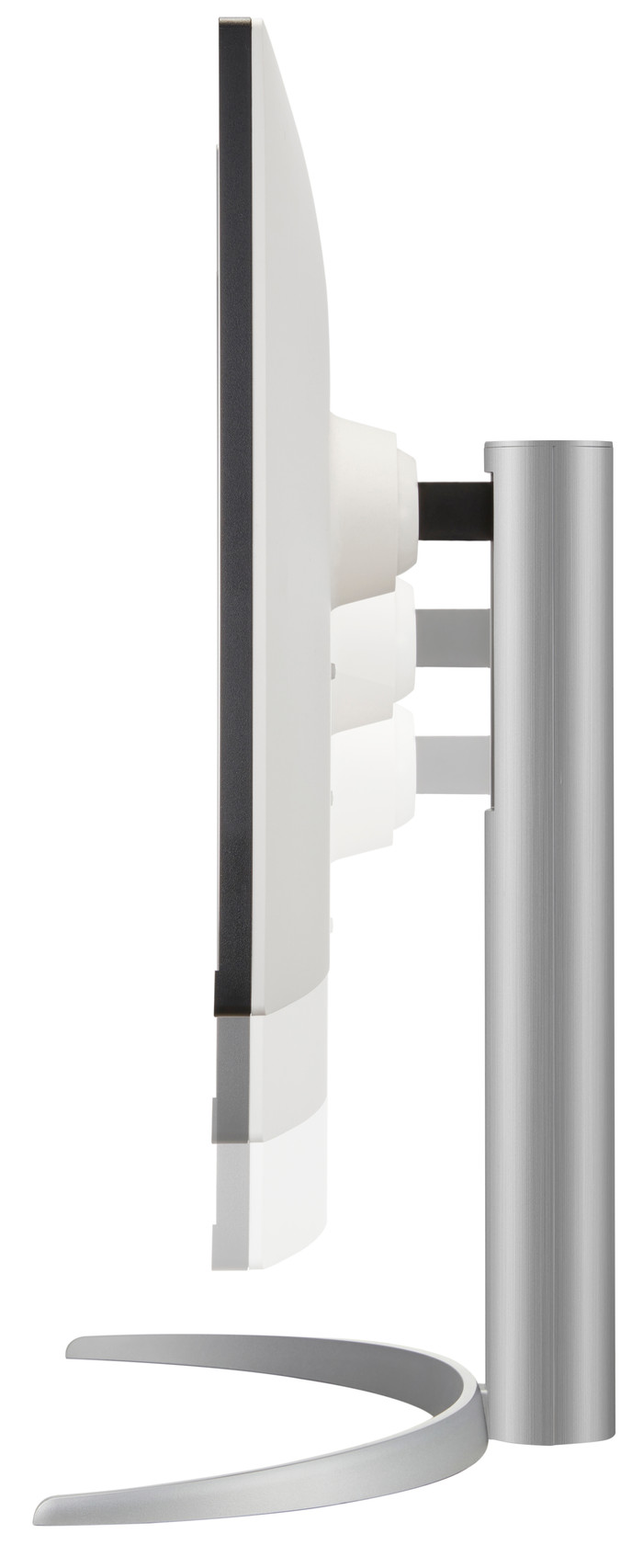
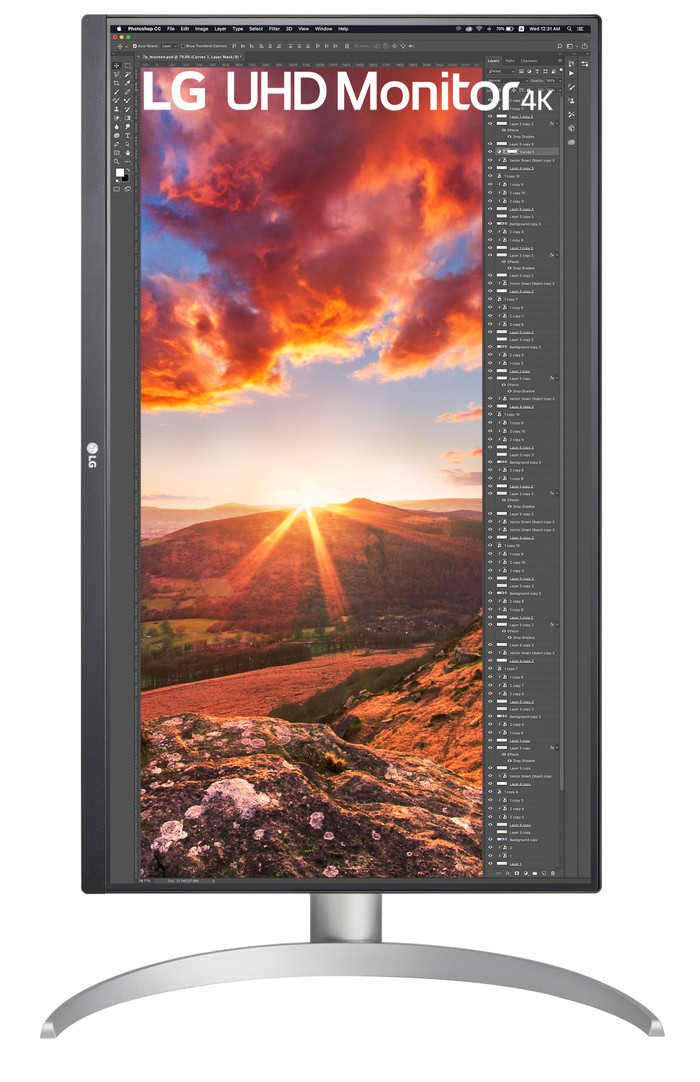
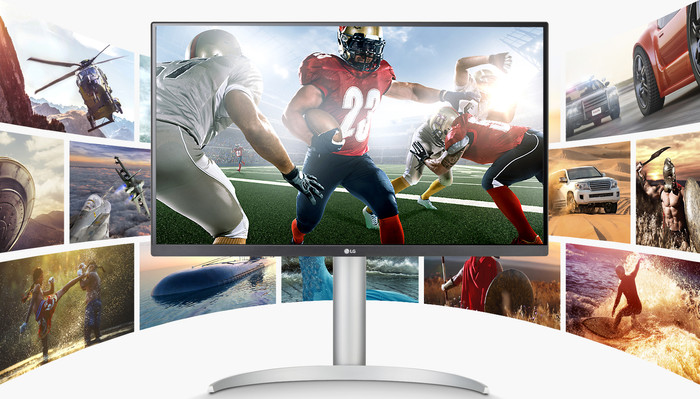
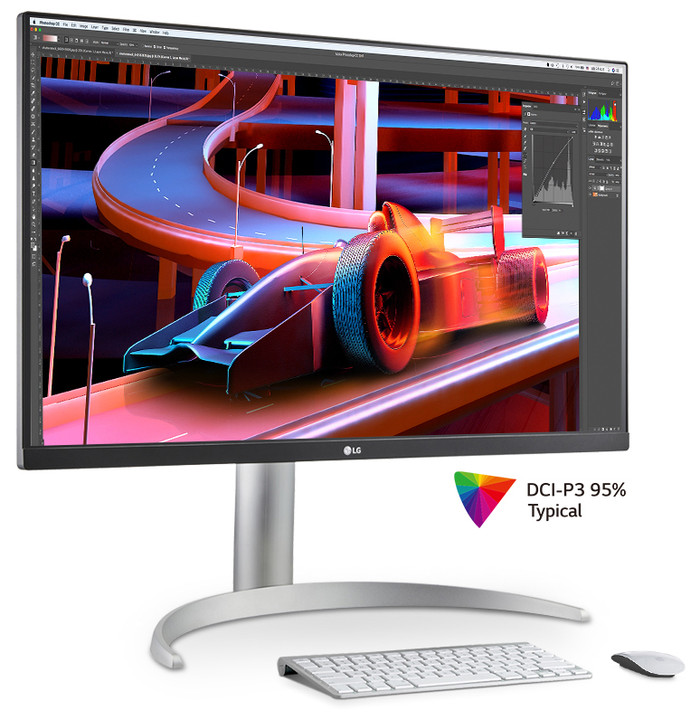
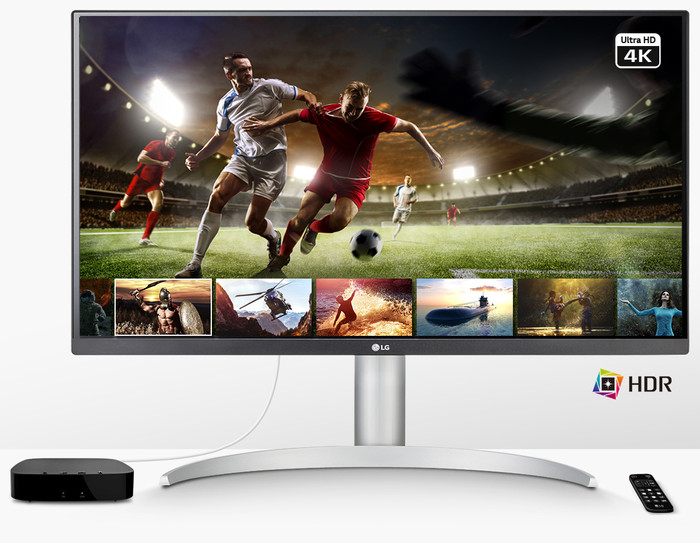
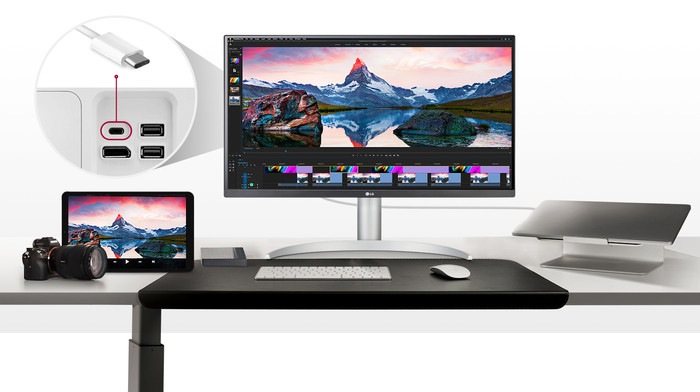
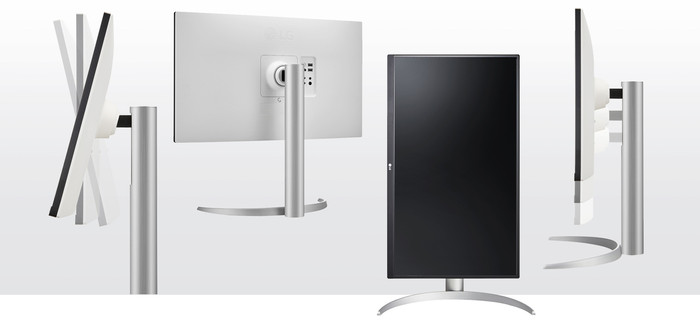
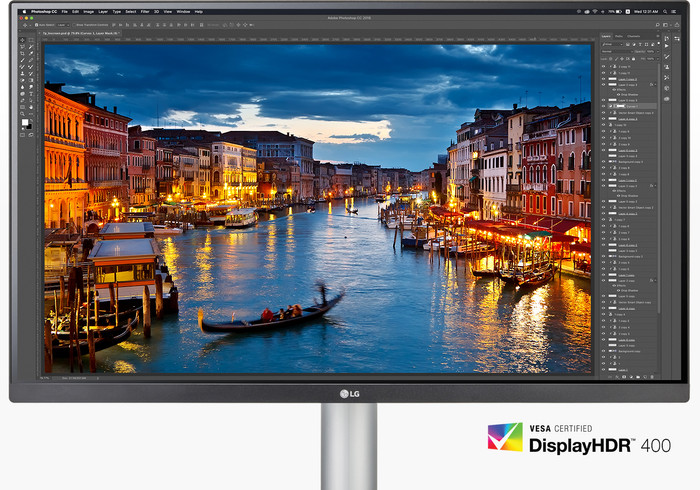
With the LG 27UP850N-W dual setup, you increase your screen space with 2 screens next to each other. This product includes 2 LG 27UP850N-W screens you can place next to each other on your desk. As a result, you get 2 Full HD 27-inch screens. This doubles your screen space. It also allows you to open more windows at the same time, get a better overview, and work with as much screen space as with a super ultrawide monitor. With the 4K resolution, you experience images almost 2 times sharper than QHD and almost 4 times sharper than Full HD. The HDR10 and DisplayHDR 400 support ensures realistic and lifelike images. This way, navy blue stays navy blue, which is useful when you edit photos. You can create an ergonomic posture by adjusting the monitor as you like. Tilt the screen or adjust the height of the monitor to work as comfortably as possible. With the USB-C port on the monitor, you can connect and charge a laptop or other external device via the monitor. The maximum power of this USB-C port is 90W. This way, you can organize your workplace with only 1 cable, and you'll always have a full battery when you leave your house.
5 stars
9
4 stars
5
3 stars
0
2 stars
0
1 star
0
Installation ease
Image quality
Price-quality ratio
Design
I needed a cheap monitor for my CCTV system. The intention was for it to hang on the wall between 2 bigger brothers: a Samsung ARK55 and another 49" ultrawide Samsung with a higher price tag. The image of the cheap monitor is really very good. It holds up very well among the more expensive devices .
I read that some people complain about an awkward button at the bottom to adjust volume, etc., but I don't experience any problems with that myself. The button works fine and I personally don't find it inconvenient.
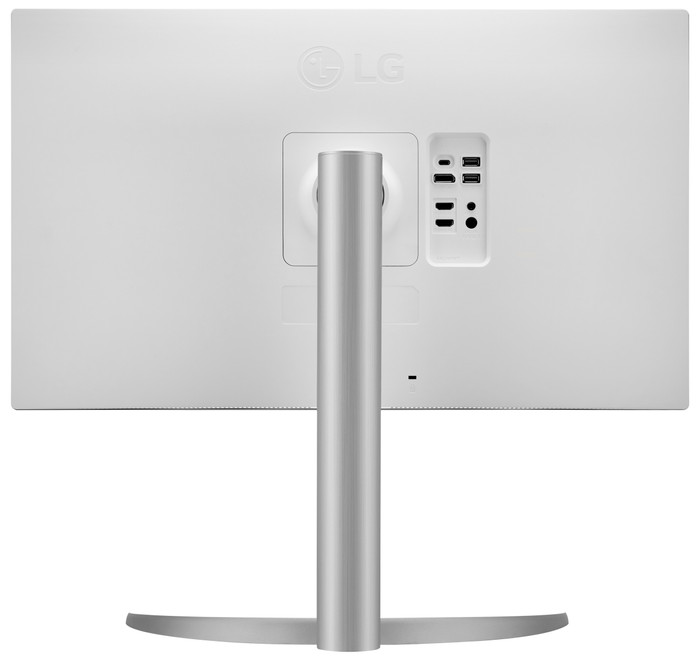
The only thing you have to pay attention to - and only if you want to hang it via a VESA bracket - is that you do not use a universal bracket of 200x200, but one that is only 100 by 100. Otherwise, the plate that goes on the monitor at the back will cover the connections and you will no longer be able to get the power and HDMI cables in. Because I couldn't find a pure 100x100, I took the cheapest one on coolblue and sawed out a piece myself. That was ready in 20 minutes. However, 99% of you will want to use it normally with the supplied stand and for that price you really have a super monitor.
It is a VA panel which on paper should be slightly less than IPS. But if you don't play games on it, you won't notice any difference at all. Top monitor from LG!
Lorenzo
18 July 2024
Automatically translated from Dutch
I was looking for a cheap monitor for my CCTV system. Not too small, not too big. This LG seemed like something to me. It is a VA panel which on paper should be less good than an IPS, but I don't notice that. It is placed between a Samsung ARK 55" and an LG 49" ultrawide, both also with 4K screens. This cheap LG screen holds its own well among its larger, much more expensive brothers. Of course, I only watch the CCTV images on it, but still, it works fine and the image is really good.
Only pay attention if you want to hang it on the wall via a VESA bracket as I did. This monitor requires a 100x100 bracket. Now most VESA brackets on CoolBlue are universal, which means that the plate that goes on the back of the monitor is actually 200x200 and simply provides holes for a 100x100. Unfortunately, this covers the monitor's connections, so you can't get any cables in there. I didn't find a pure100x100 on CoolBlue (or elsewhere) either. For that reason I adjusted my bracket myself and sawed out a piece on one side. This was arranged within fifteen minutes. Afterwards everything went smoothly.
Lorenzo
15 July 2024
Automatically translated from Dutch
Exactly what I needed for the home office.
Doornbosch
26 December 2023
Automatically translated from Dutch
Product number | 914329 | |
|---|---|---|
Manufacturer code | 27UP850K-W.AEU | |
Brand | LG | |
Warranty | 2 years | |
Processing of your defect | Via Coolblue |
Recommended display resolution | 3840x2160 | |
|---|---|---|
Sharpness | 4K (UHD) | |
Aspect ratio | Standard (16:9) | |
Refresh rate | 60 Hz | |
Response time | 5 ms | |
Panel type | IPS panel | |
Brightness | 400 cd/m2 | |
Local dimming | ||
HDR support | ||
Contrast ratio | 1200 | |
Touchscreen | ||
Type of HDR | DisplayHDR 400, HDR10 | |
Screen reflection | Anti-glare | |
Blue light filter | ||
Flicker-free technology | ||
Color space | DCI-P3 | |
Color depth | 1 billion colors (10-bit) | |
Adaptive Sync | ||
Type of adaptive sync | FreeSync | |
Resolution width | 3840 pixels | |
Resolution height | 2160 pixels | |
Anti-reflection type | Anti glare | |
Horizontal viewing angle | 178 ° |
Height | 56,93 cm | |
|---|---|---|
Width | 61,35 cm | |
Depth | 23,93 cm | |
Weight | 5,9 kg | |
Color | White | |
Including stand | ||
Material | Plastic | |
Cable management | ||
Appearance | Neutral | |
Curved |
Number of HDMI connectors | 2 | |
|---|---|---|
Number of Female HDMI type A 2.0a port | 2 | |
Number of headphone jacks | 1 | |
Type of headphone connection | 3.5mm (TRS) | |
Number of USB-C ports | 1 | |
Number of USB 3.0 Female USB-C ports | 1 | |
Number of Female Standard DisplayPort 1.4 ports | 1 | |
Number of female standard USB-A ports | 2 | |
Female standard USB-A port version | 3.0 | |
Number of female 3.5mm TRS Audio Jack ports | 1 | |
Type of USB port | Standard USB-A, USB-C | |
Number of USB ports | 3 | |
Suitable for daisy chaining | ||
USB-C dock | ||
Maximum USB-C dock power | 90 W |
Included by default | DisplayPort cable, HDMI cable, USB-C cable |
|---|
Adjustable in height | ||
|---|---|---|
Tiltable | ||
Pivotable stand | ||
Pivot function | ||
VESA mount option | ||
VESA mount | 100x100mm |
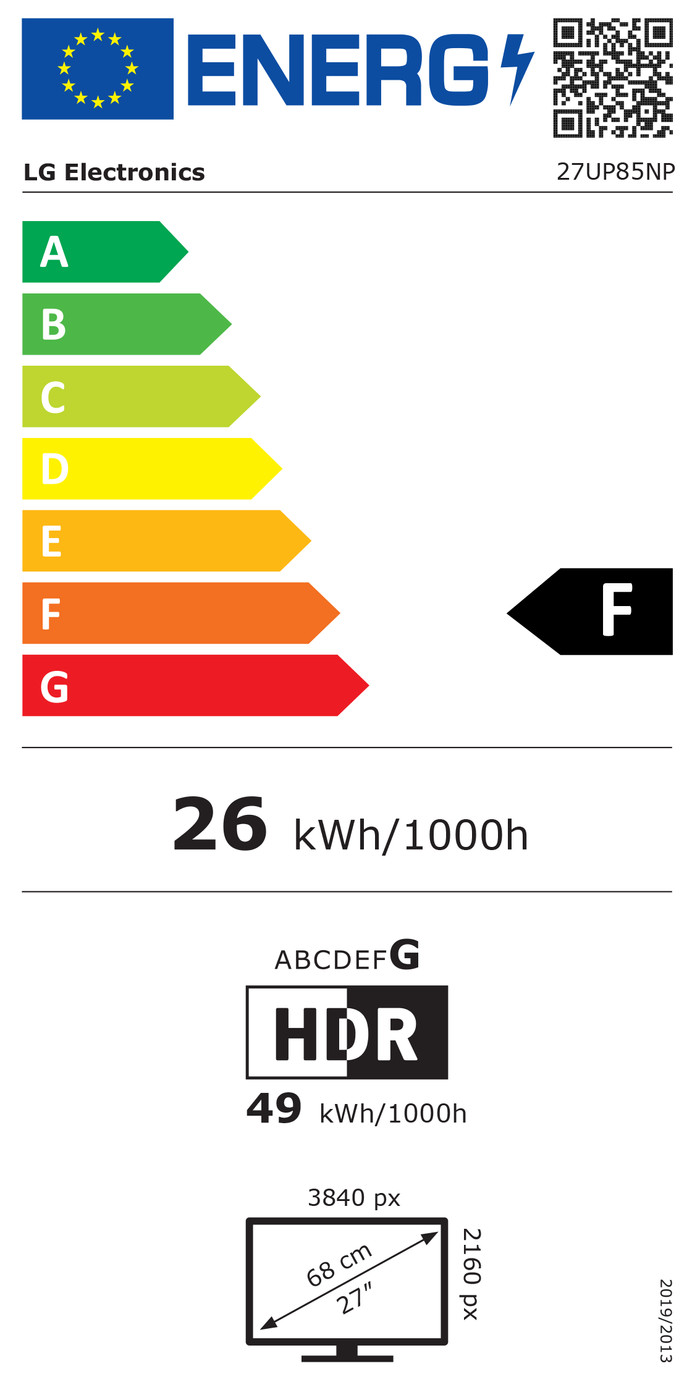
Energy label | F | |
|---|---|---|
Energy consumption standby | 0,5 W | |
Energy consumption active | 25,4 W | |
Energy consumption per 1000h | 26 kWh | |
Annual energy consumption | 38 kWh | |
Annual energy costs | 15,18 euros |
Built-in speakers | ||
|---|---|---|
Sound system | Stereo | |
Split screen | ||
Kensington lock |
Recommended for use | Gaming, Image editing and graphic design, Office work, Photo editing, Video editing, Watching movies in 4K |
|---|