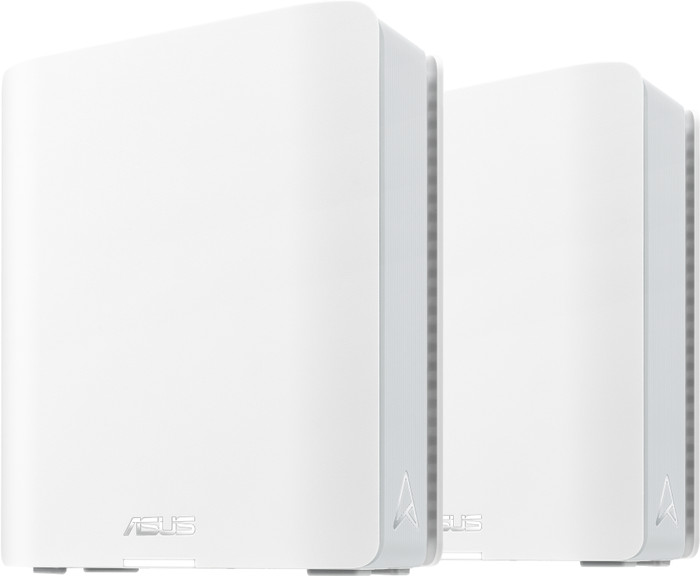
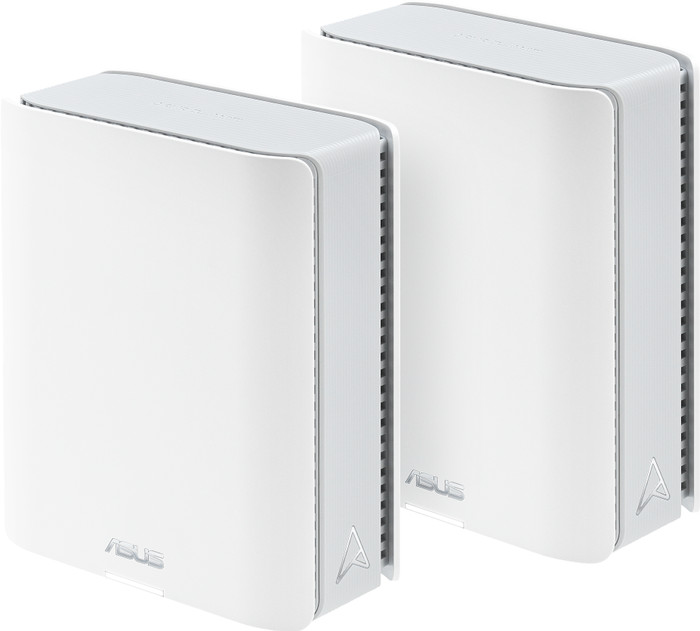
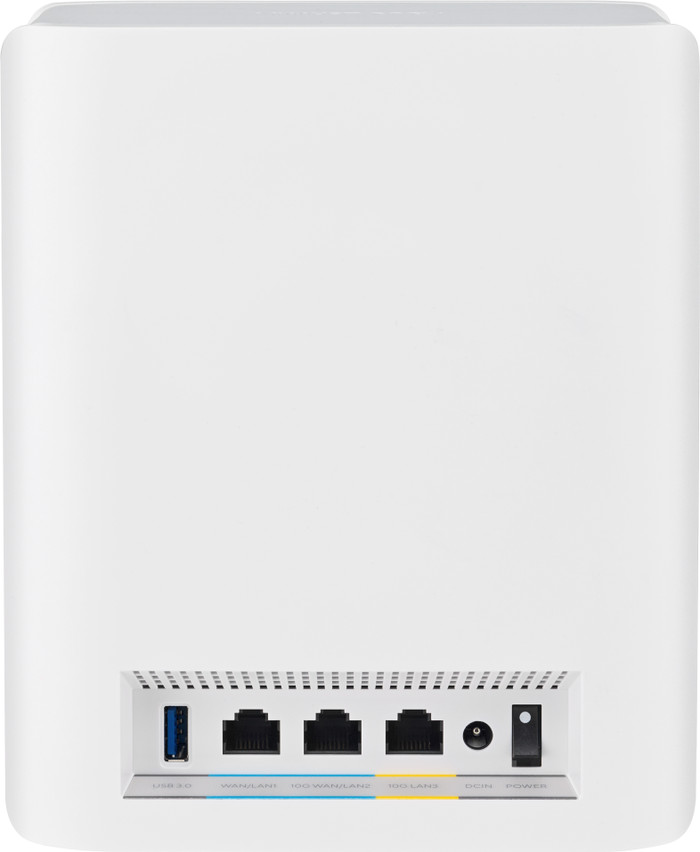
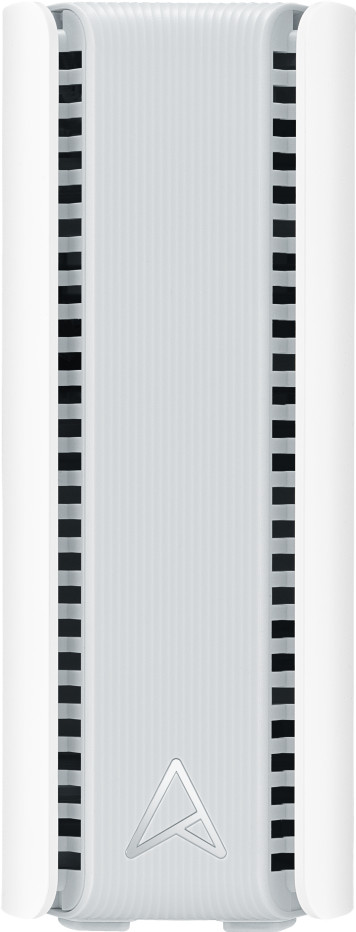
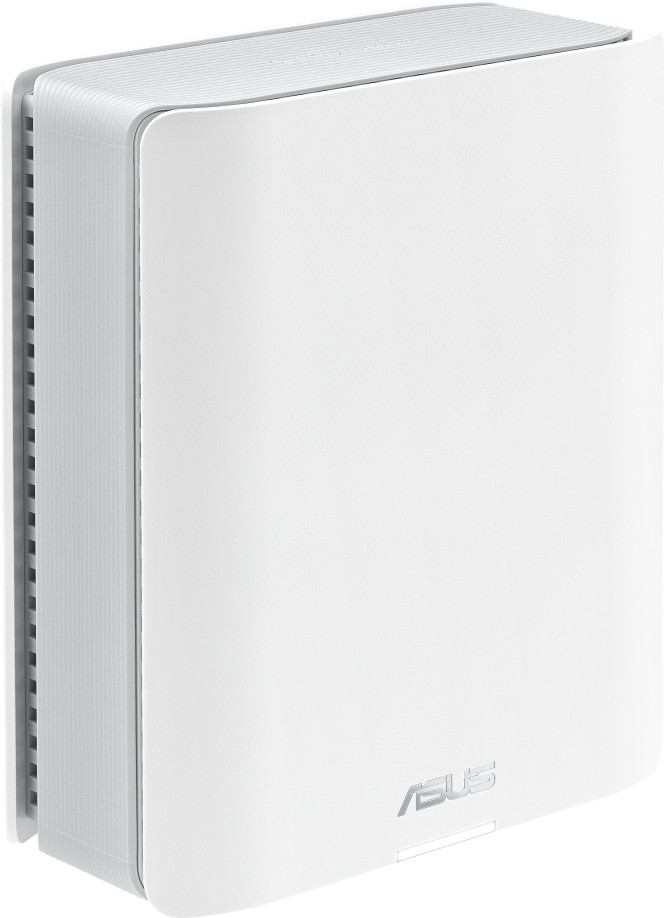
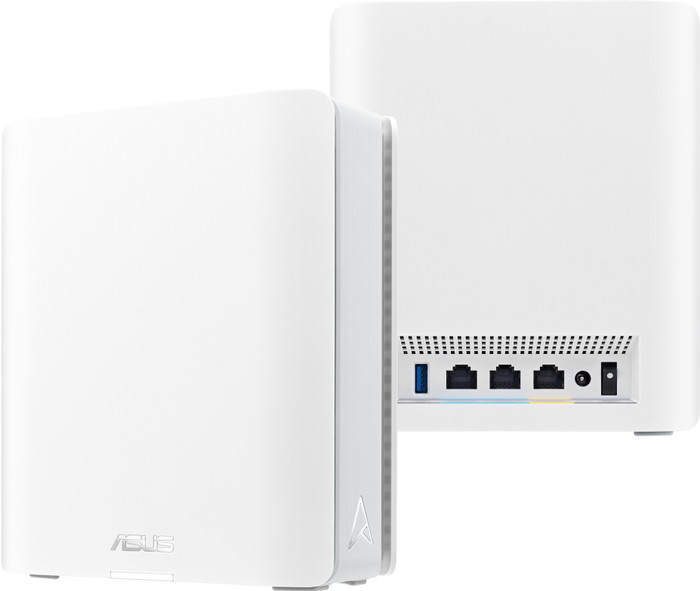
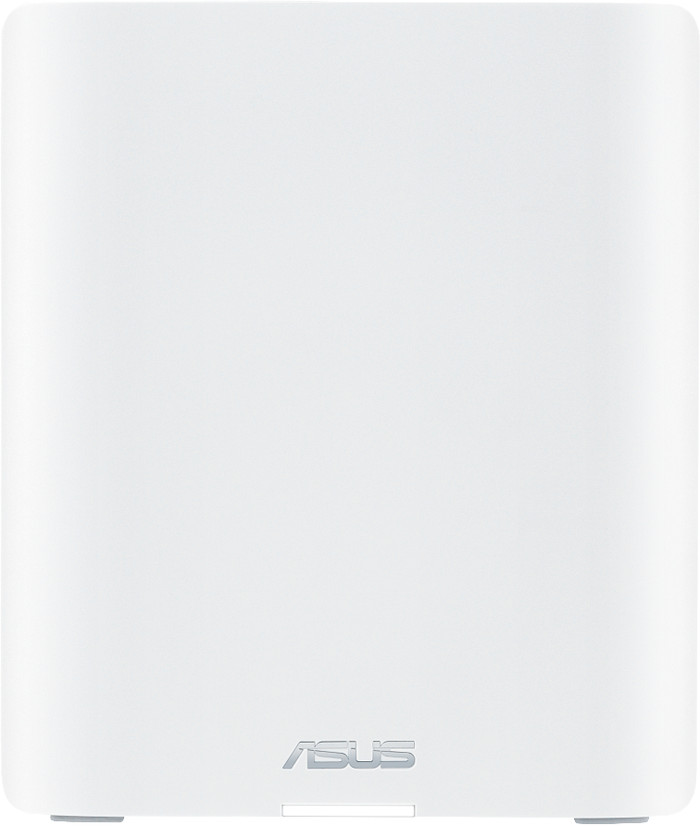
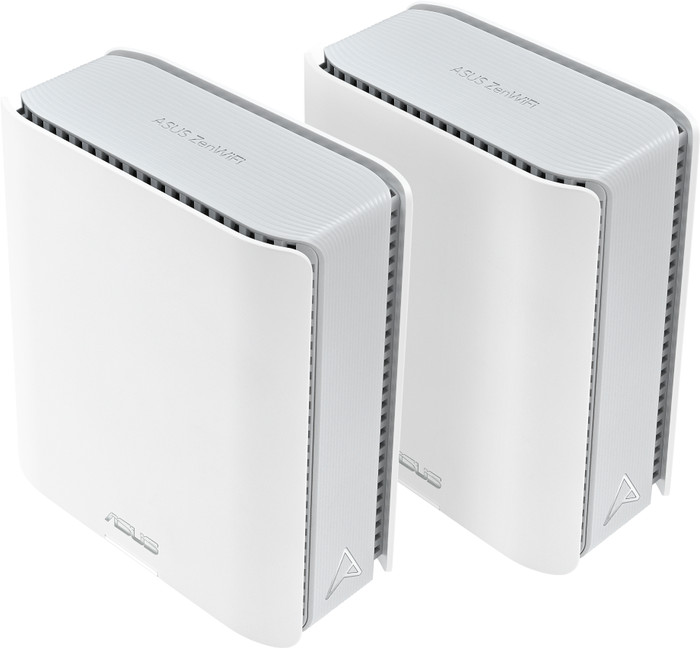
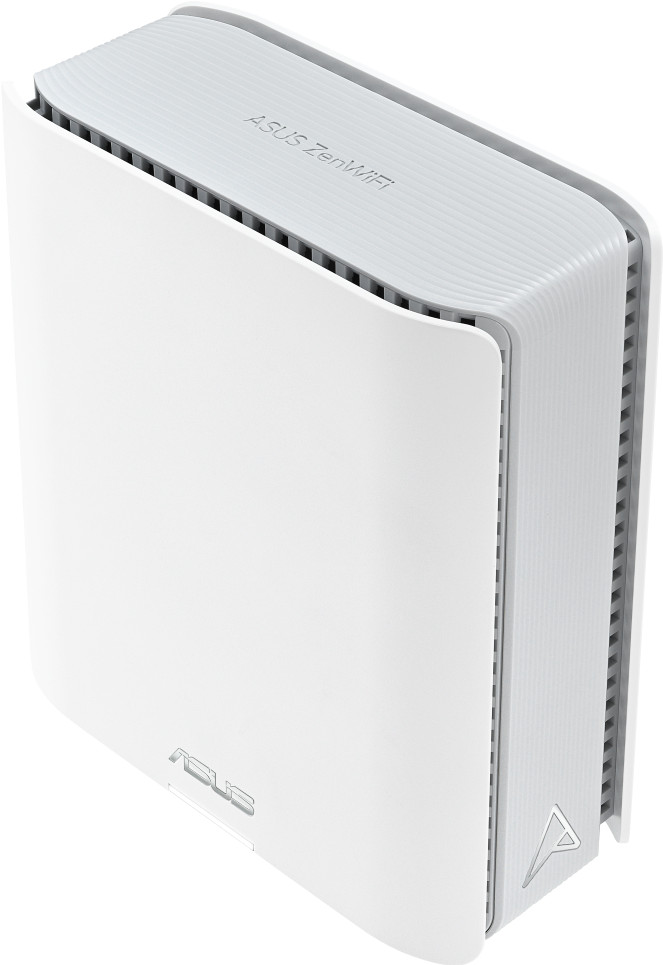
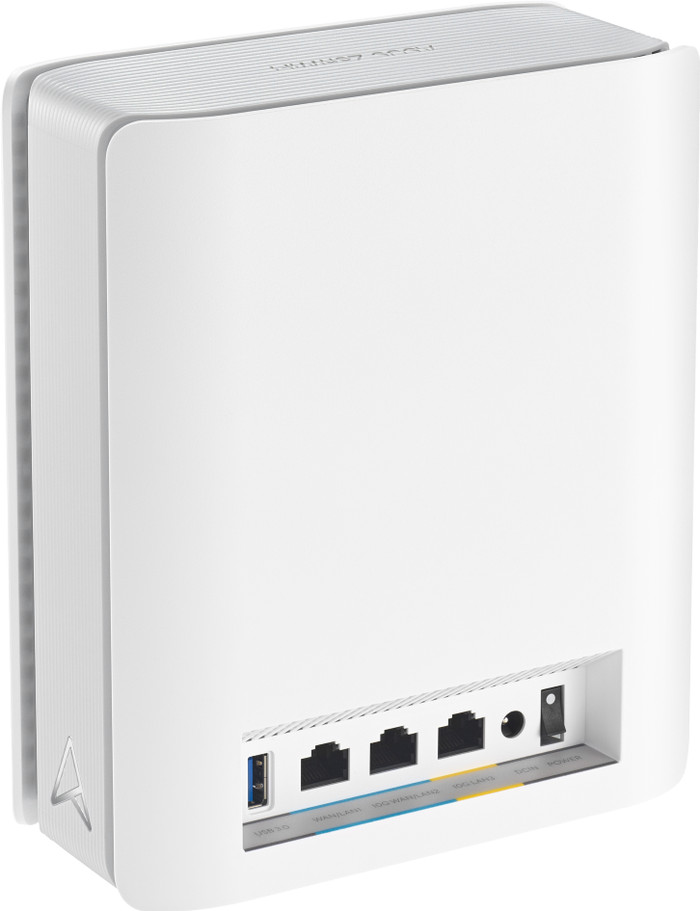
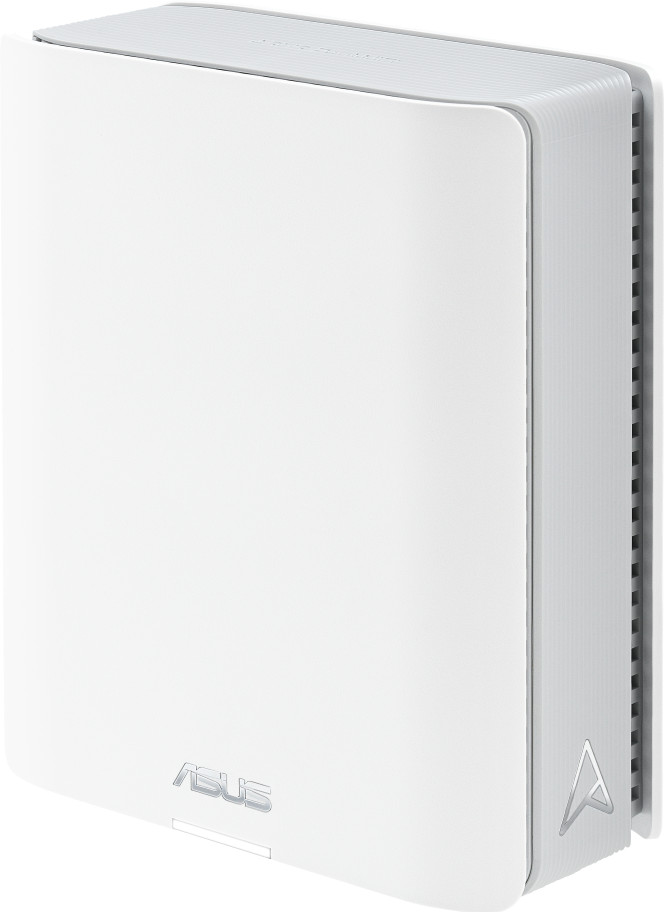
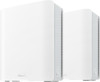
Thanks to this mesh system, my devices always connect to the strongest Wi-Fi signal. Wired devices also have super-fast internet, but only one Ethernet cable is included, so I have to provide extra cables myself.
Quick and easy installation
I first download the Asus app on my phone. It guides me through the installation process step by step. I connect the main router to my modem with the included Ethernet cable. I place the additional station upstairs and connect it wirelessly to the main router. This way, I don't have to run any cables. You can also install it wired, but you'll need to buy an extra Ethernet cable for that. Only one is included with this mesh system. The app gives me tips on where to place the routers for the most stable signal. Finally, I create a new Wi-Fi network.
Fast internet on wired and wireless devices
The router has Wi-Fi 7 and distributes the signal across three frequency bands. This allows me to connect multiple devices online without them interfering with each other on the network. For example, I can watch a series on my phone while downloading a game on my laptop, without any Wi-Fi glitches. My devices automatically connect to the station with the strongest signal. This way, my internet never drops when I walk around the house with my phone. The wired internet is also very fast thanks to the 10 GB ports. I do need my own Ethernet cable for this as well. The signal from the stations reaches very far and even penetrates floors and walls. For example, I don't have a station in the attic, but my phone still gets a stable signal with at least 3 bars there.
Extra safe internet for children
The app shows me exactly which devices are connected to the network. There are also parental control settings. This allows me to set time schedules for each device. For example, the internet on my laptop is only enabled in the afternoon and disconnected late at night. I can even create a separate SSID network for children or guests to connect to. This way, I don't have to configure each device individually.