Welcome to your environment! You can order everything from your assortment with your personal budget here.

You can always return to the normal Coolblue website by clicking here.

Your outstanding budget (incl. VAT) is always visible here, so you know exactly how much you can spend.

Coolblue home

Die Website ist auf Englisch, möchtest du sie auf Deutsch ansehen?

Help with your product
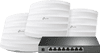
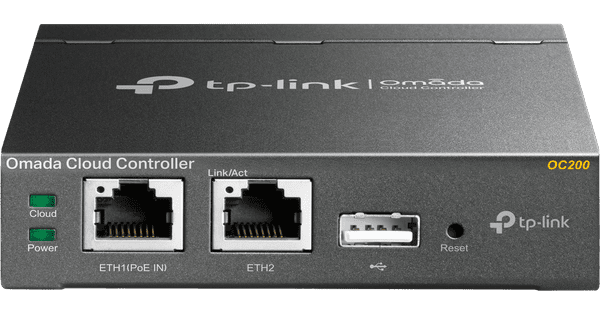
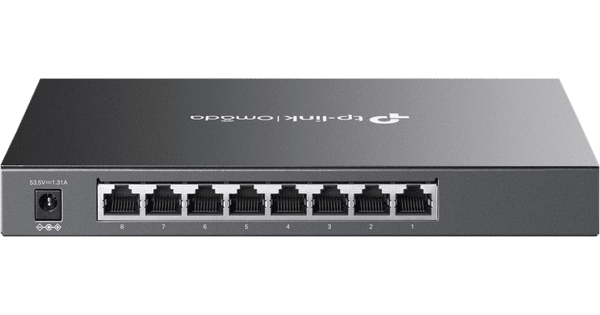
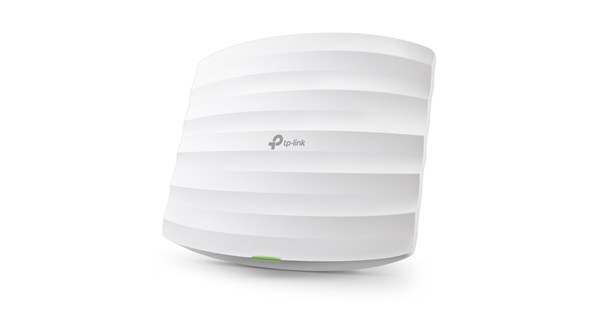
TP-Link Omada EAP245 3-Pack + TP-Link Omada TL-SG2008P

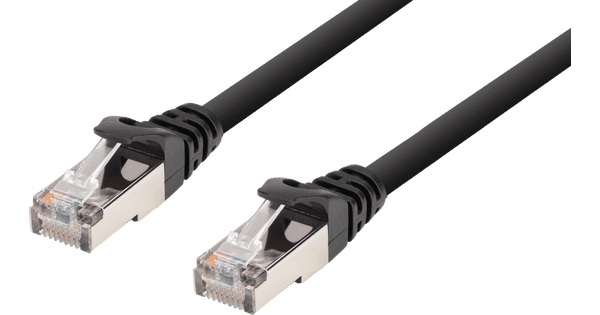
Create a WiFi network in a large house or small office with this set of 3 TP-Link Omada EAP245 access points and a TP-Link Omada TL-SG2008P network switch. You connect the access points to the internet via a network cable that you connect to the included switch. Thanks to Power over Ethernet, the WiFi points are powered via the network cable. You manage the access points and switch via the cloud. As a result, you can adjust everything, no matter where you are. You connect the 3 access points to each other. That way, you'll have full coverage in your house or small office.

Read all tips here

Which product do you want to see articles about?

How do you use a network switch?

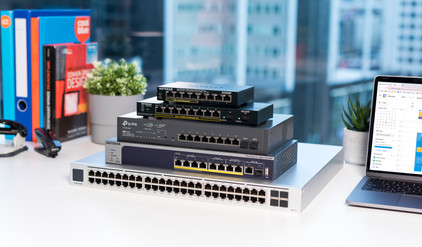
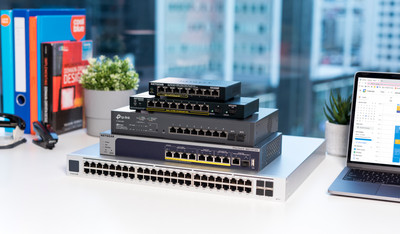
A network switch is a hub for all your network cables. You can connect your router to the switch with a cable and then connect all your other devices. A wired connection is always faster and more stable than a wireless connection. With a switch, you always ensure the fastest connection. And with a managed switch, you can measure how well your network is and what possible problems in your network are.
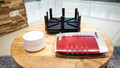

What do you keep in mind when expanding your WiFi network?

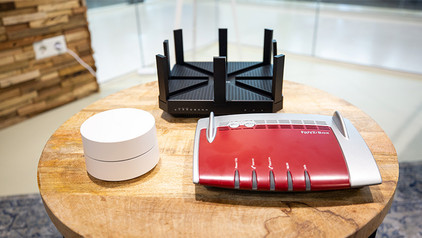
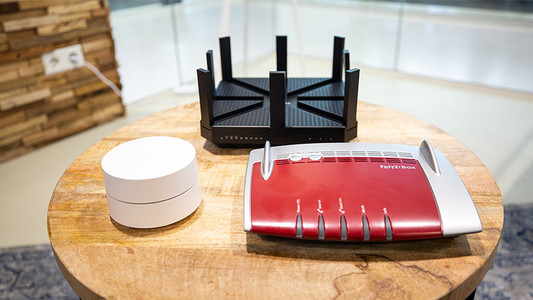
Did you buy a set of powerline adapters, for example because you have no coverage in the attic? Or did you get a new access point to browse the internet in the garden with a better signal? I'm happy to give you these 3 tips for the best possible operation of your extra access point in your home network.

What do you keep in mind when expanding your WiFi network?

Did you buy a set of powerline adapters, for example because you have no coverage in the attic? Or did you get a new access point to browse the internet in the garden with a better signal? I'm happy to give you these 3 tips for the best possible operation of your extra access point in your home network.

Didn't find your answer?

Find an answer to your question quickly and easily via our customer service.

Coolblue specialist
Personal chat Digitalk.
You're now chatting with Coolblue customer service
This chat is closed
foo
Oeps File size is larger than 5MB. Upload a smaller file.