Welcome to your environment! You can order everything from your assortment with your personal budget here.

You can always return to the normal Coolblue website by clicking here.

Your outstanding budget (incl. VAT) is always visible here, so you know exactly how much you can spend.

Coolblue home

Die Website ist auf Englisch, möchtest du sie auf Deutsch ansehen?

Help with your product
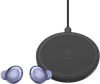
Samsung Galaxy Buds Pro Purple + Belkin Boost Up Wireless Charger 10W Black
0 reviews

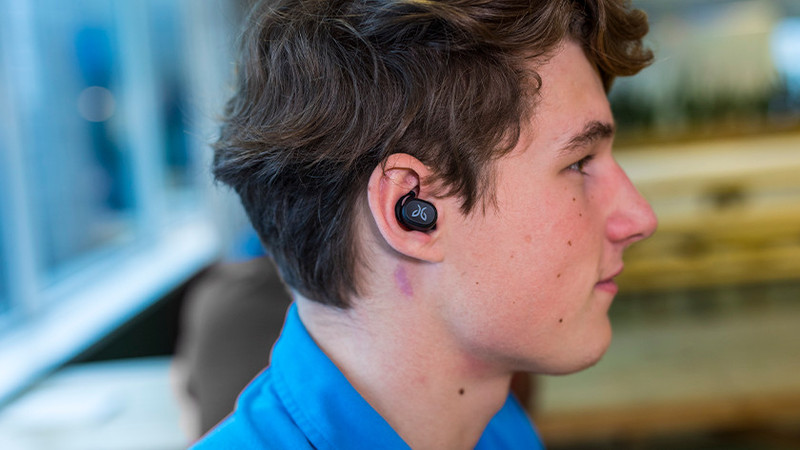
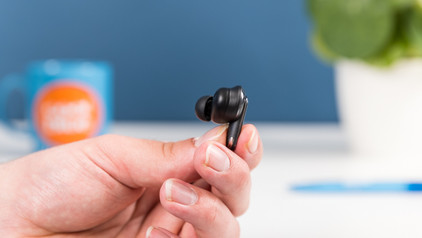
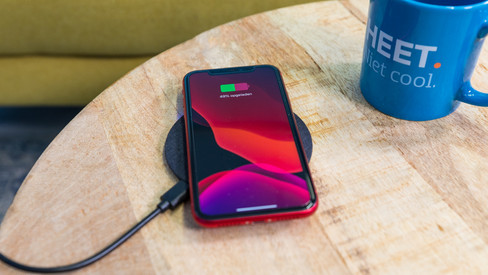
Charge your earbuds wirelessly after listening to music with the Samsung Galaxy Buds Pro Purple + Belkin Boost Up Wireless Charger 10W Black. You put the charging case on the Belkin charger, and it'll automatically start to charge wirelessly. The earbuds have noise canceling, which reduces ambient noise while you listen to music. This way, you hear less of your surroundings. Are you going for a run or to the gym? Thanks to the IPX7 certification, the earbuds won't break down from rain or sweat. After exercising, you can clean the earbuds under the faucet. The earbuds connect to your Galaxy device directly via Bluetooth. Noise canceling Your ambient noise is measured and analyzed via special microphones in the earbuds. Based on this analysis, an anti-noise is produced. This anti-noise ensures that you hear less of your surroundings while you listen to music. Note: the noise canceling of earbuds doesn't reduce noise as well as the noise canceling of headphones. Minimum functions for iOS If you have an iPhone, you can connect the earbuds to your iPhone wirelessly via Bluetooth. You can only use the basic functions. The app isn't available, and noise canceling doesn't work.

Read all tips here

Which product do you want to see articles about?

Tips if your wireless charger doesn't work

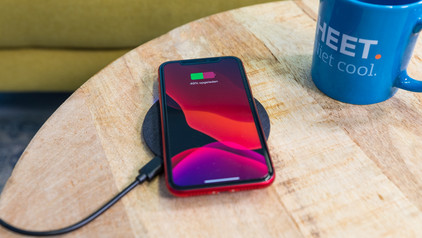
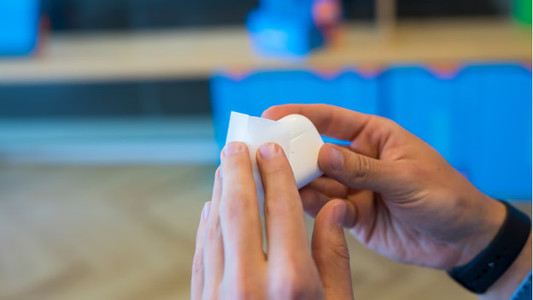
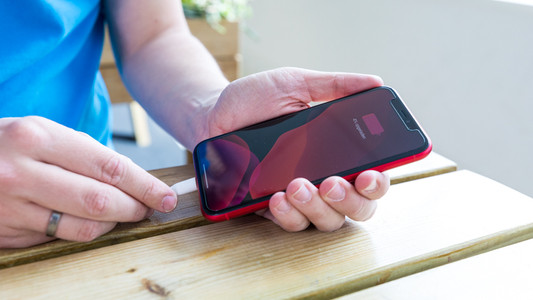
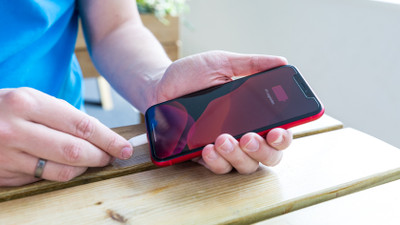
Don't your devices charge when you put them on your wireless charger? There may be a couple of reasons for this. For example, you have to place your smartphone on the charger properly and sometimes you have to remove your case from your device. We'll give 5 tips for when your wireless charger isn't working.


Tips if your wireless charger doesn't work

Don't your devices charge when you put them on your wireless charger? There may be a couple of reasons for this. For example, you have to place your smartphone on the charger properly and sometimes you have to remove your case from your device. We'll give 5 tips for when your wireless charger isn't working.
How do you put in your earbuds?

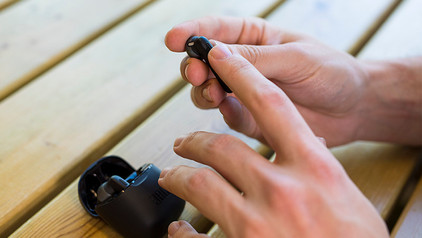
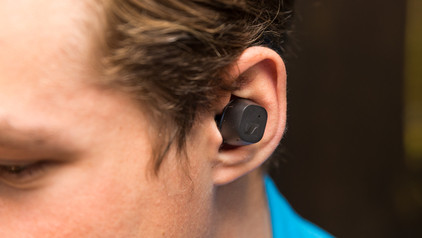
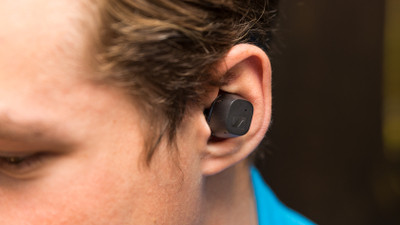
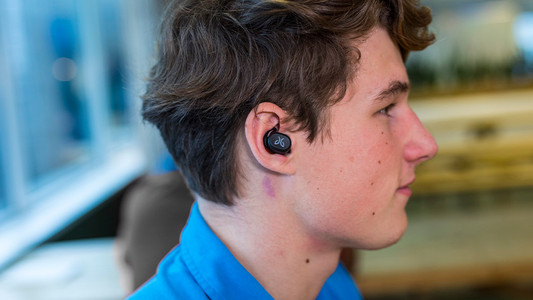
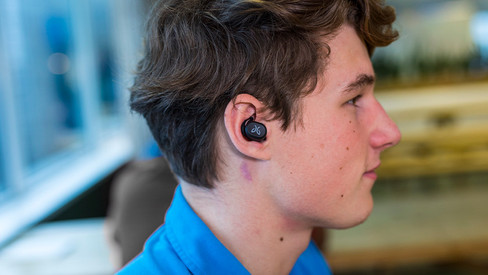
To enjoy music, you have to put your new earbuds in your ears well. This ensures higher sound quality and the earbuds fit in your ears better. In this article, we show you how to put the earbuds in your ears for each wearing method.

How do you put in your earbuds?

To enjoy music, you have to put your new earbuds in your ears well. This ensures higher sound quality and the earbuds fit in your ears better. In this article, we show you how to put the earbuds in your ears for each wearing method.

How do you solve uneven volume with your earbuds?

An uneven volume when you're listening to music is annoying. You'd much rather hear the same volume from both earbuds. To solve this problem, it's good to clean your earbuds regularly. We'll tell you what else you can do in this article.

Get started with your fully wireless earbuds

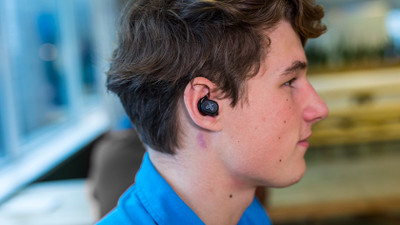
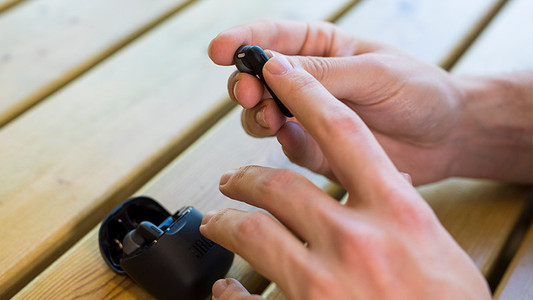
WIth wireless earbuds, you can listen to music without a cable in your neck or along your body. The advantage is that you have a lot of freedom of movement. In this article, you can read how to get started with your earbuds. That way, you can enjoy your favorite music as soon as possible.

How do you clean your earbuds?

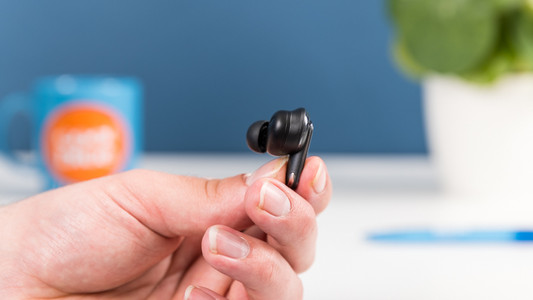
If you buy earbuds, you want them to work well. That's why it's important to regularly clean your earbuds. This way, you can enjoy the same quality of your music or podcast for longer. We'll explain how to clean the different parts of your wireless earbuds.

7 tips for charging your smartphone

You probably charge your smartphone every day. When you charge it the right way, your battery wears less and your device lasts longer. We'll explain why it's better not to charge your smartphone up to 100% and why fast charging is convenient here. That way, you'll know exactly how to properly charge your smartphone, tablet, or other device.

Tips if your wireless charger doesn't work

Don't your devices charge when you put them on your wireless charger? There may be a couple of reasons for this. For example, you have to place your smartphone on the charger properly and sometimes you have to remove your case from your device. We'll give 5 tips for when your wireless charger isn't working.
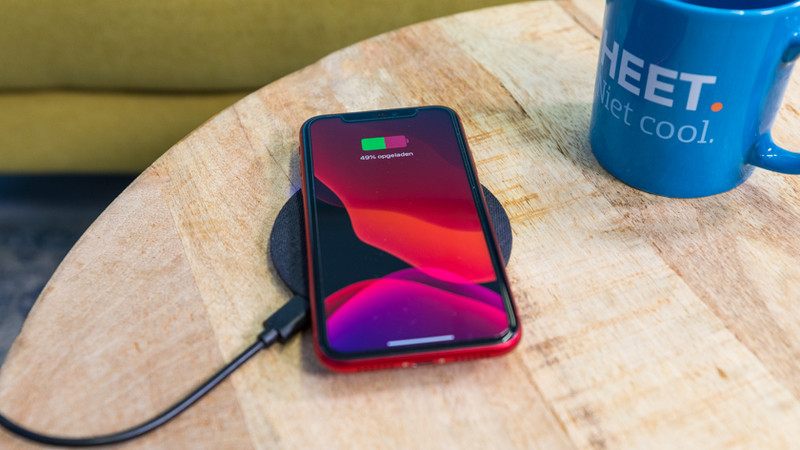
Tips if your wireless charger doesn't work

Don't your devices charge when you put them on your wireless charger? There may be a couple of reasons for this. For example, you have to place your smartphone on the charger properly and sometimes you have to remove your case from your device. We'll give 5 tips for when your wireless charger isn't working.
7 tips for charging your smartphone

You probably charge your smartphone every day. When you charge it the right way, your battery wears less and your device lasts longer. We'll explain why it's better not to charge your smartphone up to 100% and why fast charging is convenient here. That way, you'll know exactly how to properly charge your smartphone, tablet, or other device.

How do you put in your earbuds?

To enjoy music, you have to put your new earbuds in your ears well. This ensures higher sound quality and the earbuds fit in your ears better. In this article, we show you how to put the earbuds in your ears for each wearing method.

How do you put in your earbuds?

To enjoy music, you have to put your new earbuds in your ears well. This ensures higher sound quality and the earbuds fit in your ears better. In this article, we show you how to put the earbuds in your ears for each wearing method.

How do you solve uneven volume with your earbuds?

An uneven volume when you're listening to music is annoying. You'd much rather hear the same volume from both earbuds. To solve this problem, it's good to clean your earbuds regularly. We'll tell you what else you can do in this article.

Get started with your fully wireless earbuds

WIth wireless earbuds, you can listen to music without a cable in your neck or along your body. The advantage is that you have a lot of freedom of movement. In this article, you can read how to get started with your earbuds. That way, you can enjoy your favorite music as soon as possible.

How do you clean your earbuds?

If you buy earbuds, you want them to work well. That's why it's important to regularly clean your earbuds. This way, you can enjoy the same quality of your music or podcast for longer. We'll explain how to clean the different parts of your wireless earbuds.

Subjects

Didn't find your answer?

Find an answer to your question quickly and easily via our customer service.

Coolblue specialist
Personal chat Digitalk.
You're now chatting with Coolblue customer service
This chat is closed
foo
Oeps File size is larger than 5MB. Upload a smaller file.