Welcome to your environment! You can order everything from your assortment with your personal budget here.

You can always return to the normal Coolblue website by clicking here.

Your outstanding budget (incl. VAT) is always visible here, so you know exactly how much you can spend.

Coolblue home

Help with your product

BlueBuilt Nexum Silent Click Wireless Mouse Accessory Set
0 reviews

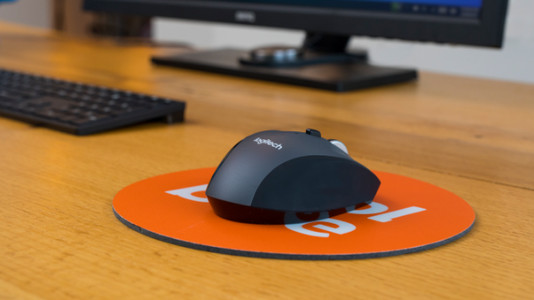
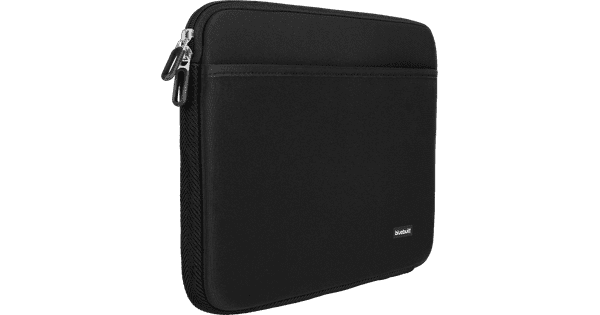
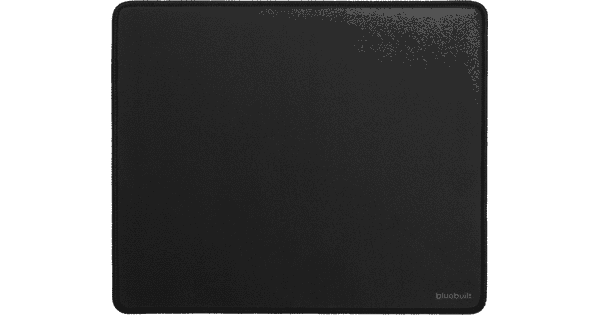
Choose the BlueBuilt Nexum Silent Click Wireless Mouse Accessory Set to not get interrupted by clicking noises or wrist pain while working. Additionally, you can protect your laptop form dirt and scratches. BlueBuilt Nexum Silent Click Wireless Mouse Thanks to the silent buttons, you won't get interrupted by clicking during work. You can simply connect the wireless mouse via a USB-A receiver with your laptop. That way you have a lot of freedom of movement. The mouse is suitable for both right and left-handed people thanks to the symmetrical design. You can also set the speed of the cursor on the screen yourself You get a 5-year warranty with this BlueBuilt mouse. this is longer than with other mice. BlueBuilt Ergonomic Mouse Pad The wrist rest sets your wrist in a natural posture. That way, you can work more ergonomically than with a normal mouse pad. Every kind of optic mouse sensor works on this mouse pad. So you don't have to worry about your mouse not working on this mouse pad. The soft surface also ensures that the mouse can smoothly glide. The water water repelling mat prevents stains and the anti-slip bottom keeps the mouse pad in place. BlueBuilt Laptop Sleeve Width 37cm 15 - 16 inch M Black The sleeve is made from fabric and has a soft lining, so you can put your 37cm wide laptop safely in your bag. With the double zipper closure, you can easily take your laptop from the sleeve. You can just keep the sleeve in your bag. Additionally, this BlueBuilt sleeve has a accessory compartment with extra space for your docking station, in-ear headphones, mouse, or cable.

Read all tips here

How do I connect my wireless mouse?

With a wireless mouse, your desk stays tidy and you have more freedom of movement than with a wired mouse. But how do you connect a wireless mouse? In this article, you can read step by step what you need to do to connect a wireless mouse to your laptop or PC. These steps apply to wireless mouses from any brand.

How do I connect my wireless mouse?

With a wireless mouse, your desk stays tidy and you have more freedom of movement than with a wired mouse. But how do you connect a wireless mouse? In this article, you can read step by step what you need to do to connect a wireless mouse to your laptop or PC. These steps apply to wireless mouses from any brand.

Didn't find your answer?

Find an answer to your question quickly and easily via our customer service.

Coolblue specialist
Personal chat Digitalk.
You're now chatting with Coolblue customer service
This chat is closed
foo
Oeps File size is larger than 5MB. Upload a smaller file.