


Get started with your Windows laptop
Installation and upgrade

Before you get started with your Windows laptop, you have to install it first. You can read which steps to follow or how to update Windows. We'll also explain how to install Norton and transfer files.
In use
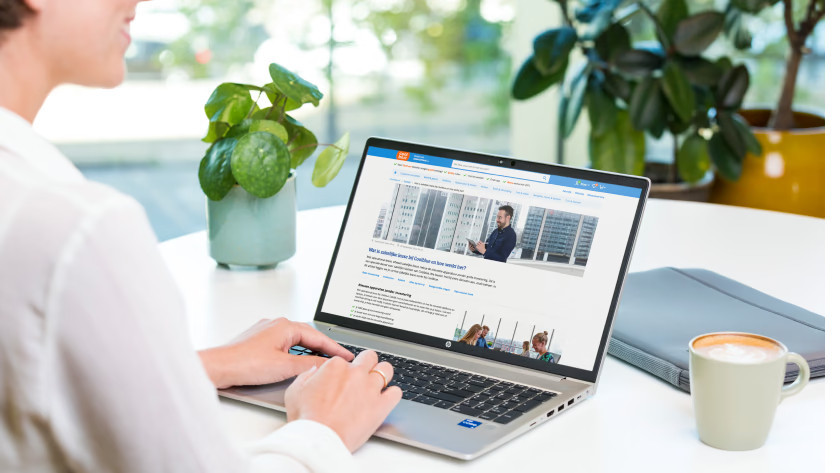
You've completely installed your Windows laptop and can get started with it. Luckily, you can set Windows entirely to your liking. You can read how to get the most out of your Windows laptop here.
Extra help with Windows
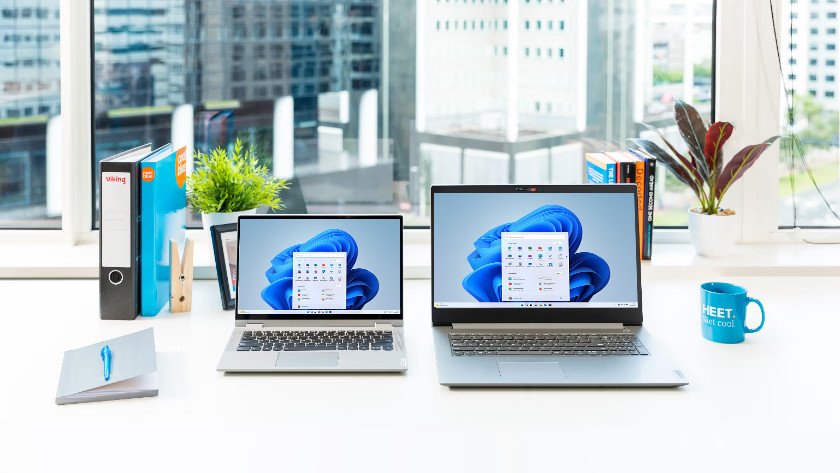
You can find tips about various Windows functions here. We'll explain how to create a local account and to set up Windows Hello. Getting wrong characters when typing? We'll help you on your way?
Tips & tricks

You can find tips and tricks to get the most out of your Windows laptop here. We'll tell you how to make your laptop faster and how to extend the battery life. We'll also help you create a backup.
Tips for gaming and business

Do you have a gaming laptop or business laptop? Find all advice for you here. We'll explain how to use Remote Desktop and mobile data. We'll also help you with the battery life and improving the cooling of your gaming laptop.
Additional advice
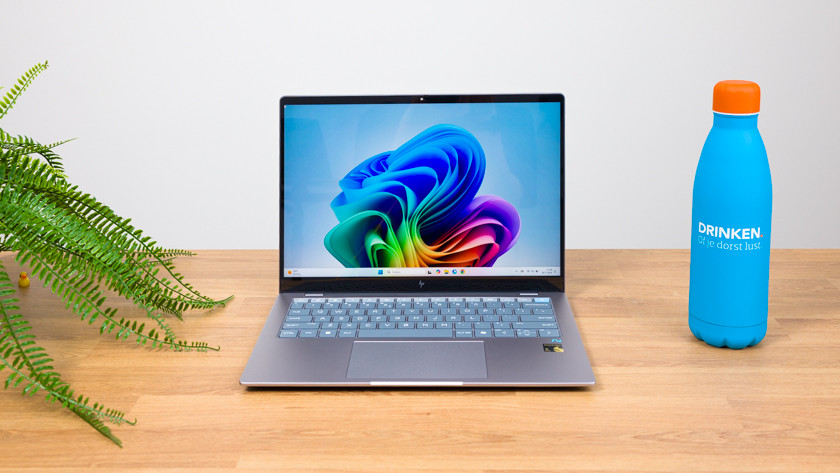
We'll tell you all about how to delete programs in Windows and how to delete your search history. Does your laptop make a lot of noise? We can also help you with that. That way, you can get the most out of your Windows laptop.
What should you do when Windows 10 reaches end of support?

From 14 October 2025, Microsoft stops supporting Windows 10. This means that there won't be any security updates anymore, so Windows 10 is less protected. We've collected all information for you, so you can easily switch to Windows 11.
Can't find your question here?
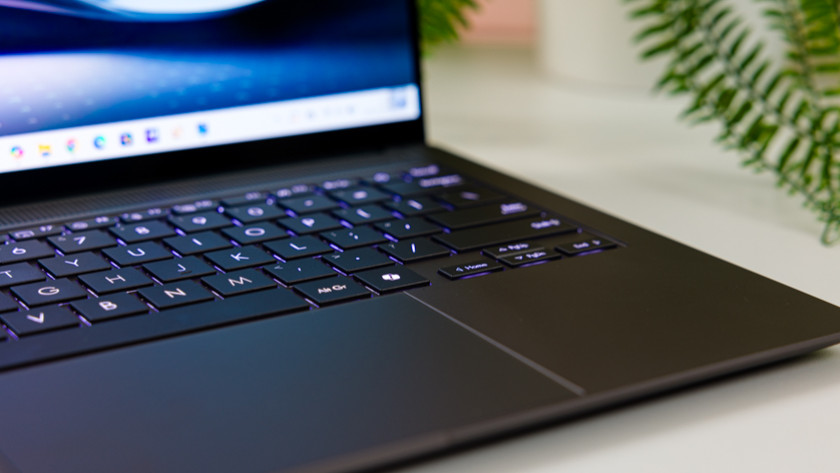
Do you have a different question, or having issues with something else? We're happy to help. We'll explain what to do if your Windows laptop doesn't work anymore and how to solve common problems.
