Welcome to your environment! You can order everything from your assortment with your personal budget here.

You can always return to the normal Coolblue website by clicking here.

Your outstanding budget (incl. VAT) is always visible here, so you know exactly how much you can spend.

Coolblue home
Check how fast we can deliver to you
Enter your postal code

Help with your product

Optoma UHD35x + Google Chromecast
0 reviews

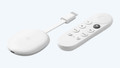
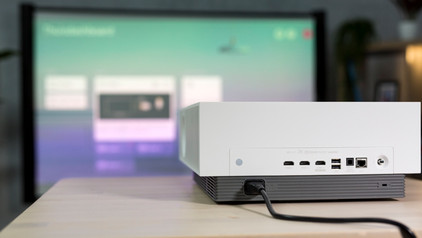
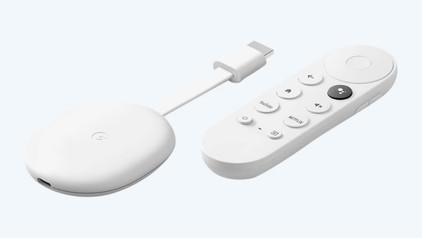
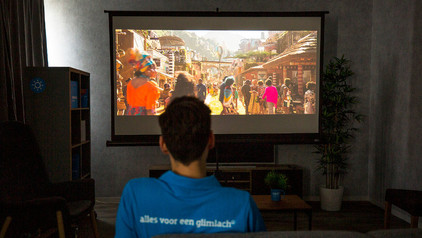
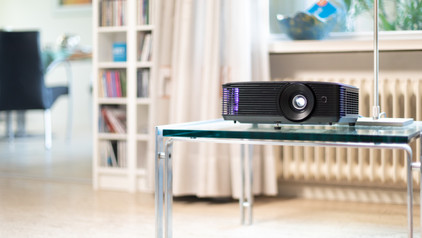
With the Optoma UHD35x + Google Chromecast, you can watch colorful movies and series on a large screen. On the included Chromecast, you can find an overview of various streaming apps like Netflix, Disney+, and HBO Max. You can control it with the included remote and use it to easily search something new to watch. Thanks to the the high 4K resolution, small details like pebbles and fish scales are clearly visible. The projector supports HDR content and has a high 1,000,000:1 contrast ratio, so it clearly brings out subtle color differences. That way, images look realistic. Thanks to the low input lag of 4.2ms, the projector is also suitable for gamers. Because of this, there's not a lot of delay between the controller and the action on the screen. The UHD35 has a 1.5-1.65:1 throw ratio, which means you can place the projector at a distance between 1.5 and 1.65m from the screen for a 1m wide projection. For a 2m wide projection, double the distances to 3 and 3.3m. First, check where you want to place the projector and if you have the space there. On top of that, you can adjust the corners with the vertical keystone correction so the image isn't tilted upwards or downwards.

Read all tips here

Which product do you want to see articles about?

What connectors does a projector have?

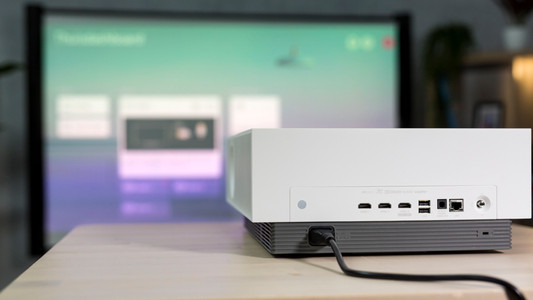
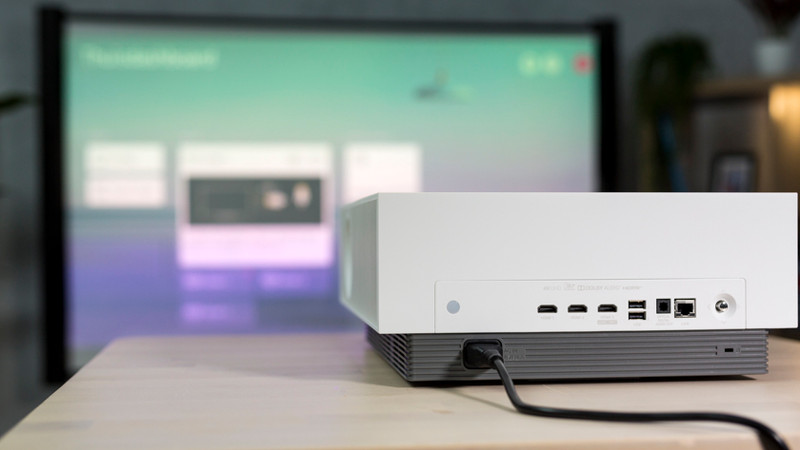
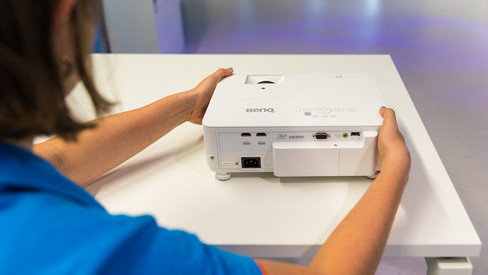
Beamers have connections for various devices, from your laptop to your game console. This may make it difficult to find the right entry or exit. In this case, the overview on this page is a useful tool.

How does keystone correction work?

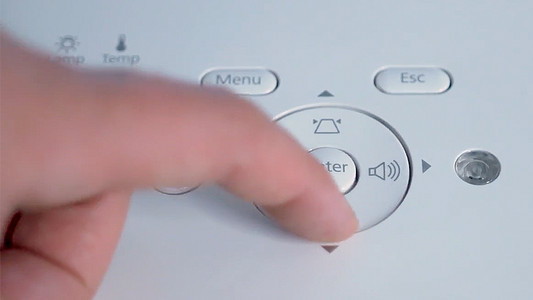
Often you can't place a projector right in front of the screen. This makes the projection look more like a trapezoid than a rectangle. In this case, the keystone correction is a useful solution. With this function, you can easily adjust the position of the corners. You can read exactly how this works on this page.

What connectors does a projector have?

Beamers have connections for various devices, from your laptop to your game console. This may make it difficult to find the right entry or exit. In this case, the overview on this page is a useful tool.

How does keystone correction work?

Often you can't place a projector right in front of the screen. This makes the projection look more like a trapezoid than a rectangle. In this case, the keystone correction is a useful solution. With this function, you can easily adjust the position of the corners. You can read exactly how this works on this page.

Subjects

Didn't find your answer?

Find an answer to your question quickly and easily via our customer service.

Coolblue specialist
Personal chat Digitalk.
You're now chatting with Coolblue customer service
This chat is closed
foo
Oeps File size is larger than 5MB. Upload a smaller file.