Written by Lucas
Edited on
28 August 2024
·
06:49
Get started with your Shokz earbuds
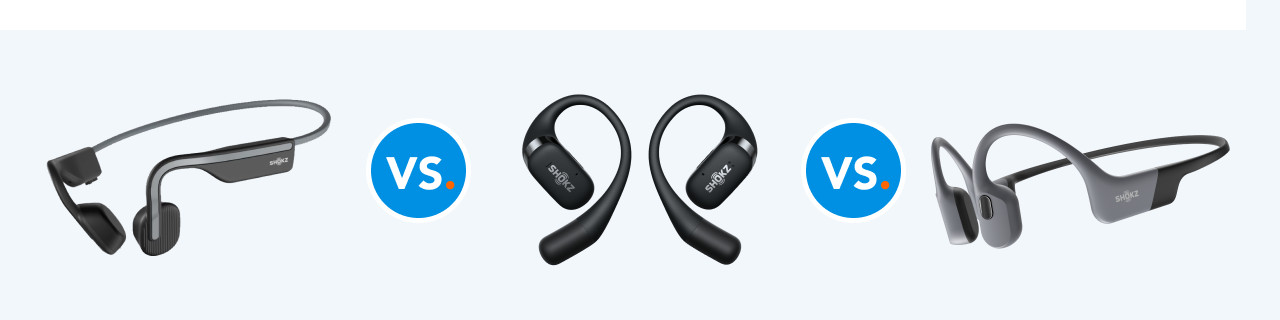
You can listen to music via bone conduction with your new Shokz earbuds. This means the earbuds don't go into your ears, but rest on your cheekbones. In this article, you can find out how to get started with your new Shokz earbuds as soon as possible.

Get started with your Shokz earbuds
With these 3 tips, you can get started with your Shokz earbuds in the best way possible.
Tip 1: connect to your phone
Tip 2: put in your earbuds
Tip 3: make sure you have a good connection

Tip 1: connect to your phone
When you pair your Shokz earbuds to your phone for the first time, you need to put it in discoverable mode. You can do this by holding down the increase volume button for 5 to 7 seconds while it's turned off. Then, go to the Bluetooth settings of your smartphone and press the name of your Shokz model.
Tip 2: put the earbuds on your ears
Your Shokz earbuds don't go directly into your ears, but they rest on your cheekbones. The sound is then sent to your ears by means of vibrations. This way, the sound enters your ear canal via your cheekbones. Your ears stay open, so you can hear your surroundings.


Tip 3: make sure you have a good connection
It's important your Shokz earbuds have a good connection with your smartphone. If you don't have a good connection, try the following:
- Disable all other Bluetooth devices in your environment.
- Don't stand too close to devices such as fridges and microwaves, as they affect the signal.
- Don't put your smartphone in your back pocket or backpack, but in the front pocket or in your hand.
- Switch the earbuds back on again.
If this doesn't help, reset your Shokz model. Check the manual to find out how to do this.
Article by Lucas
Audio Expert.

