Written by Dewy
Edited on
15 December 2023
·
15:26
Expert review Apple iPad (2018)
Apple announced the successor of the iPad during the Apple Education Event on 27 March 2018, which is the iPad (2018). The Apple iPad (2018) was released in 32GB and 128GB and in 3 different colors. I tested it for you. Please note that the iPad (2018) is no longer available as new at Coolblue, only refurbished.
Let op: the iPad (2018) is no longer available as a new device
With the arrival of the Apple iPad (2022) and previous models, the Apple iPad (2018) is no longer being made. At the moment, the Apple iPad (2018) isn't available as a new device anymore. You can choose a refurbished iPad (2018) or go for the iPad (2022). Have a look at the latest model here.
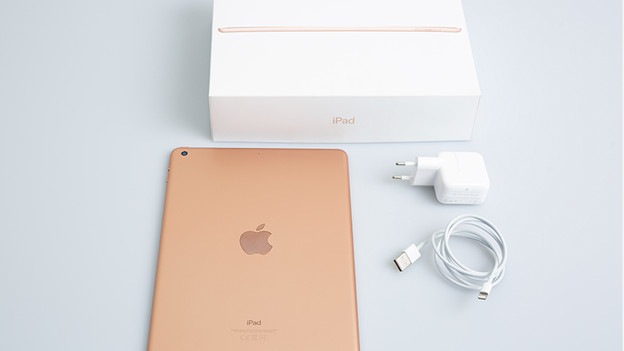
From the box
As I'm updating my mailbox one morning, my colleague comes in. I greet him and I spot a white box under his arm. Is that the new iPad? It is! It also comes with a small rectangular box. That must be the Apple Pencil. One of the new features of the iPad is Apple Pencil support. In the big box, I find a gold iPad. It's a new color, and I love it. I also find a charger, charging cable, and a manual.
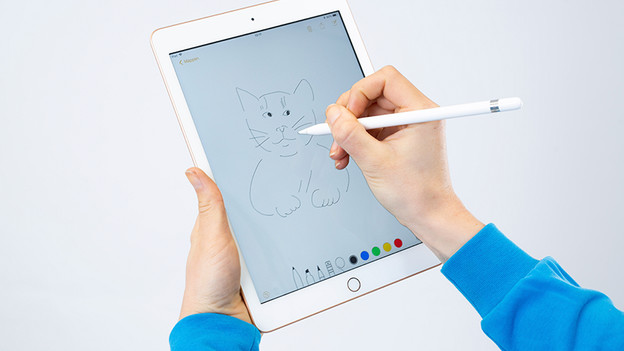
Playing with Apple Pencil
I already know what I want to test first: the Apple Pencil. To activate this stylus, I insert the pencil into the lightning connector. This is also how you charge the pencil. I open notes and start to sketch. As soon as I touch the screen, I see a line on the screen. There's no delay. Thanks to the fine line, my drawings are very detailed. I can even rest my hand on the screen while I'm drawing, just like a real pencil and paper.
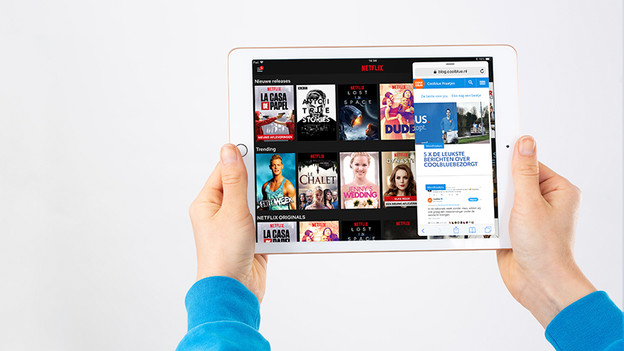
Multitasking with the iPad
Another new feature of the iPad is the A10 Fusion chip. I download some apps and I immediately notice that my downloads are finished really quickly. I read something about flexible multitasking on the internet, so I want to test that. I open a random series on Netflix. While the series is on, I open the Dock and drag the Safari app to the right. Thanks to split screen, I can now see Netflix on the left and browse the Internet on the right.
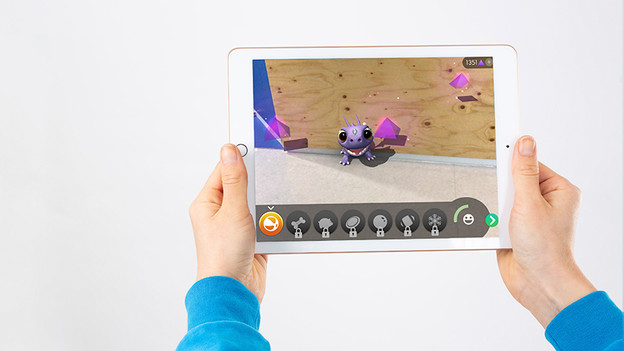
On the road with iPad
The Retina screen of the iPad is just as sharp as the previous model. In the office, where it's a bit darker, I have no problems with the display. My work day is over and I take iPad on the tram to kill time. It's very sunny outside and I soon notice that the screen reflects more than it did inside. It's probably due to the non-laminated screen. On the other hand, the brightness of the screen is high, so I can still see things on the screen.
On the couch with the iPad
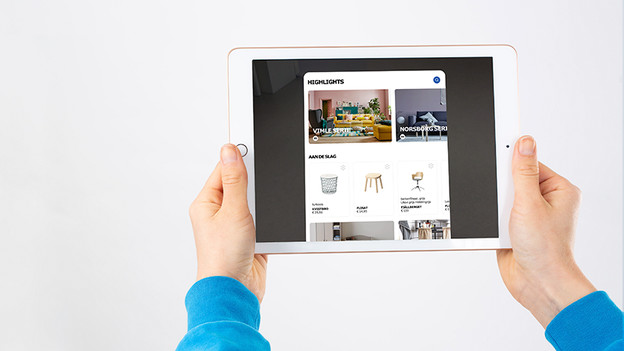
In the evening, I sat down on the couch with my iPad. I read the news and download some augmented reality apps. As an interior design lover, I'm immediately drawn to the Ikea app that allows me to place virtual furniture in my house. So I put a new coffee table near my seating area. It's as if the piece of furniture is actually in my house. I can even walk around it and look at the bottom of the coffee table in detail. I could do this all day.
Conclusion
After a day with the iPad (2018), I'm most enthusiastic about the Apple Pencil support. I'm surprised by the ease and speed of the pencil and how detailed the lines are. With the A10 Fusion Chip, I can navigate through various apps smoothly and use multiple apps simultaneously. The Retina display has beautiful colors and a high brightness. Outside, I a little more trouble with the reflections because of the sun. But augmented reality apps come to life on the screen, thanks to the display. And finally, even though it's not necessarily a new feature, I'm in love with this new gold color.
Article by Dewy
Apple Expert.