
Written by Robyn
Edited on
11 January 2023
·
07:27
How do you control your Apple TV?
You can operate your Apple TV in different ways. The included Siri Remote offers a lot of useful functions. But if you don't feel like searching for the Siri Remote, you can easily operate your Apple TV from your iPhone, iPad, or Apple Watch. Here, we'll explain which ways you can control your Apple TV.
Get started with operating the Apple TV
You can operate your Apple TV media player 3 different ways:
- Operate with the Siri Remote
- Operate with your iPhone or iPad
- Operate with your Apple Watch

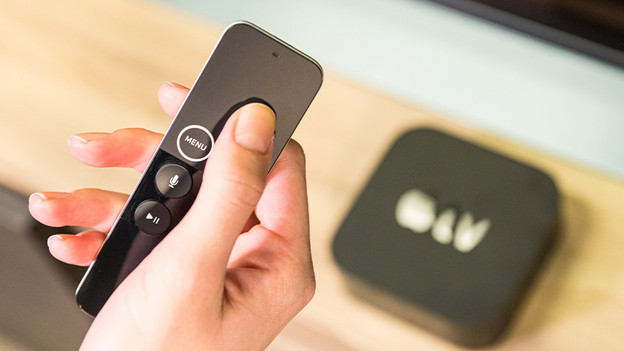
Operate with the Siri Remote
The Apple TV includes a Siri Remote. This remote has a touchpad that allows you to quickly navigate through all your apps. With the Menu button, you can quickly go back 1 screen or to the menu. Press the home button twice to effortlessly swipe through all your apps. With the Dictation button, you can ask Siri to find your favorite movie.
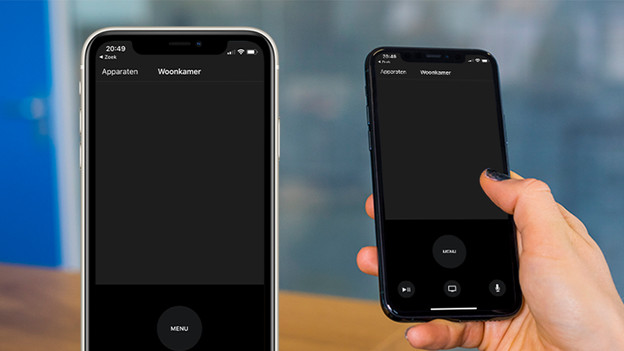
Operate with Remote app on iPhone or iPad
If you don't feel like getting up to grab the Siri Remote, you can use your iPhone or iPad as a remote. The Remote app is available for your iPhone, iPad, and iPod Touch. Configurate the app with your Apple TV and use your iPhone or iPad as remote. You can easily pause movies and series with your phone and scroll through your apps. You can also use your iPhone as a game controller when you play an Apple Arcade game.
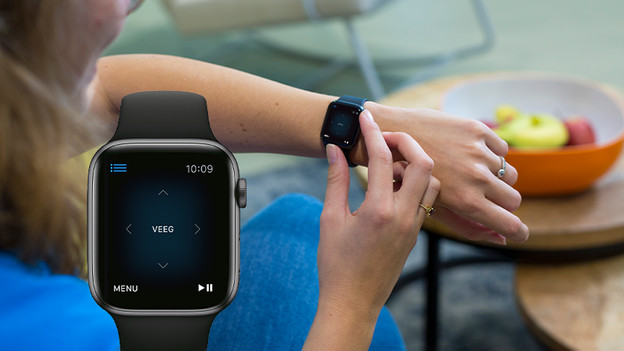
Operate with Apple Watch
If you want to operate your Apple TV with your Apple Watch, both devices need to be connected to the same WiFi network. After a quick configuration, you can use your Apple Watch to scroll through apps, pause movies, and go to the home screen. That's useful if your cooking timer suddenly goes off and you can't find the Siri Remote. You'll never have to miss a single minute of your favorite series ever again.

