Written by Stan
Edited on
23 August 2022
·
12:40
How do you reset the Bose SoundTouch speaker?
This article helps you reset your Bose SoundTouch speaker to factory settings.
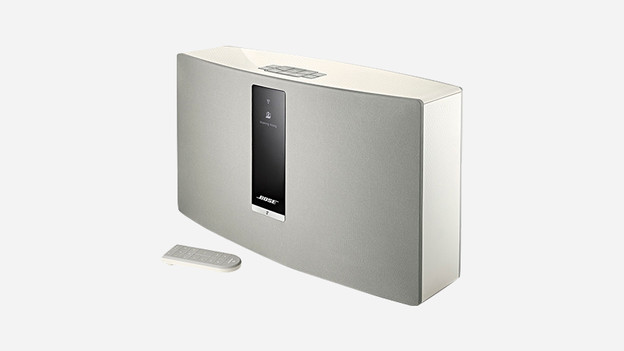
Step 1:
Connect your speaker to the socket and turn on your speaker.

Step 2:
In order to reset your speaker, press and hold the buttons 1 and volume for 10 seconds. After 1 second, all of the lights on the front of your speaker will turn orange. Hold down the buttons for 10 seconds until all of the lights flash white.

Step 3:
If the lights flash white after 10 seconds, release the buttons. Now, the Bose SoundTouch speaker has been reset to factory settings. The lights on your speaker will go from left to right a few times during this reset.
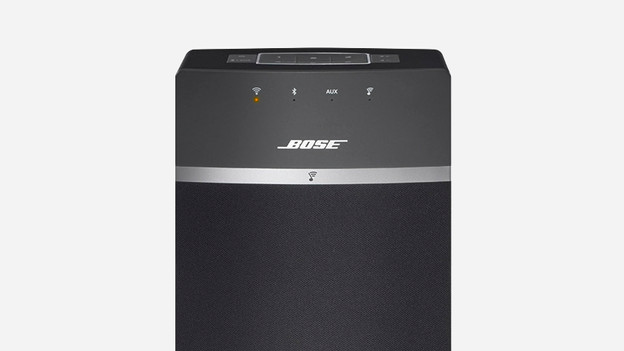
Step 4:
Wait until the WiFi logo on your speaker has turned orange.
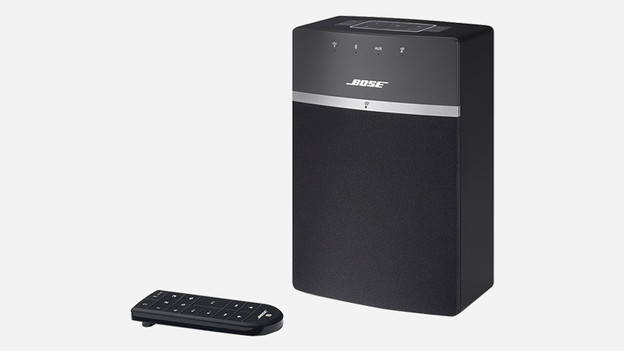
Step 5:
The speaker has been reset to factory settings. The Bose SoundTouch speaker is now ready to be connected to new devices via the app or computer. Your old WiFi network has also been deleted and a new WiFi network can be connected to the speaker.
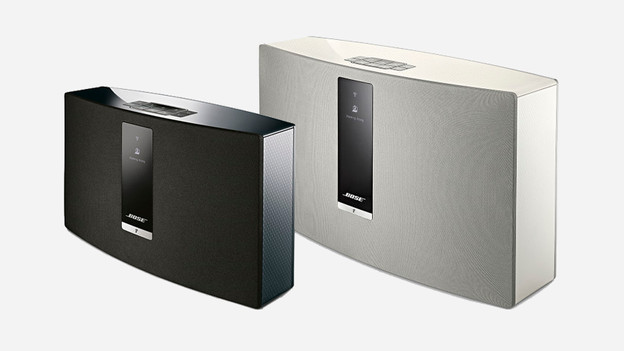
Step 1:
Connect your Bose SoundTouch speaker to the mains electricity and switch it on.

Step 2:
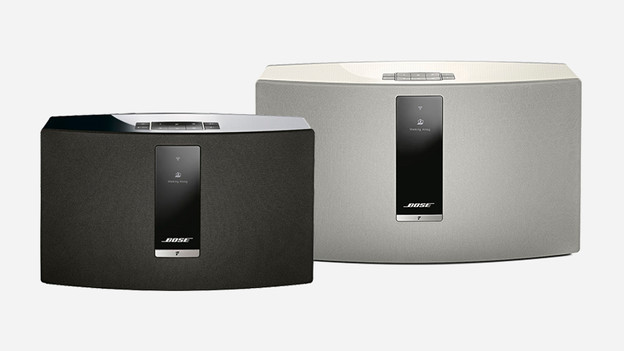
Use the 1 and volume down buttons to reset the speaker. Hold down both buttons for 10 seconds and wait until a message appears on the display. The message states that you must hold down the buttons to reset your speaker to factory settings.
Step 3:
The speaker will now restart and has been reset to factory settings. Open the Bose SoundTouch app to pair a new device. The old WiFi network to which your speaker was connected has also been deleted. The speaker is now ready to be connected to your new WiFi network.