Written by Rowan
Edited on
6 October 2025
·
10:43
How do you calibrate your Samsung washing machine?
By calibrating your Samsung washing machine, you can prevent the washing machine from vibrating and making noise. You can calibrate your washing machine via the display and takes up to 3 minutes. This doesn't happen by default at a factory. That's why it's important to calibrate your washing machine yourself. All Samsung washing machines have a calibrate function. You can read how to do this in the article below.
Note: connect first
You calibrate a Samsung washing machine after completing the installation. Make sure that the transit bolts are gone and that the washing machine is fully level.
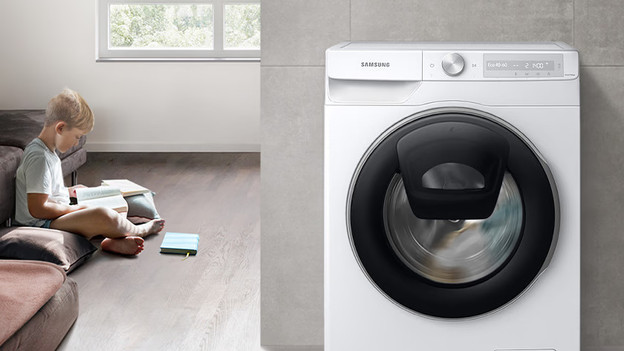

New display: calibrate Samsung washing machine
Calibrate your Samsung washing machine after you connect it. This takes up to 3 mintues.
- Empty the drum and connect the drum door.
- Press the finger with the plus sign for 3 seconds.
- Turn the knob until you see 'Calibrate'.
- Press the circle (O).
- The drum spins left and right.
- After 3 minutes, you can see 'Calibration completed'.
- The washing machine is ready for use.
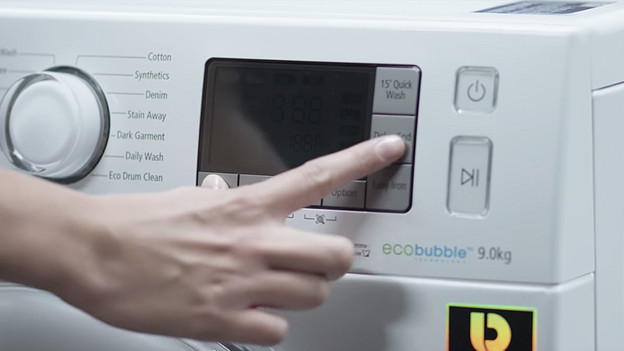
Older display: calibrate Samsung washing machine
All Samsung washing machines have a calibrate function. Don't see a calibrate button? You probably have an older Samsung washing machine. You can calibrate the washing machine with the following steps:
- Turn off the washing machine.
- Empty the drum and close the drum door.
- Press and hold the 'Temperature' and 'Postponed end' for 3 seconds and press the power button.
- The display will say 'clb'. Press the start button to start the calibration.
- The drum will rotate to the left and to the right for 3 minutes.
- As soon as the calibration is done, the display will say 'end'.
- The washing machine is ready for use.
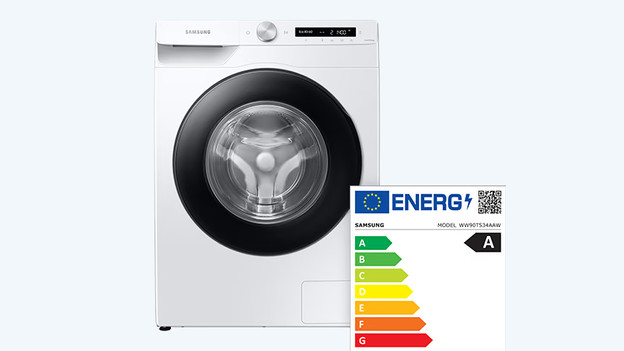
Calibrate: less noise and you save energy
When you calibrate your Samsung washing machine, you make sure it doesn't make noise or vibrate. You also save energy. After you calibrate, the load sensor measures the weight of your laundry more accurately. This way, the wash cycle is better adjusted to the amount of laundry. As a result, you save time and energy.
Article by Rowan
Washing Machine Expert.