Written by Nina
Edited on
5 January 2026
·
13:55
How do you choose a Sony television?
Are you looking for a new Sony TV, but don't know which one suits you best? In this article, you can read about what to keep in mind. For example, we'll explain how to choose the right sharpness and refresh rate as well as how many HDMI ports you need.
How can I help you?
Our digital expert will help you, but it can sometimes make mistakes, like humans do.
Choose Sony TV
Answer these questions and find the best Sony TV for you.
- How large should the screen be?
- How do you choose the right screen technology?
- How many details do you want to see?
- How smooth should the image be?
- How many HDMI connectors do you need?
What size should the screen be?
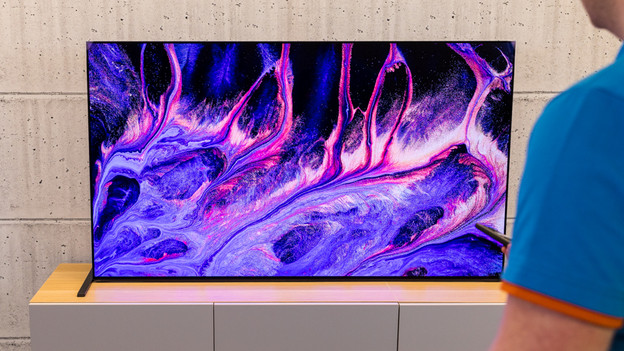
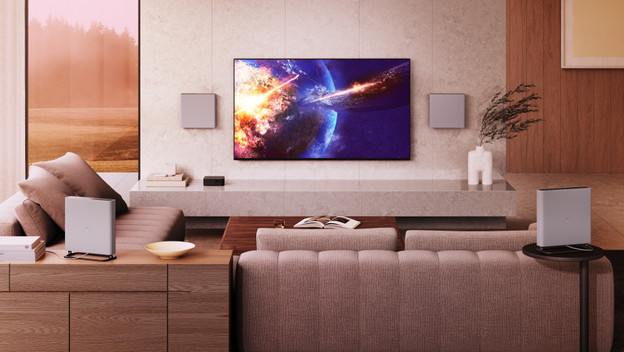
You can choose the right screen size by paying attention to your viewing distance. A screen that's too large will make things difficult to see. If you choose a screen that's too small, subtitles are hard to read and you'll miss details. Measure the distance between your sitting position and where you want to place or mount the TV. Per viewing distance, there are a few inch sizes that you can choose from. For a 3m viewing distance, go for a TV between 55 and 75 inches.
How do you choose the right screen technology?
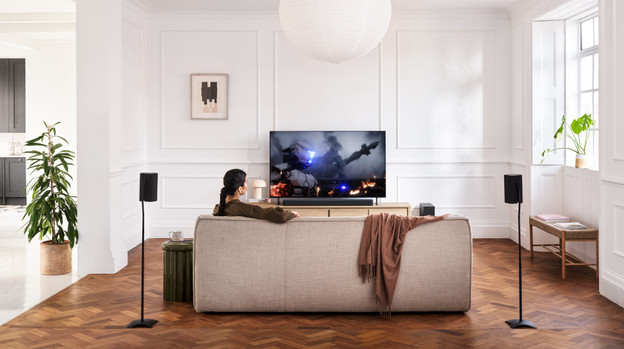
Each screen has unique properties that determine the image quality. Sony LED TVs like the BRAVIA 3 use LED lighting behind the screen for realistic images. Mini-LED TVs like the BRAVIA 9 level this up with thousands of small lights. You can enjoy a brighter image with a strong contrast. OLED TVs like the BRAVIA 8 and BRAVIA 8 II don't have backlight, but use self-illuminating pixels or the deepest black levels.
How many details do you want to see?
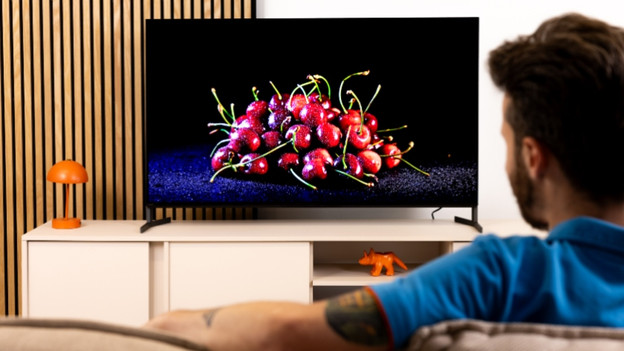
We call the TV sharpness the resolution. We indicate the amount of pixels a screen has. Per step up, the number of pixels in the screen increases. The more pixels, the sharper the image and the more details you see. Samsung has Full HD, 4K, and even 8K TVs in their assortment.
How smooth should the image be?
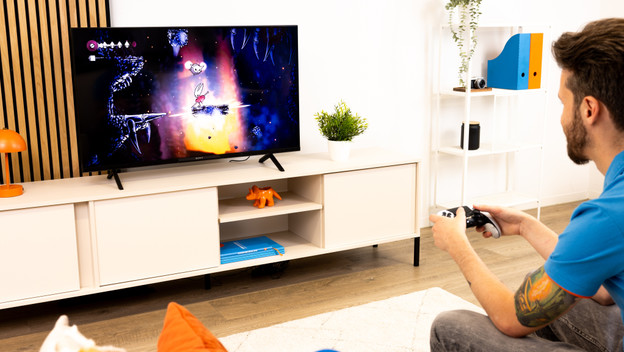
The refresh rate determines how many frames per second your TV displays. You measure this speed in Hertz. A higher refresh rate ensures that actions look smooth. With a 100Hz TV, you can see fast movements without shocks. That way, you won't miss a moment of your sports or thrilling movies. Getting a 50Hz TV? Fast-moving images will stutter, so actions won't always look smooth.
How many HDMI connectors do you need?
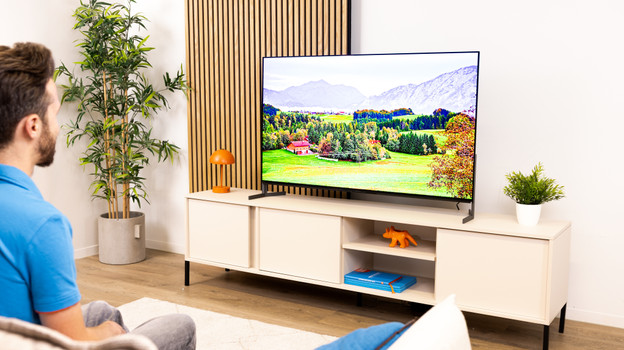
The number of HDMI ports on your TV determines how many devices you can connect at the same time. For example, a Chromecast, soundbar, or console like the PlayStation 5 or Xbox Series X. Only have a few HDMI ports? You'll have to switch cables often. With 3 or 4 HDMI ports, you're often good to go. You'll have space for a soundbar, media player, and console.
