Written by Kasper
Edited on
27 February 2025
·
15:41
How much storage space do you need in your laptop?
When you want to buy a laptop, it's useful to think of how much storage you'll need. Do you have a lot of files, photos, or movies, for example? You'll need enough storage space for that. But how much space do you need for what type of files? In this article, I'll explain this and more.

Choose laptop storage capacity
There are many different types of storage for laptops. To choose the right type and amount of storage, ask yourself the following:
- How much storage space do you need?
- Do you want files to load quickly or at a normal tempo?
- Do you find a combination of SSD and a normal hard disk interesting?
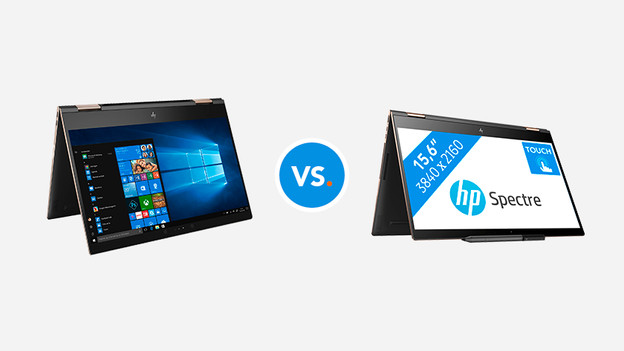
How many files do you want to save?
Think of how many files you save and how large these files are. Photos, games, and movies take up more space than music or text files. We recommend you to choose at least 1TB of storage if you save a lot of movies and other large files. Do you mainly save text files and an image once in a while? A storage of 512GB will be enough. Less storage is only recommended if you save hardly any files or work from the cloud a lot.
How much data do you store on how many TB?
| 1TB | 2TB | 3TB | 4TB |
|---|---|---|---|
| 100 FHD movies | 200 FHD movies | 300 FHD movies | 400 FHD movies |
| 20,400 high-resolution photos | 40,800 high-resolution photos | 61,200 high-resolution photos | 81,600 high resolution photos |
| 17,000 hours of music | 34,000 hours of music | 51,000 hours of music | 68,000 hours of music |
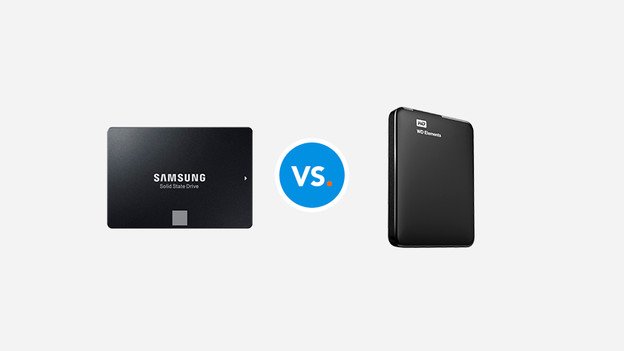
SSD or HDD: which one do you want?
When it comes to storage media, there are hard drives and SSDs for laptops. The advantage of an SSD drive is that it reads files up to 10 times faster than a hard drive, is more silent, and is better wear-resistant. But, SSD drives with a lot of storage capacity are also more expensive than hard drives. Most laptops have an SSD drive, or a combination of an SSD and HDD.
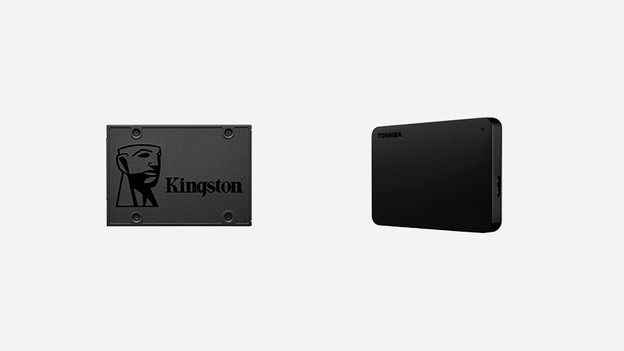
SSD + HDD combo: the best of 2 worlds
Nowadays, many laptops are equipped with an SSD and an HDD combo. This means you have an SSD to quickly load your most important programs and files, while the HDD offers a lot of space for the rest of your data. This way you can have the best of 2 worlds in your laptop.
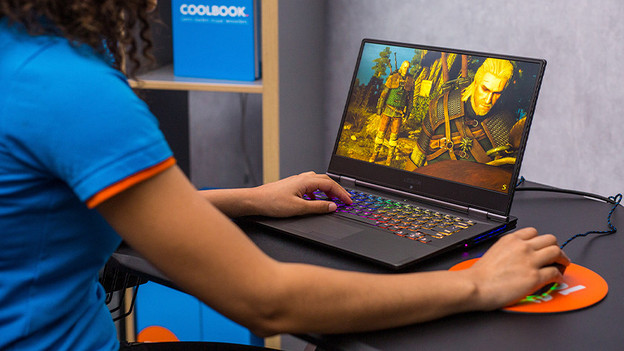
Storage space for games
How much storage space you'll need for games depends on the number of games you play. Do you just play a couple of different games? You'll have enough with 512GB of storage. If you often play multiple games, a minimum storage capacity of 1TB is recommended. Keep in mind that many games nowadays take up more space. That's why we recommend you to choose more than enough storage space.
Conclusion
If you mainly store text files and photos, 512GB of storage space is enough. Do you want to save movies, games, and other large files on your PC? Choose at least 1TB of storage space. That way, you can last some time without the risk of your laptop filling up. And if you'd like to quickly load files from your laptop, choose an SSD instead of an HDD.
Article by Kasper
Laptop Expert.