Written by Jan
Edited on
27 February 2025
·
15:40
Comparing laptops: what you should keep in mind
You're looking for a new laptop, but you're not sure which laptop is the right choice. We're going to help you. With these tips, you'll become the expert in comparing laptops and you can make an informed choice yourself. Do you still have questions for one of our experts after this article? Of course, we are still available for advice by telephone and in-store.

Usage
When purchasing a new laptop, it's important to think about what you will use the laptop for. As a student, you probably need a laptop to write reports and occasionally watch Netflix series. All laptops that we sell are suitable for this. If you edit your photos for your hobby or work, you need a powerful laptop with at least an Intel Core i5 processor. Are you a fanatic gamer? If so, you need a laptop with a good graphics card. Consider an NVIDIA GeForce GTX 1650 or higher.
Operating system

Laptop: Windows
Windows from Microsoft is the most used operating system and can be found on many laptops. For this reason, there are many programs available for this operating system. They work with this Microsoft operating system in many offices and schools. In addition, most games run on Windows. The most recent version is Windows 10.
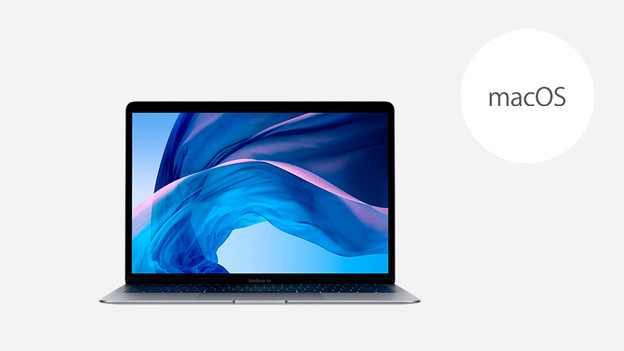
MacBook: macOS
MacOS only runs on MacBooks. It's user-friendly and the software works well with the hardware. Moreover, macOS works well with other products in the Apple ecosystem, such as iPhones and iPads. Apple products are normally more expensive than Windows devices.

Chromebook: Chrome OS
Chromebooks run on Google's Chrome OS operating system. With Chrome OS, you work in the Chrome web browser and install Android programs from the Play Store. Chromebooks are interesting for basic use and for students. They are a good choice when you mainly want to use the internet, email, and text processing. A lot of well-known software, such as Photoshop and iTunes, doesn't work on a Chromebook.

Size and weight
The size and weight of a laptop are important in making the right choice. Do you often take your laptop with you on the road for study or work? If so, it is advisable to buy a laptop with a screen size of up to 14 inches (35cm screen size) and a weight of up to 1.5kg. You can easily take a small light laptop with you in your backpack to work or college. Do note that these models don't have a numeric keypad. Do you edit your photos or use your laptop mainly at home without external monitors? If so, weight does not matter and a 17-inch (43cm screen size) screen is recommended, so you get to see more details.
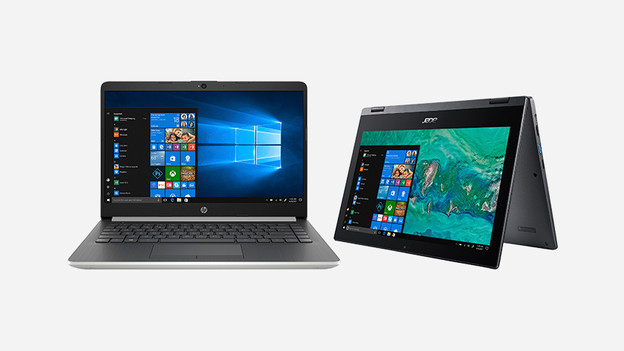
Types of laptops
In addition to differences in weight and size, there are other differences between laptops. For example, in addition to 'normal' models, there are also laptops that have a touchscreen and can also be operated with your fingers. You can also use laptops with a foldable touchscreen as a tablet. These are 2-in-1 laptops. When in doubt between a laptop and tablet, 2-in-1 laptops are a good choice.

More information
But how do you know that you are making the right choice? We provide objective advice, but also listen to the experiences of others. This can be both advice from an expert and from users. Read the reviews on products carefully. Experts at Coolblue also write reviews themselves. Other useful comparison websites are de Consumentenbond, Tweakers, and Hardware.info.