
Written by Linde
Edited on
1 November 2024
·
16:55
How do you connect a smartphone to a Bluetooth speaker?
Before you can listen to your favorite music with your new Bluetooth speaker, you have to connect it to your smartphone. In this article, we'll explain how you can do so easily in 3 steps. Click on the operating system you have below.
Connect your Bluetooth speaker in 3 steps
Before you can enjoy your favorite music, you first have to connect your smartphone to the Bluetooth speaker. We'll tell you how you can easily do this in 3 steps for iPhone and Android.
- Step 1: turn on the speaker
- Step 2: turn on Bluetooth
- Step 3: connect the 2 devices
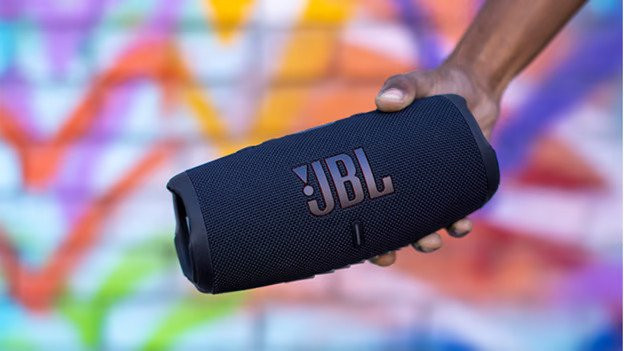

iOS
Below, you can read how to connect your iPhone to a Bluetooth speaker in 3 steps. Make sure your smartphone and the speaker are fully charged.
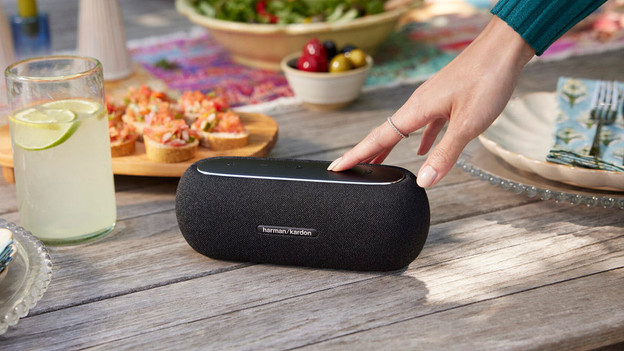
Step 1: turn on the speaker
Turn on the speaker. If the speaker is new, it'll automatically search for nearby devices. If you've already connected the speaker to another music source, it'll automatically connect to that. You can put it in pairing mode with the Bluetooth or on button, so it'll look for new devices.

Step 2: turn on Bluetooth
Open Settings on your iPhone and tap Bluetooth. Make sure the slider is to the right and green.

Step 3: connect the 2 devices
- Hold your smartphone close to the speaker and wait until the name of the speaker appears on the screen under * Other Devices*.
- Tap on the name of the speaker and your smartphone will connect to it.

Android
In the following 3 steps, you'll read how to automatically connect your Android phone to a Bluetooth speaker. The menu might have a different name or look different. The Android operating system can be slightly different for each brand. Make sure your smartphone and the speaker are fully charged.

Step 1: turn on your speaker
Turn on the speaker. If the speaker is new, it'll automatically search for nearby devices in the pairing mode. If you've already connected the speaker to another music source, it'll automatically connect to that. You can put it in pairing mode with the Bluetooth or on button, so it'll look for new devices.
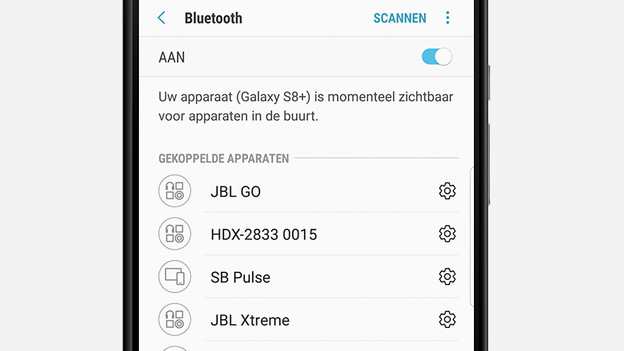
Step 2: turn on Bluetooth
Open Settings on your smartphone and tap on Bluetooth. Make sure the slider is to the right and green. If the slider is gray, tap on it to turn on Bluetooth.

Step 3: connect the 2 devices
- Hold your smartphone close to the speaker and wait until the name of the speaker appears on the screen under * Other Devices*.
- Tap on the name of the speaker and your smartphone will connect to it.
Check
Your smartphone and Bluetooth speaker are now connected. The next time you turn on the speaker, it'll automatically connect to your smartphone. You can check the connection by playing a song. You should now hear the sound from the speaker. If you don't hear anything, turn up the volume of the speaker and your smartphone. Another solution is to update your smartphone.
Article by Linde
Audio Expert.

