Written by Stefan
Edited on
25 November 2026
·
11:45
Everything on Apple MacBook Pro PROLED
In October, Apple announced the latest model from their MacBook series: the Apple MacBook Pro PROLED. This new MacBook is the first model with a touchscreen. This means that you can easily swipe and tape through all your apps and files. The screen and design also got a big upgrade. In this article, you can read everything on the MacBook Pro PROLED.
View the Apple MacBook Pro PROLED
- With the Apple MacBook Pro PROLED, you can easily work in the most demanding apps and files.
- You can easily swipe and tap through all your apps on the touchscreen.
- On the PROLED XDR screen, you can enjoy razor-sharp images and lifelike colors.

€ 3.061,-
The specifications of the Apple MacBook Pro PROLED
| MacBook Pro PROLED | |
|---|---|
| Screen | 14-inch and 16-inch PROLED XDR with touchscreen |
| Processor | M5 Pro / M5 Max |
| Number of graphics cores | Up to 40 cores |
| Internal memory | Up to 48GB |
| Total storage capacity | Up to 2TB |
| Connectors | 3x Thunderbolt 5 / 1x HDMI / 1x 3.5mm / 1x SDXC card slot / 1x MagSafe 3 |
| Colors | Black, Silver |
Screen: first MacBook with touchscreen
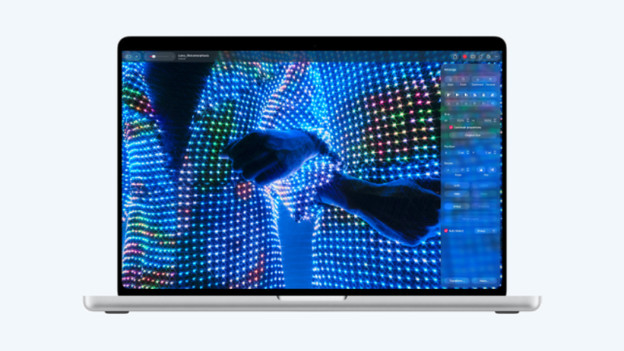
The biggest improvement of the Apple MacBook Pro PROLED is the screen. That's because the MacBook Pro PROLED is the first MacBook model with a touchscreen. This allows you to smoothly tap and swipe through all your apps on your MacBook. In addition, Apple moved from the familiar Liquid Retina (XDR) display to a PROLED XDR panel. As a result, you can enjoy lifelike colors and deep, rich contrasts. The MacBook Pro PROLED also doesn't have a black notch at the top of the screen. Instead, the screen has the Dynamic Island we know from the iPhone.
Design: thin and light casing
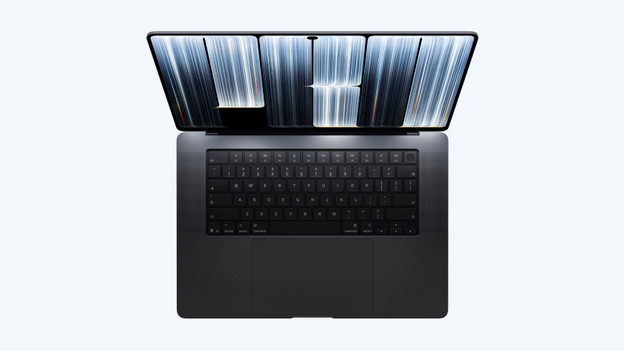
The design of the Apple MacBook Pro PROLED is also new. You can choose between 14 inches and 16 inches, just like with the MacBook Pro. But the casing of the MacBook Pro PROLED is thinner, which makes it lighter as well. This ensures that your MacBook is easier to take with you on the go. With the Thunderbolt 5 connectors on the MacBook Pro PROLED, you can easily connect all your accessories. In addition, you can connect SD cards to the SDXC card slot or connect an external screen with the HDMI connector.
Processor: only the most powerful chips
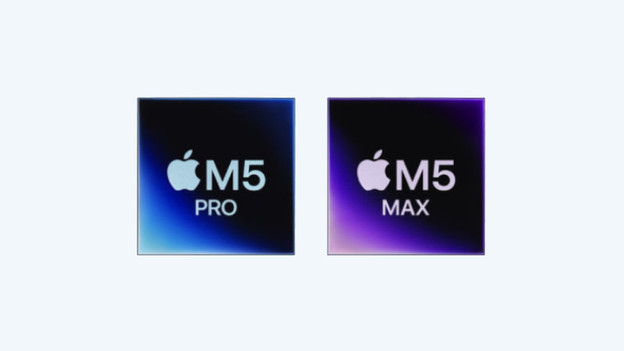
The Apple MacBook Pro PROLED has the most powerful MacBook chips. Choose from the Apple M5 Pro or M5 Max chips, for example. With the Apple M5 Pro, you can smoothly perform demanding tasks on your MacBook. Work in large data files or edit your video files in high quality, for example. Go for the Apple M5 Mac to perform the most demanding tasks smoothly as well. With this, you can develop large apps, products music, or create complex 3D animations.
Differences with the Apple MacBook Pro (2026)
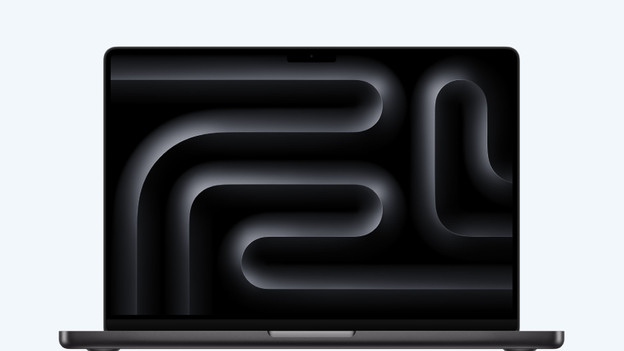
There are some big differences between the MacBook Pro PROLED and MacBook Pro M6 (2026). For example, you can enjoy a more colorful screen with deeper contrasts. In addition, the MacBook Pro (2026) also doesn't have a touchscreen. This means that you can't navigate your apps and files with your finger. The design of the MacBook Pro PROLED is also thinner and lighter, which makes it easier to take with you. The MacBook Pro PROLED has the M5 Pro and M5 Max chips, but the Apple MacBook Pro also has these powerful chips.
Article by Stefan
Apple MacBook Expert.