
Written by Maurits
Edited on
30 December 2024
·
08:50
Get started with your JBL earbuds
When you put your new earbuds into your ears for the first time, you may have to get used to them. Is the sound quality to your liking and do the earbuds fit properly? In this article, you can read how to get started with your JBL earbuds and listen to your favorite music without difficulty.
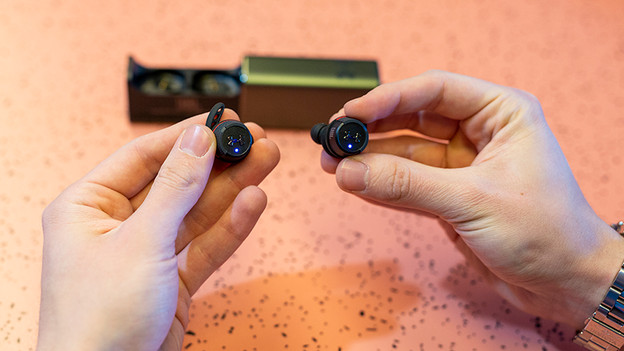
Get started with your JBL earbuds
With these 4 tips, you'll know how to get started with your JBL earbuds as well as possible.
Tip 1: connect to your phone
Tip 2: put in your earbuds
Tip 3: make sure you have a good connection
Tip 4: compatible with app?

Step 1: connect to your phone
When you turn on the JBL wireless earbuds from for the first time, they're set to pairing mode right away. All you have to do now is connect them to your smartphone. In the article below, you can read how.
Step 2: put the earbuds in your ears
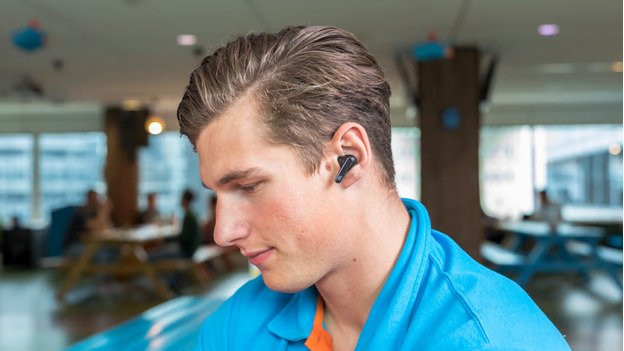
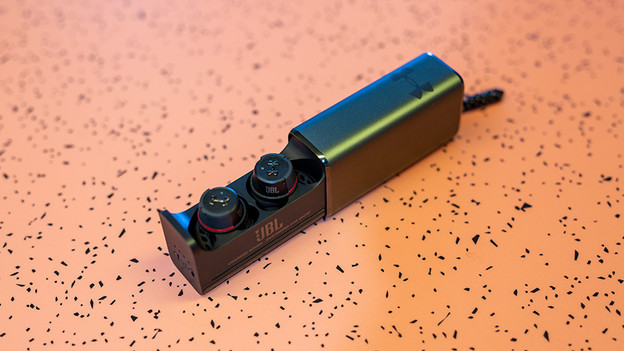
There are many different types of earbuds from JBL. Some go all the way around your ear, others enter directly into your ear canal, and there are even more versions. Check the manual of your JBL earbuds to see how to put the earbuds in.
Step 3: make sure you have a good connection
If you want to solve issues with your connection, you can try the following:
- Turn off as many other Bluetooth devices near you as possible.
- Don't stand too close to appliances like fridges and microwaves. These interfere with the Bluetooth signal.
- Hold the playback device in your hand or front pocket, not in your back pocket or bag.
- Turn the earbuds off and on again.
If this doesn't help, reset the earbuds. Check the manual of your product to learn how.
Step 4: download the app
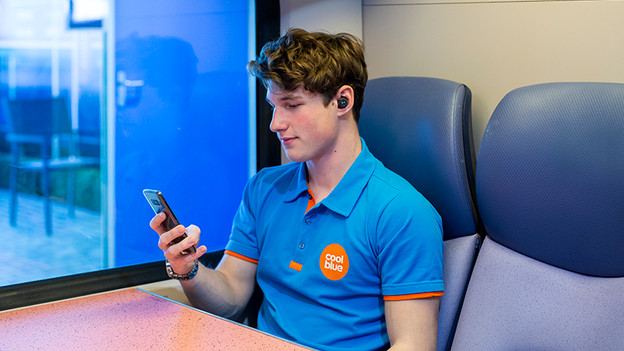
Some JBL earbuds can be connected to an app. Search for the JBL My Headphones app on your smartphone and check the list of earbuds. If your earbuds are listed, you can easily adjust the settings and select an equalizer for a personalized sound.

