
Written by Lucas
Edited on
12 November 2024
·
15:00
Getting started with your Philips earbuds
When you buy new earbuds, it always takes some time to get used to them. How is the sound quality? Do the earbuds fit in my ears? In this article, you can read how to get started with Philips earbuds, so you can listen to your favorite music without problems in no time.
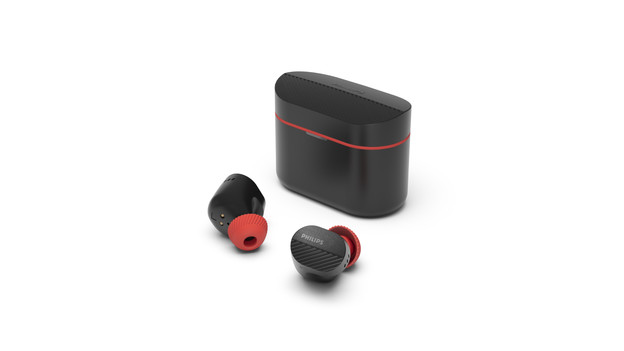
Get started in 4 steps
With these 4 tips, you'll know how to get started with your Philips earbuds as fast as possible.
Tip 1: connect to your phone
Tip 2: put in your earbuds
Tip 3: make sure you have a good connection
Tip 4: download the app

Tip 1: connect to your phone
If you have wireless Philips earbuds, you have to connect them to your smartphone via Bluetooth. You can read how to do that in the article below.
Tip 2: put in your earbuds
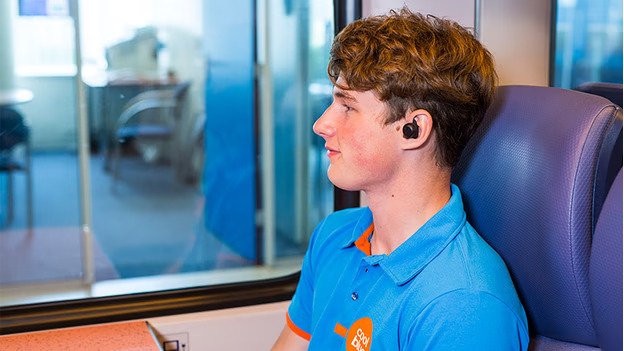
Not every earbud model goes in your ears the same way. Some earbuds have an ear clip or ear hook which go in your ears differently. Check the manual how to put in your earbuds.
Tip 3: make sure you have a good connection
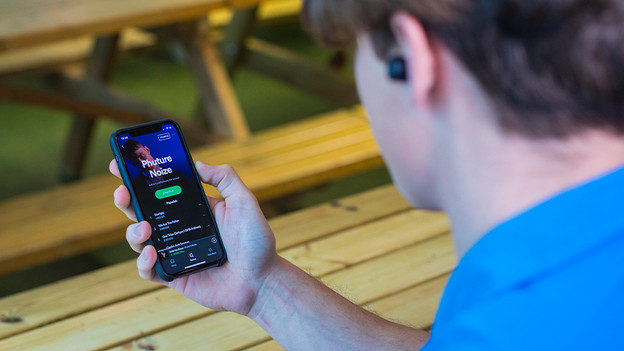
With a poor connection, the sound stutters. If that's the case, try the following:
- Disable the Bluetooth of devices close to you.
- Don't stand too close to appliances like fridges and microwaves, because they might interfere with the Bluetooth signal.
- Don't put your smartphone in your bag or back pocket, but hold it or put it in your front pocket.
- Turn the earbuds off and on.
If this doesn't work, reset the earbuds. You can read how to do that in the manual of your product.
Tip 4: download the app
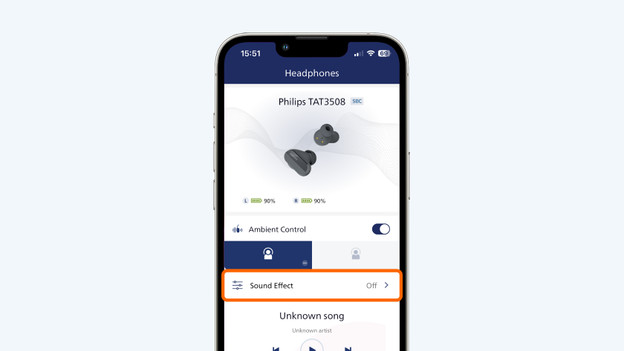
You can adjust your music in the Philips Headphones app. Want to turn noise canceling on or off? Do this via 'Ambient noise'. You can adjust the sound reproduction via 'Sound effect'. With this option, you can choose from 6 equalizer presets. In the app, you can see the remaining battery life of your left and right earbuds.

