Written by Mascha
Edited on
19 June 2024
·
08:57
This is how to make calls and send messages with Google Assistant
Hands-free calls are useful when you're on the road, cooking, or at your desk. It'll be even easier with the Google Assistant. We'll tell you about the hands-free options of the Google Assistant in this article.

Call hands-free and send messages
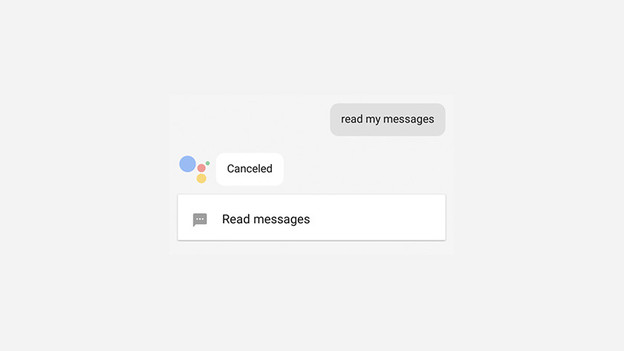
Thanks to the Google Assistant, you no longer have to look up contacts yourself before you call. You can simply use a voice command: "Hey Google, call my mother." Use similar commands for video calls and reading or sending messages. The English app has the Google Duplex function. The app can make an appointment with a real human voice for you at the hairdresser's, without calling yourself. This function currently isn't available in Dutch yet.
How does it work?
To make a call with the Google Assistant, first synchronize your contacts. You can import them via Contacts into your Google Account. Do you want to call contacts that are on your Android device? Open the Google app and navigate via the menu to Settings, to Accounts and privacy, to Google activity options, and then to Device information. Switch this on to make a call via the Assistant.