
Written by Tamara
Edited on
30 December 2024
·
08:50
Expand your Sonos multi-room system with a soundbar
Do you already have Sonos speakers and want to expand them with a soundbar in the living room or bedroom? Nice! With a Sonos soundbar, you can improve the sound of your television. You can control the Sonos Arc and Sonos Beam with Google Assistant as well. You also have the option to expand your sound system with a subwoofer. In this article, we'll help you choose an expansion for your Sonos multi-room system.
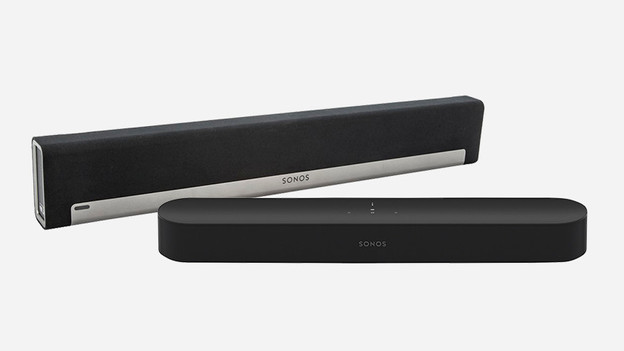
Which soundbar should you choose?
With a soundbar, you can improve the sound of your television. A soundbar is an elongated speaker you place below of in front of the television. If you have a smaller living room and/or smaller television, choose the Sonos Beam. If you have a lot of space and a larger television, choose the Sonos Arc. The Sonos Arc also has Dolby Atmos support, which sends the sound to your listening position via the ceiling. This provides an even more realistic sound. Both soundbars have Google Assistant, so you can control the speakers with voice commands.

Expand your soundbar or soundplate with a subwoofer
Want to get more out of your Sonos sound system and already have surround speakers? Connect another Sonos Sub to the soundbar or soundplate. The Sub amplifies the bass, which makes sound effects in series and movies stand out more.

Create a surround system with Sonos
All Sonos speakers work together seamlessly. You can manage all of this in the Sonos app. Want to turn your living room into a home cinema? Choose a 5.1 setup or higher. This is also called a surround setup, because the sound surrounds you and feels lifelike. Place Sonos WiFi speakers behind your listening position and add a Sonos soundbar and subwoofer. This way, your favorite movies and series come to life.

