
Written by Laurence
Edited on
1 October 2025
·
11:10
How do you reduce the energy consumption of your Samsung TV?
Your Samsung TV has various ECO functions. This ensures that the energy consumption is as low and sustainable as possible. In this article we'll explain how to adjust these settings.
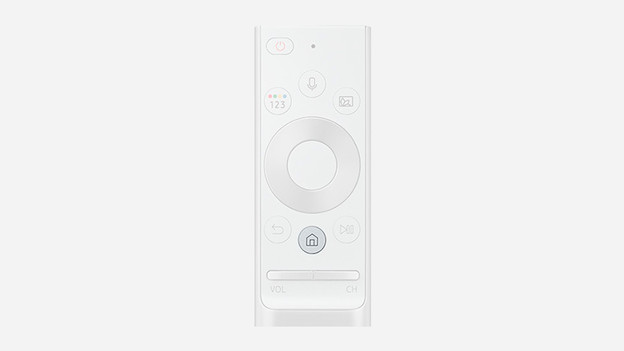
Step 1: open the menu
Press the 'Menu' button on your remote control.

Step 2: open 'Settings'
Go to the left in the menu bar until you reach Settings. Select this option.

Step 3: open General and Privacy
You recognize this option on the tool icon.

Step 4: open on/off and saving mode
In this menu you can choose from various energy saving functions. In the following overview you can read what the effect of each function is.
The ECO functions
| Function | Explanation |
|---|---|
| Brightness optimalization | Adjust the brightness of the image automatically to the ambient light of the room. For example, the ambient light dims when the room is darkened. This is not only more energy-efficient, but also more comfortable for your eyes. |
| Auto shut-off | The TV automatically turns off when it does not detect any activity after a certain period of time. |
Article by Laurence
Television Expert.