
Written by Tamara
Edited on
23 August 2022
·
12:50
There's no sound coming from your Bose soundbar after connecting it to the TV
Do you have a Bose soundbar at home, but does the soundbar not produce any sound while you watch TV? With the following tips, you can easily solve this problem.

4 tips to make your soundbar produce sound
Below, you can read 4 tips that will help you produce sound from your soundbar.
Tip 1: check the speaker of the TV
Tip 2: change the TV settings
Tip 3: check the optical cable
Tip 4: check the volume
Tip 1: check the speakers of the TV
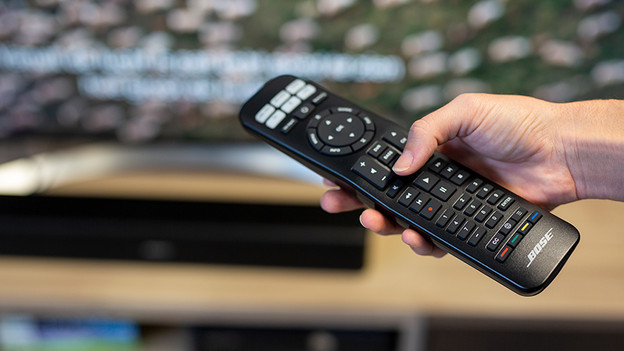
Press the sound button on the soundbar remote and mute the sound. Technically, no sound should come from the television. Does the television still produce sound? Read tip 2 to see what you should do.

Tip 2: change the TV settings
Check your TV settings. Go to the sound settings or sound output and make sure the right audio output is selected. In this case, it should be the optical output for the Bose Solo 5.

Tip 3: check the optical cable
Check if the optical cable is properly connected to the soundbar and to the TV. Also check if the red light near the optical cable input on the soundbar is on. Is the light off? Remove the cable from the soundbar and from the TV and plug it back in.

Tip 4: check the volume of the soundbar
Turn up the volume of the soundbar and check if you can hear sound now.
Article by Tamara
Audio Expert.

