
Written by Bram
Edited on
15 August 2025
·
16:03
3 tips to make your security camera hackproof
It's possible a hacker is trying to invade your privacy via your security camera. To reduce the change of a hacked camera, there are a number of things you can do. On this page, we'll give you 3 simple tips to make your security camera as hackproof as possible.
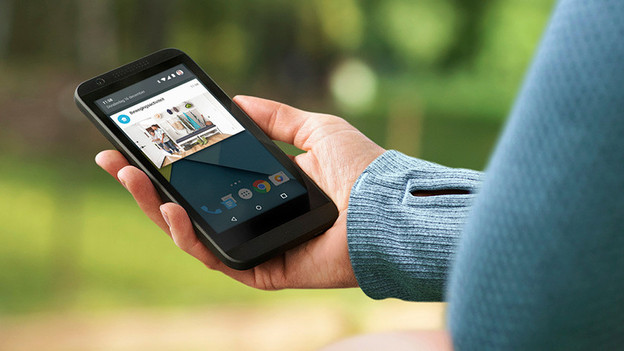
Tip 1: use a secure WiFi network
It's important to secure the WiFi network at home. Especially when you connect security cameras to it. You can make sure the WiFi network remains secure by carefully tracking software updates and using a strong password. If you want to watch live footage remotely, choose a VPN connection. Thanks to VPN, the chance that unauthorized people will intercept, read, or change your data is as small as possible.
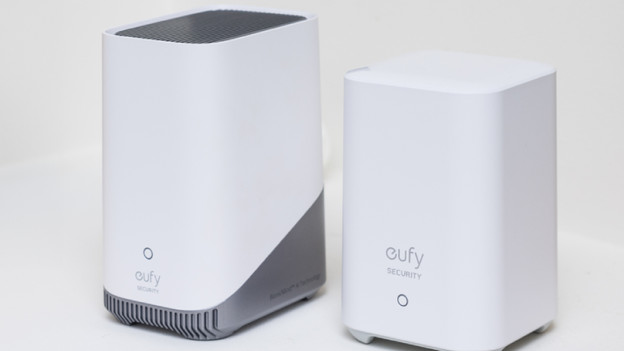
Tip 2: choose a reliable storage method
You can store images of a security camera in various ways. For example, you can choose storage, an SD card, local storage, or NAS. Cloud storage is well encrypted, but your data is never a 100% safe. Don't feel good about storing images in the cloud? Choose local storage like an SD card or NAS. With Eufy, you can store images directly on the included HomeBase.

Tip 3: secure the IP camera
To secure your security camera, you can change the default password. You can find this password in the (online) manual of your security camera. The simplest hacking attempts make use of default passwords, such as 'admin'. To prevent such a simple hacking attempt, set a strong password consisting of several characters. In addition, update the firmware of your camera regularly. This doesn't take long, but is often forgotten.
Article by Bram
IP camera expert.

