Written by Maurits
Edited on
12 November 2024
·
15:00
How do you improve the microphone of your Bose earbuds?
When you make calls using your Bose earbuds, you want everyone to hear you. Do you often get complaints from your conversation partner? The microphone isn't working properly. It's important that you put both earbuds in your ears the right way. In this article, we'll tell you how to solve this problem.

Improve microphone quality in 3 steps
You can improve the microphone quality of your Bose earbuds in these 3 steps.
Step 1: Insert both earbuds into your ears
Step 2: find the right fit
Step 3: establish the right connection
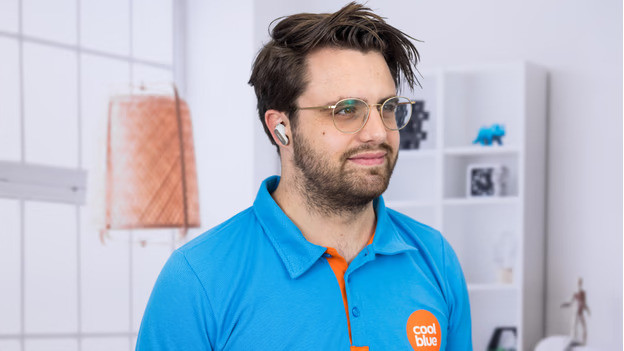
Step 1: put in both earbuds
Only have the left earbud in? The right earbud is the main earbud and has a microphone. So it's important that you put both earbuds in your ears when you make a call to someone.
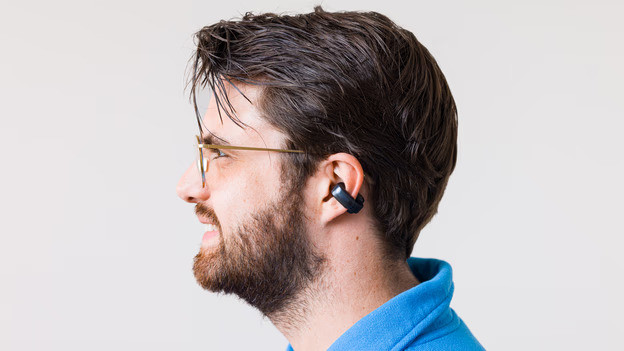
Step 2: find the right fit
A good fit affects the wearing comfort, but also the audio and microphone performance. That's why it's important to find the right fit and put the earbuds in your ears properly. We'll explain how to do this.
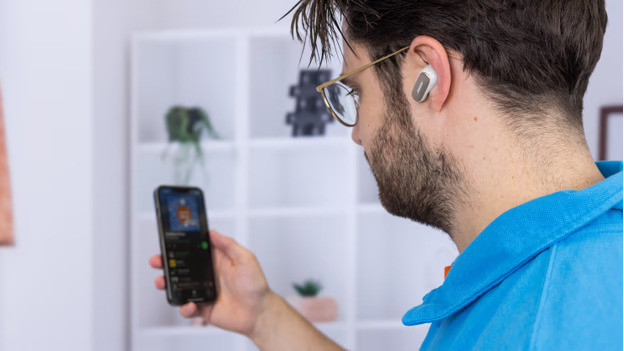
Step 3: make sure you have a good connection
Are you hard to understand because the connection is poor? Ty the following:
-
Turn off allBbluetooth devices in your area.
-
Don't stand too close to appliances like fridges and microwaves as they might affect the wireless Bluetooth signal.
-
Keep your smartphone in your hands or front pocket, not in your purse or back pocket.
-
Turn the earbuds off and on again.