
Written by Kayleigh
Edited on
21 March 2025
·
16:32
How do you maintain your inkjet printer?
When you maintain your printer well, it lasts longer. For example, print often to prevent dried ink and clogged printheads. Store unopened cartridges in a cool and dark place. We'll tell you how your printer and cartridges can last longer with these 5 useful tips.
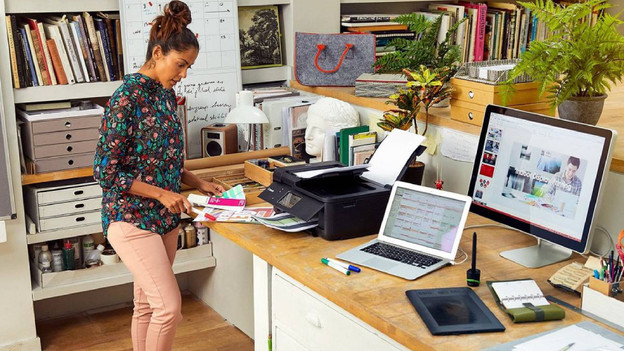
Maintain printer
We've collected some useful tips on how to maintain your printer.
- Tip 1: print often
- Tip 2: set your printer to standby
- Tip 3: clean your printhead
- Tip 4: only clean the exterior
- Tip 5: store cartridges in a dark place
Tip 1: print often
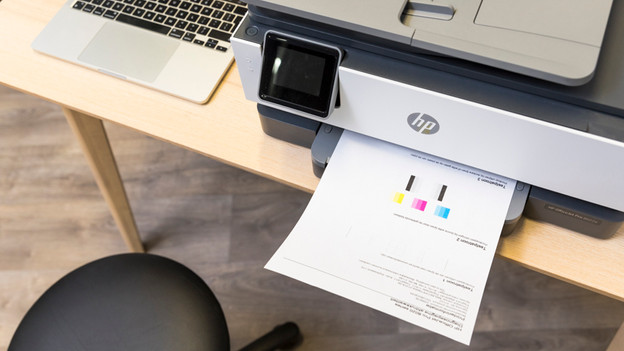
If you don't print for a long time, the cartridges can dry out. You often can't solve this problem, so you have to throw your cartridges away. That's why it's important that you print a document from time to time. This might seem like a waste of ink, but you prevent dried-out cartridges. Printing an A4 paper every week is enough. Do you have a color printer? Print a colored document.
Tip 2: set your printer to standby
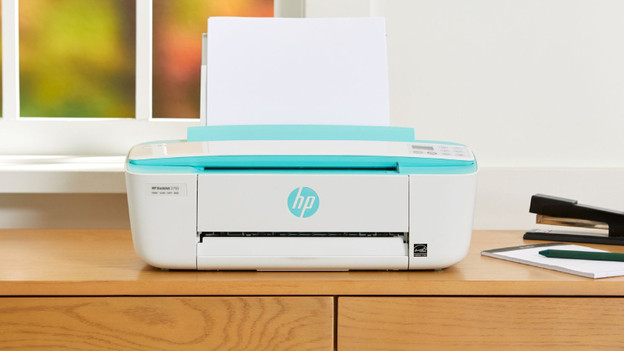
Don't you have time to print a page every week or do you forget it? Set your printer to the standby mode. Many printers automatically clean the printer heads when they're in standby. A device does use electricity in standby, so keep that in mind. It's better to print a page every week.

Tip 3: clean the printhead regularly
Is the printhead of your printer blocked? Clean the printhead regularly with the following steps. Doesn't your printer have a display? Check the manual of your printer for how to perform the steps below:
- Select Setup or Settings on the display of your printer. If you don't have this option, go to the next step.
- Depending on the brand and type of your printer, go to Support programs or Maintenance.
- Choose Clean printhead or Check nozzles. The printer will now clean the printhead or nozzles.
- After cleaning, the printer will print a test page automatically.

Tip 4: only clean the exterior
Keep the exterior of your printer clean. Dust it regularly with a clean lint-free cloth. This way, you make sure no dust or dirt ends up in the printer. Never clean the inside of your printer. You might see some ink residue, but that's normal. When you clean the inside of the printer, you might damage it.
Tip 5: store cartridges in a dark place
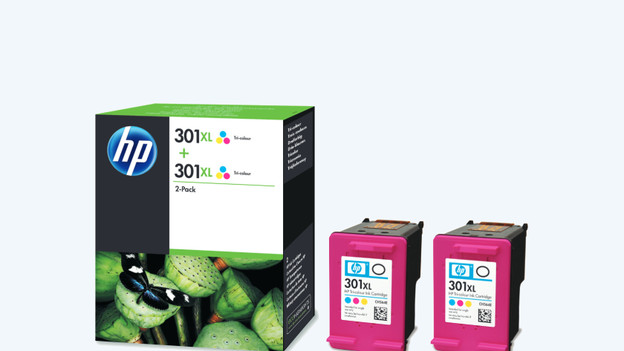
Do you have new cartridges, but you're not using them yet? Unopened cartridges last a long time if you store them well. Don't leave your cartridges in the sun. That's how they dry out. Put your cartridges upright in a cool and dark place. Only take your cartridges out of the packaging when you're going to use them.
Article by Kayleigh
Printer Expert.

