Written by Prescious
Edited on
16 September 2024
·
14:25
How do you sharpen the image of your Pico VR headset?
You bought the Pico VR headset and you notice the image isn't sharp. That's maybe due to the lenses of your Pico VR headset. We'll tell you how to measure your pupil distance and how to focus the lenses in this article.

Adjust your lenses
If you want to get the most out of your VR experience, it's important that your image is in focus. You can focus the image of your Pico VR headset in 2 steps:
- Step 1. Measure your pupil distance
- Step 2. Adjust the lenses

Step 1: measure your pupil distance
Before you focus the lenses, you can measure your pupil distance. You can measure this with a millimeter ruler and a mirror or with a friend.
- Stand in front of the mirror and hold the ruler above your eyes.
- Close 1 eye and line the end of the ruler up with the pupil of your opened eye.
- Hold the ruler and open your eye.
- Place your finger on the ruler where your other pupil is.
- Read the millimeter measurement and determine your pupil distance.
Step 2: adjust the lenses
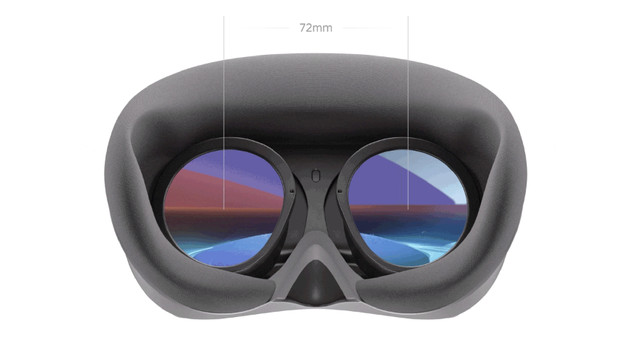
You can now adjust the lenses. There are 21 different settings between 58 and 72mm.
- Put on the Pico VR headset and turn it on.
- Choose 'Fast settings' in the menu at the bottom of the screen.
- Click 'Lens' and choose 'Automatic adjustments'.
- Choose the pupil distance you measured in the previous step.
- The lenses are adjusted automatically.
If the image is still blurry after adjusting, check if the next setting higher or lower makes the image sharper.
Article by Prescious
VR Expert.